import { createSlice } from "@reduxjs/toolkit";
import { StoreProduct } from "../../type";


interface NextState {
    productData: StoreProduct[];
    favoriteData: StoreProduct[];
    allProducts: StoreProduct[];
    userInfo: null | string;
  }

const initialState = {
  productData: [],
  favoriteData: [],
  allProducts: [],
  userInfo: null,
};

export const nextSlice = createSlice({
  name: "next",
  initialState,
  reducers: {
    addToCart: (state, action) => {
        const existingProduct = state.productData.find(
          (item: StoreProduct) => item._id === action.payload._id
        );
        if (existingProduct) {
          existingProduct.quantity += action.payload.quantity;
        } else {
          state.productData.push(action.payload);
        }
      },
      addToFavorite: (state, action) => {
        const existingProduct = state.favoriteData.find(
          (item: StoreProduct) => item._id === action.payload._id
        );
        if (existingProduct) {
          existingProduct.quantity += action.payload.quantity;
        } else {
          state.favoriteData.push(action.payload);
        }
      },
      increaseQuantity: (state, action) => {
        const existingProduct = state.productData.find(
          (item: StoreProduct) => item._id === action.payload._id
        );
        existingProduct && existingProduct.quantity++;
      },
      decreaseQuantity: (state, action) => {
        const existingProduct = state.productData.find(
          (item: StoreProduct) => item._id === action.payload._id
        );
        if (existingProduct?.quantity === 1) {
          existingProduct.quantity = 1;
        } else {
          existingProduct!.quantity--;
        }
      },
      deleteProduct: (state, action) => {
        state.productData = state.productData.filter(
          (item) => item._id !== action.payload
        );
      },
      deleteFavorite: (state, action) => {
        state.favoriteData = state.favoriteData.filter(
          (item) => item._id !== action.payload
        );
      },

      resetCart: (state) => {
        state.productData = [];
      },
      resetFavoriteData: (state) => {
        state.favoriteData = [];
      },

      addUser: (state, action) => {
        state.userInfo = action.payload;
      },
      removeUser: (state) => {
        state.userInfo = null;
      },
      setAllProducts: (state, action) => {
        state.allProducts = action.payload;
      },
  },
});

export const {
    addToCart,
    addToFavorite,
    increaseQuantity,
    decreaseQuantity,
    deleteProduct,
    resetCart,
    addUser,
    removeUser,
    setAllProducts,
    deleteFavorite,
    resetFavoriteData,
  } = nextSlice.actions;
export default nextSlice.reducer;
API 뿌린 후 위 코드로 장바구니 담기 및 좋아하는 상품 보기 기능을 넣기 위해 상태관리를 하기 위해 redux를 설치하고
이전 페이지의 products에
                 <span
                    onClick={() =>
                      dispatch(
                        addToCart({
                          _id: _id,
                          brand: brand,
                          category: category,
                          description: description,
                          image: image,
                          isNew: isNew,
                          oldPrice: oldPrice,
                          price: price,
                          title: title,
                          quantity: 1,
                        })
                      )
                    }
                    className="w-full h-full border-b-[1px] border-b-gray-400 flex items-center justify-center text-xl bg-transparent hover:bg-amazon_yellow cursor-pointer duration-300"
                  >
                    <HiShoppingCart />
버튼을 누른 후 장바구니에 담긴 것을 확인할 수 있도록
nextslice를 미리 제작 한 다음
import {
  persistStore,
  persistReducer,
  FLUSH,
  REHYDRATE,
  PAUSE,
  PERSIST,
  PURGE,
  REGISTER,
} from "redux-persist";
import storage from "redux-persist/lib/storage";
import { useSelector, useDispatch } from "react-redux";

const persistConfig = {
  key: "root",
  version: 1,
  storage,
};

const persistedReducer = persistReducer(persistConfig, nextReducer);

export const store = configureStore({
  reducer: { next: persistedReducer },
  middleware: (getDefaultMiddleware) =>
    getDefaultMiddleware({
      serializableCheck: {
        ignoredActions: [FLUSH, REHYDRATE, PAUSE, PERSIST, PURGE, REGISTER],
      },
    }),
});
export let persistor = persistStore(store);
리덕스는 새로고침하거나 창을 닫으면 스토어에 저장된 state가 리셋된다. 이걸 막기 위해 redux-persist를 사용하면 된다.
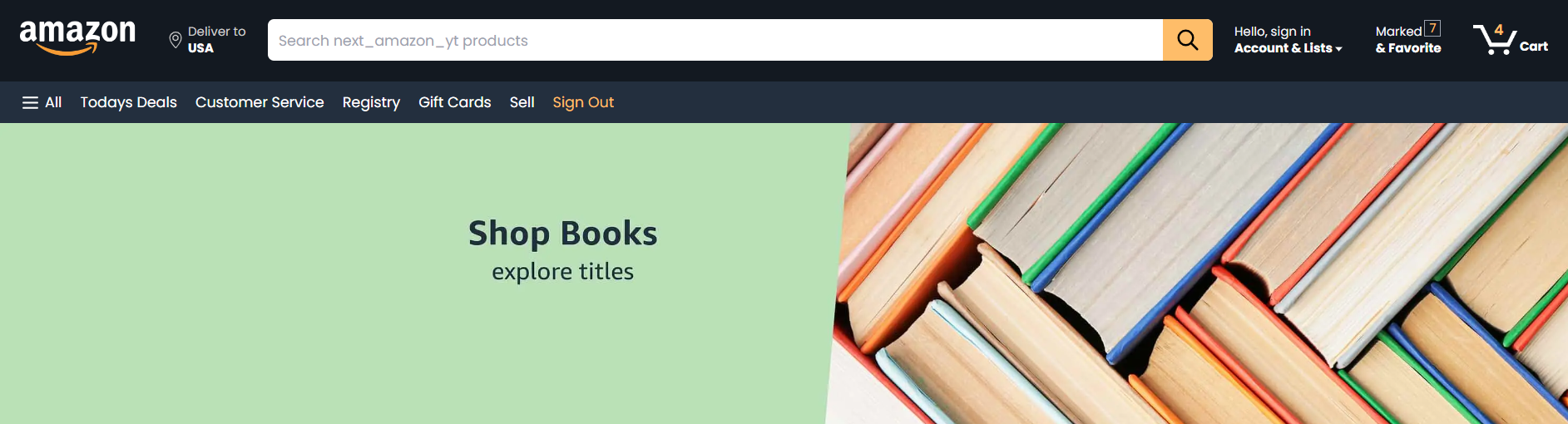

개발자