
캡스톤 프로젝트를 위한 MySQL + 스프링 부트 연결 및 테스트
1. mysql 설치
설치는 해당 블로그 참조
https://velog.io/@bi-sz/MySQL-설치하기
DB와 테이블 초기화를 위해 아래의 SQL문을 MySQL 콘솔에 입력
create database capstone;

use capstone;

show tables ;

create table test (
    user_id int auto_increment,
    name varchar(50),
    age int,
    primary key (user_id)
);

select * from test;
delete from test where name = '홍길동';
2. 깃허브 프로젝트 풀
-
해당 프로젝트의 내용은 다음과 같음
1. controller에서 서버 호출을 받음
2. service에서 전달받은 dto를 domain 객체로 바꿔 repository로 전달
(이때 JPA 문법을 사용)
3. repository는 JPARepository를 상속받음 -
해당 프로젝트를 바로 실행시키면 에러 발생
3. src/main/resources 디렉토리의 application-secrets.properties 파일을 만들어야 됨
- application-secrets.properties에 다음과 같이 입력
DB_USERNAME=mysql_설치_때_사용한_user이름 (따로 설정한게 없다면 root)
DB_PASSWORD=mysql_설치_때_사용한_비밀번호 (따로 설정한게 없다면 빈칸)
4. 실행후 접속
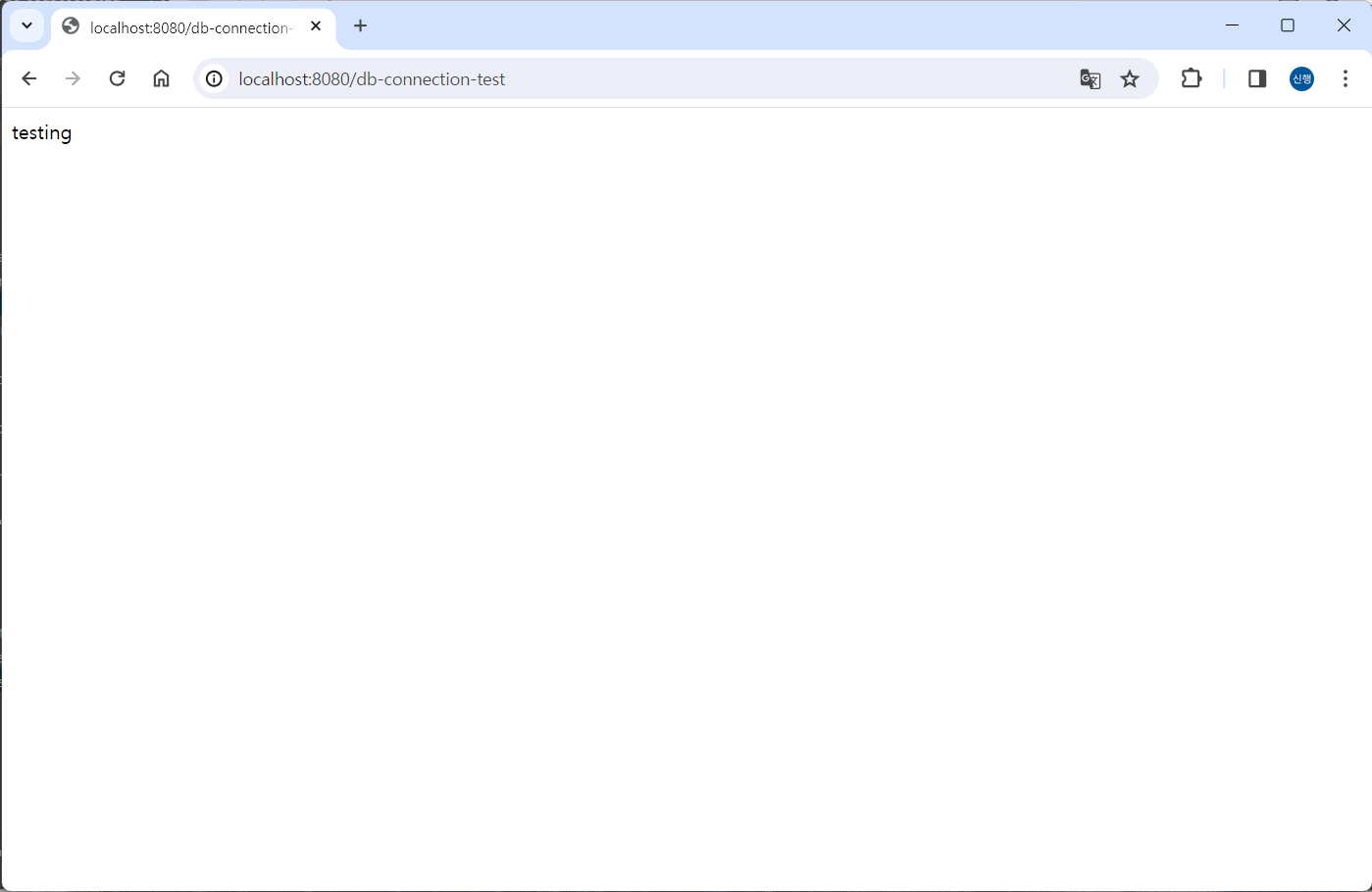
- localhost:8080/db-connection-test-save로 접속 시 다음 화면이 뜸
5. mysql console창에서 조회
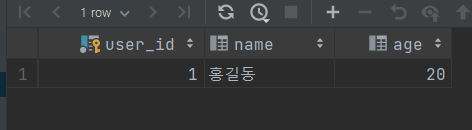
- 조회 하면 다음과 같이 데이터가 입력됨
(id는 자동 생성이라 실행 할때마다 증가)
6. 브라우저에서 조회
http://localhost:8080/db-connection-test-find?id=1 로 접속시 이름 노출
parameter 값으로 id를 넘겨주면서 조회 가능


언제나 Response 하는 Ability가 있는 서버를 만드는, Responsibility 있는 개발자가 되자