- preview Link : https://velog.io/@suhan0304/Unity-Electricity-3
- gitHub Link : https://github.com/suhan0304/Electricity
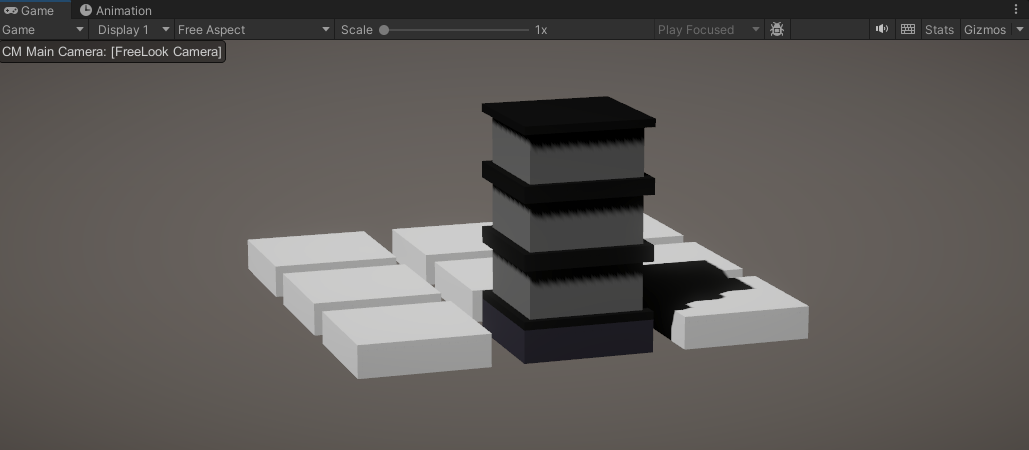
시작 포인트를 만들기 전에 테스트 중에 심각한 문제를 발견했다... 아래와 같이 블럭을 지어놓으면 가운데 블럭을 추가적으로 건설할 수 가 없다는 점이었다.
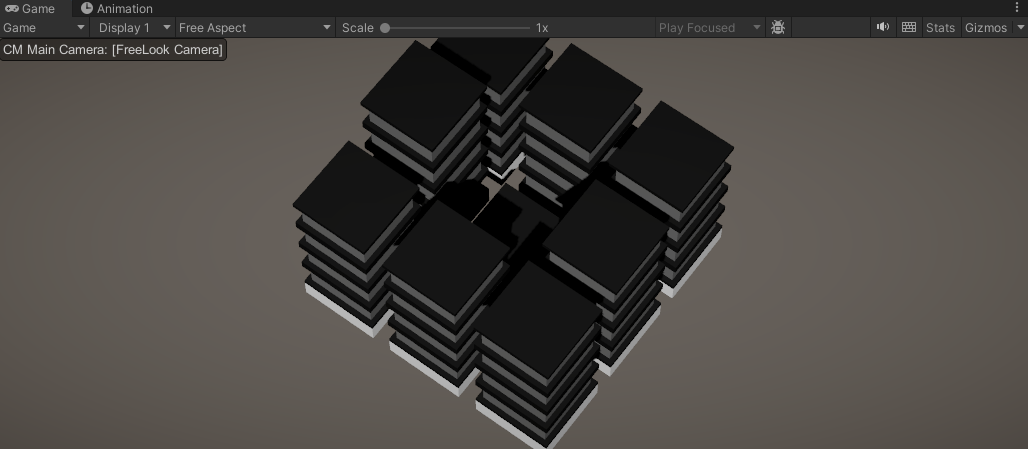
쉽게 말하자면 블럭을 올리고 나면 블럭들에 노드가 가려져서 노드 클릭이 안 되는 문제가 발생했다. 이 문제를 고치기 위해서 아래와 같이 생각을 해봤다.
Block을 노드처럼 취급
블럭을 클릭하면 해당 블럭의 부모 오브젝트에 있는 노드에 건설 메소드를 호출하도록
Block.cs
using Cinemachine;
using System.Collections;
using System.Collections.Generic;
using UnityEngine;

public class Block : MonoBehaviour
{
    [SerializeField]
    Node node; // Node where the block was constructed

    private void Start()
    {
        node = GetComponentInParent<Node>();
    }

    public void OnMouseEnter() // When the mouse passes or enters an object collider
    {
        Debug.Log("!!");
        if ( node != null)
            node.OnMouseEnter();
    }

    public void OnMouseExit() // When the mouse leaves the object collider
    {
        if (node != null)
            node.OnMouseExit();
    }

    public void OnMouseDown() //When the mouse click the object collider
    {
        if (node != null)
            // Build a Block
            node.OnMouseDown();
    }
}
이렇게 작성했지만 작동을 하지 않는다. 알고 보니깐 Block 스크립트를 컴포넌트로 하고 있는 standardBlock 오브젝트는 아무것도 없고 실제로는 그 자식 오브젝트로 들어가 있는 오브젝트들이 블럭을 구성하고 있기 때문에 작동을 하지 않았던 것이다.
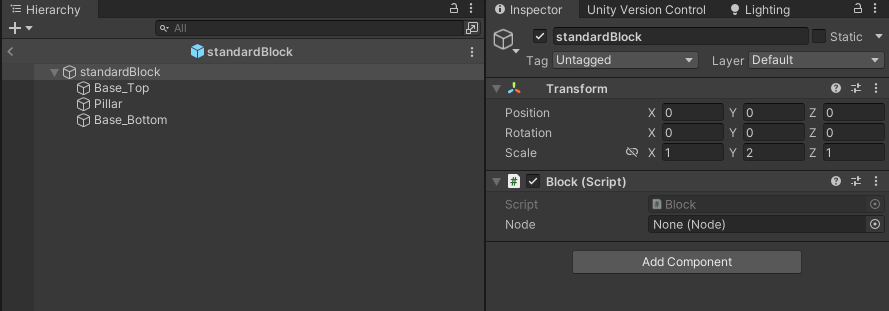
Box Collider를 추가해주면 해당 Box Collider를 기준으로 OnMouse 이벤트들이 작동하도록 해주었다.
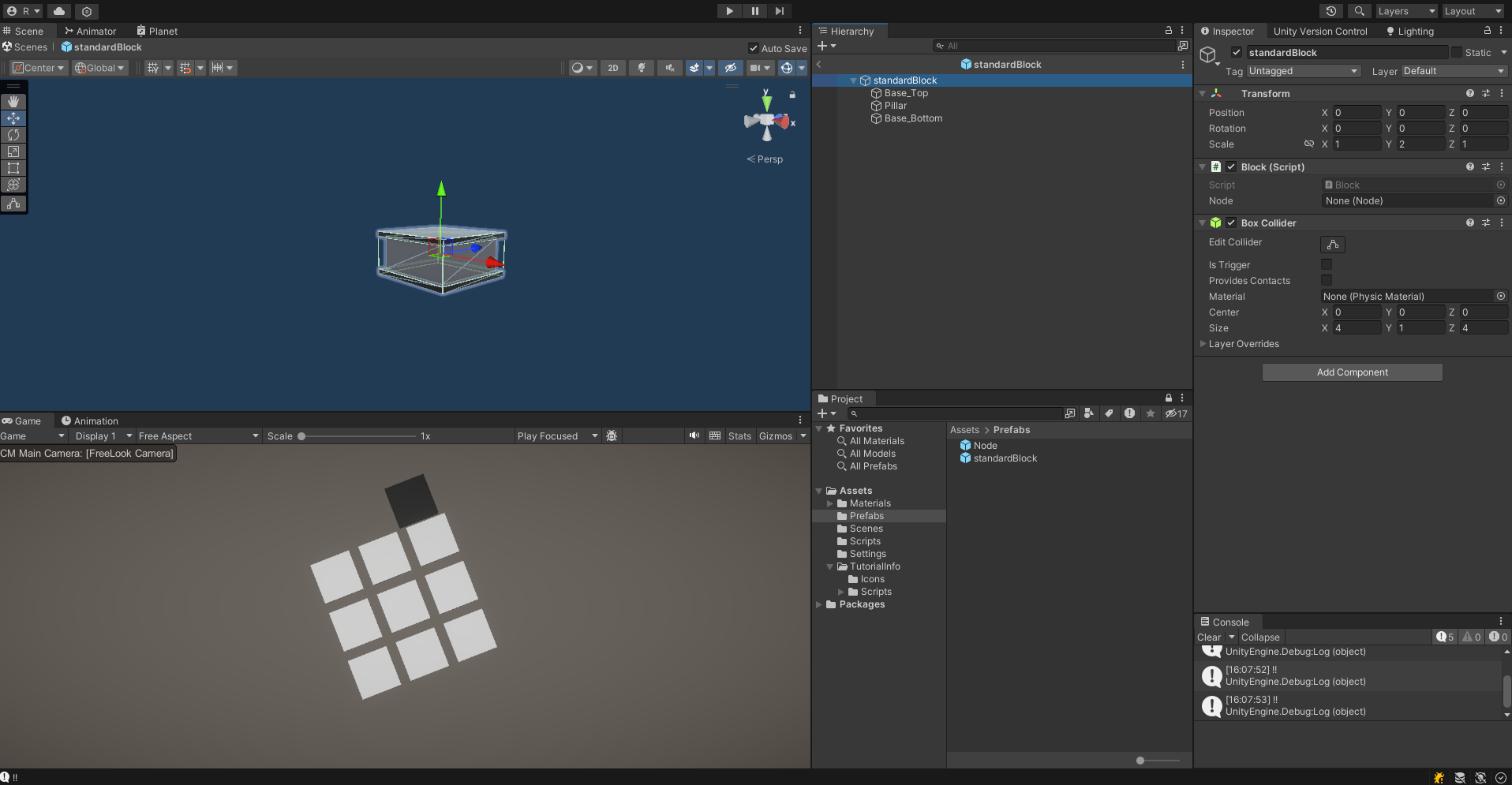
이제 노드 위에 건설된 블록에 마우스를 올리고 클릭을 해도 노드와 동일하게 건설되면서 hoverColor으로도 정상적으로 변하는 것을 확인할 수 있다.
Start Point
Start Point를 지어보자. 블럭과 같이 오브젝트를 추가로 만들어보자.
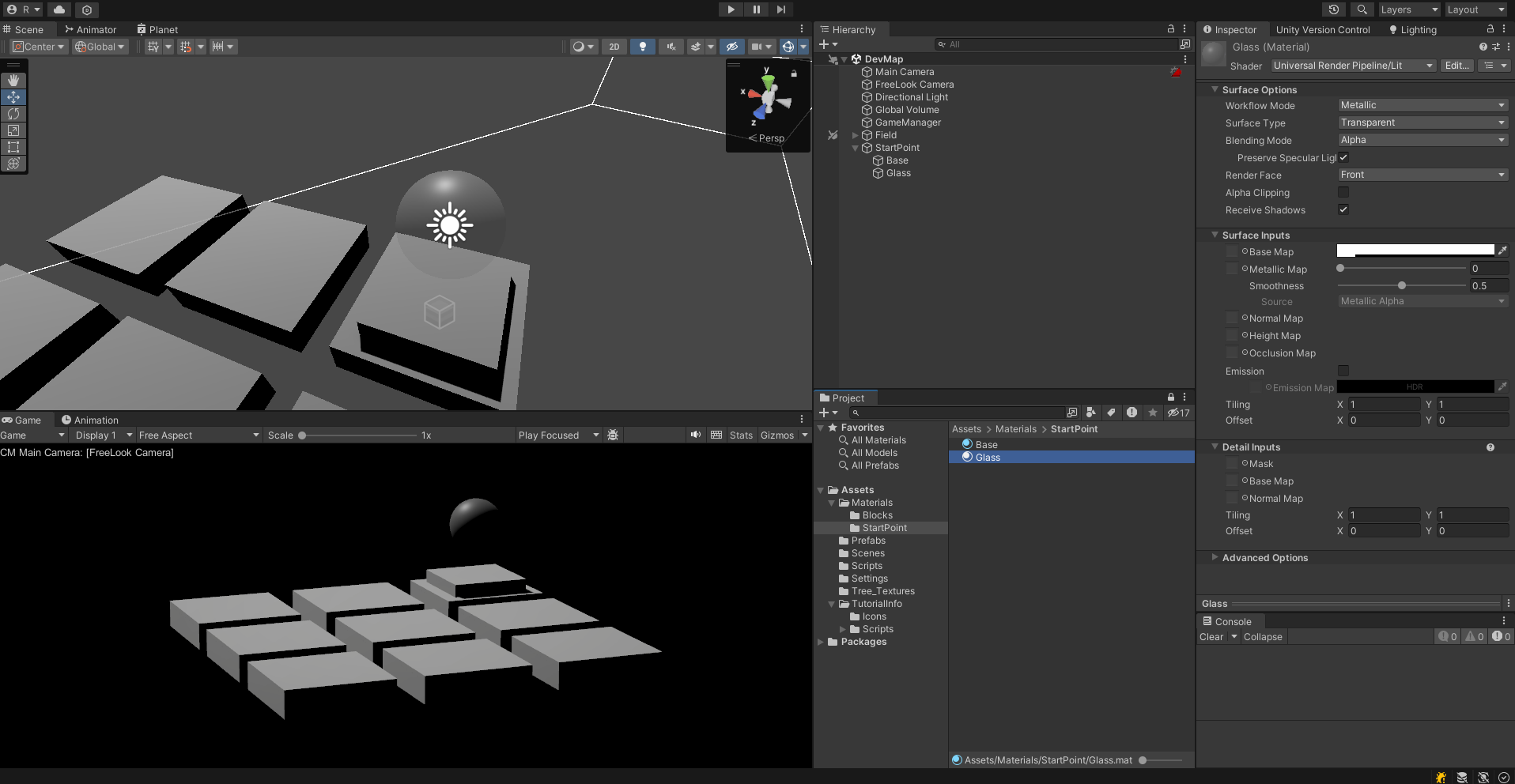
glass material의 surface Type을 Transparent로 해주어서 반투명하게 설정해주었다.
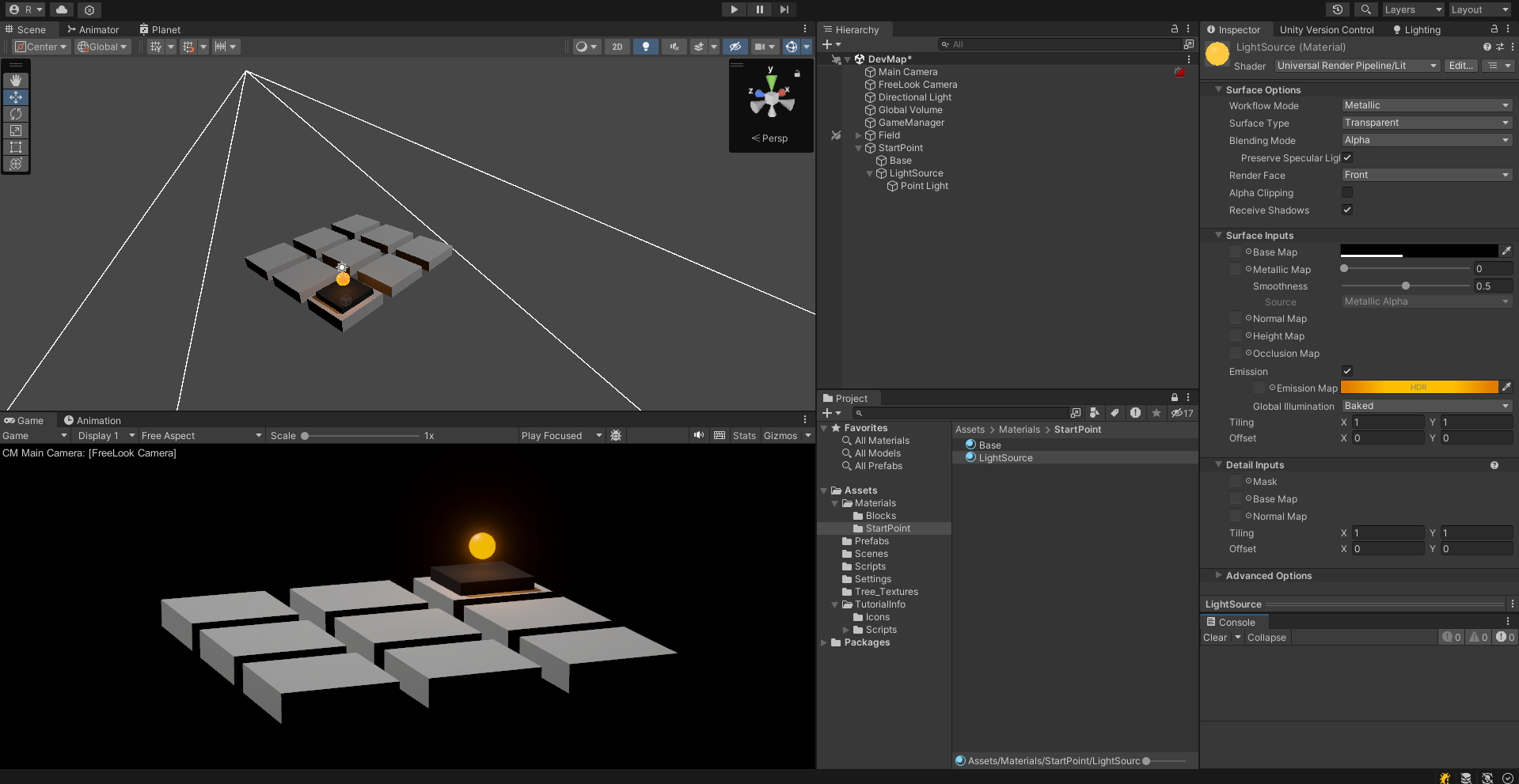
이제 스타트 포인트에 전기가 들어와있음을 알려주기 위해서 Light를 추가하면 시작 포인트를 만들어줄 수 있다. 그런 다음 LightSource(기존 Glass)의 Emission을 설정해줘서 광원으로 보이도록 설정해주었다.
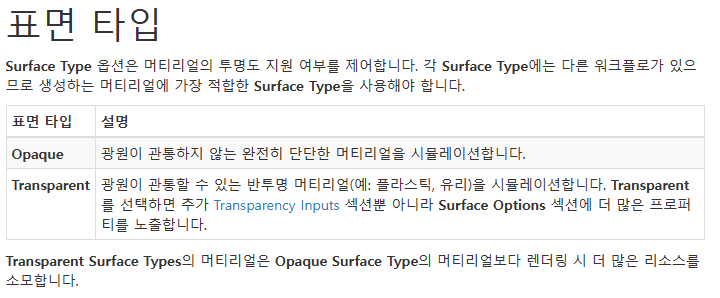
위에서 사용한 Transparent나 Emission에 대한 자세한 설명은 아래 Unity Docs를 참고하자.
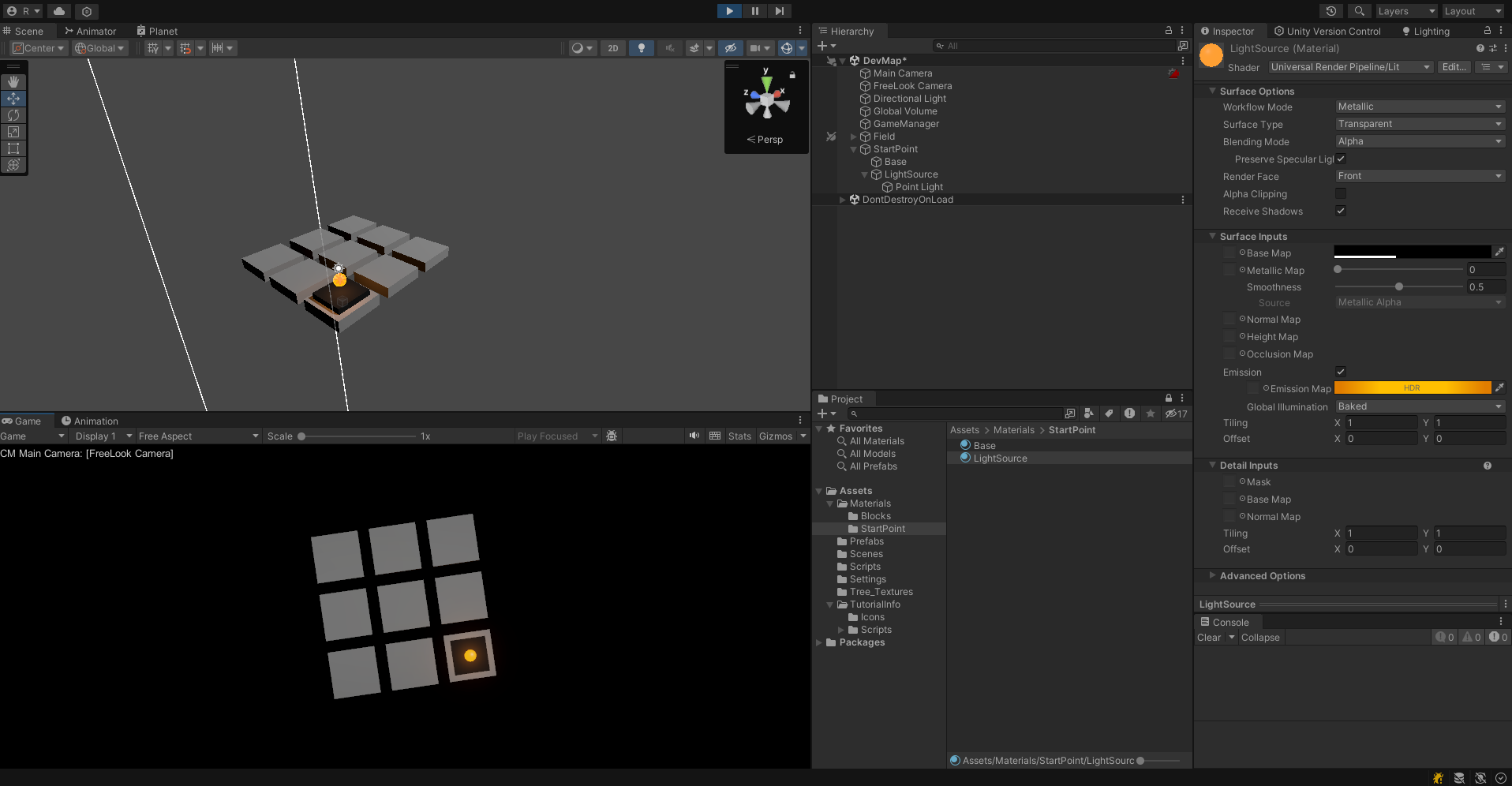
위에서 봤을때도 Start Point를 쉽게 확인할 수 있다.
Start Point - Node
Start Point가 올라가 있는 노드는 블럭을 건설할 수 없도록 해야한다. 그래서 노드를 건설 가능 노드와 건설 불가능 노드로 구분하기로 했다.
Node.cs
private void Start()
{
    nodeHeight = transform.localScale.y / 2; // half of node height - for build
    rend = GetComponent<Renderer>(); // call renderer component
    startColor = rend.material.color; // remember start color
}

public void OnMouseEnter() // When the mouse passes or enters an object collider
{
    if(isBuilable)
        rend.material.color = hoverColor; // change color to hoverColor
}

public void OnMouseExit() // When the mouse leaves the object collider
{
    if(isBuilable)
        rend.material.color = startColor; // return color to startColor
}

public void OnMouseDown() //When the mouse click the object collider
{
    // Build a Block
    if(isBuilable)
        BuildBlockOnNode();
}
isBuildable인지를 확인해서 True일 경우에만 마우스 이벤트가 동작하도록 했다. Start Point 프리팹화 시키고 노드에 올려두고 Start Point의 노드의 isBuildable를 False로 설정해두면 블럭을 지을 수 없다.
추후 계획
일단 스타트 포인트를 Field의 노드에 자식 오브젝트로 넣어서 스타트 포인트를 가지고 있는 노드가 알아서 isBuildable이 False가 되도록 하게 할 것이고 전기가 흐르는 로직 구현을 시작해보자.