유니티
- 유니티는 게임개발을 위한 게임엔진
- 유니티를 통해 2D, 3D 게임 제작
- 3D 애니메이션과 건축 시각화, 가상현실(VR) 등의 콘텐츠 제작 툴
게임엔진
- 게임 개발을 위해 여러 기능을 제공함으로써 게임을 쉽게 제작할 수 있게 돕는 프로그램
- 게임엔진을 이용하면 게임제작의 생산성과 작업 효율 향상
게임엔진에는 대표적으로 유니티(C# 기반)와 언리얼 엔진(C++ 기반)
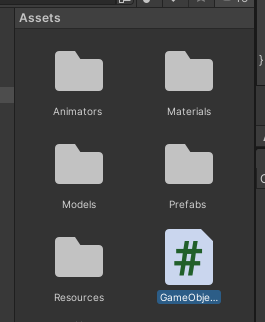
- Assets에서 C# 파일 생성 후 Visual Studio로 열기
C# 파일
using System.Collections;
using System.Collections.Generic;
using UnityEngine;

public class GameObject : MonoBehaviour
{
    // 스크립트 시작시 한번만 호출
    void Start()
    {
        Debug.Log("Hello Unity!");
    }

    // 매 프레임마다 호출 ex) 30fps 1초에 30번 호출
    // 1000ms / 30 = 0.033초마다 한번 호출
    void Update()
    {

    }
}
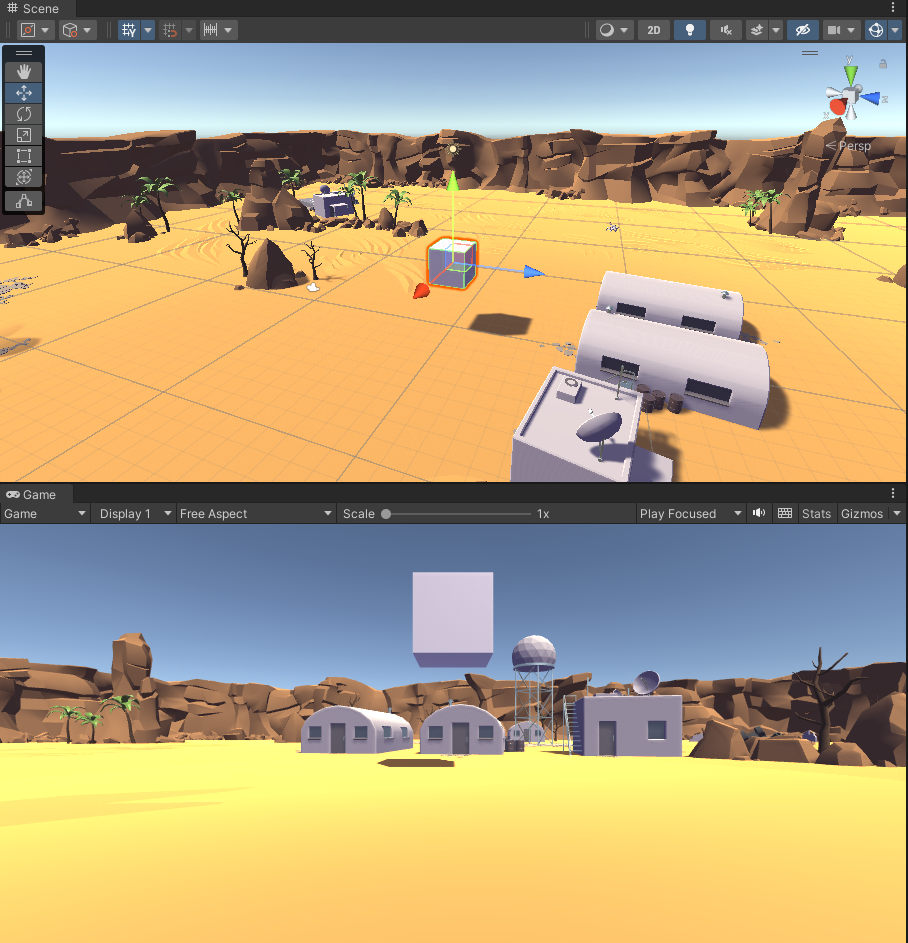
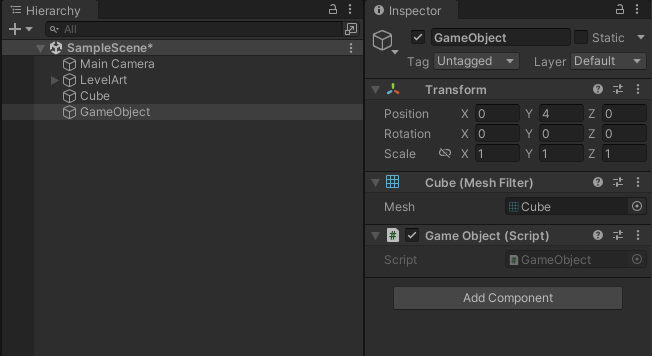
객체 설정 후 Add Component를 통해 수정한 C# 파일 올리기
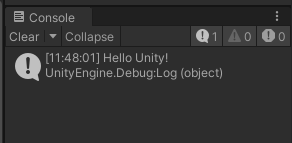
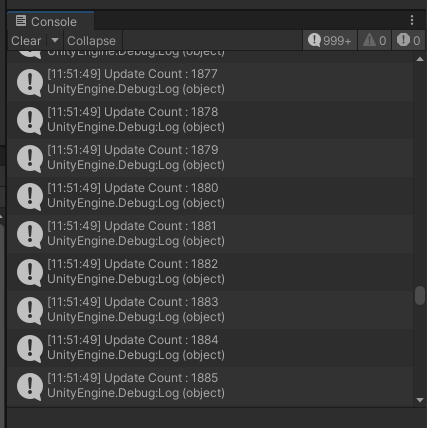
Update Count 확인
using System.Collections;
using System.Collections.Generic;
using UnityEngine;

public class GameObject : MonoBehaviour
{
    // 스크립트 시작시 한번만 호출
    void Start()
    {
        Debug.Log("Hello Unity!");
    }

    int count = 0;

    // 매 프레임마다 호출 ex) 30fps 1초에 30번 호출
    // 1000ms / 30 = 0.033초마다 한번 호출
    void Update()
    {
        Debug.Log("Update Count : " + this.count++);
    }
}
C# 알고리즘
namespace ConsoleApp1 {
    internal class ex14 {
        static void Main(string[] args) {
            // 자료(데이터) 구조
            // 알고리즘 : 문제를 풀어가는 순서나 방법

            // 최대값 구하기
            int[] nums = [10, 30, 20, 50, 40];

            // 1. max 변수에 최소값 설정
            int max = 10;
            int min = 50;

            // 2. 전체요소를 순화하면서 max 변수보다 더 큰 요소를 발견하면 max에 값 넣기
            for (int i = 0; i < nums.Length; i++) {
                if (max <= nums[i]) {
                    max = nums[i];
                }
                if (min >= nums[i]) {
                    min = nums[i];
                }
            }
            // 3. 순회 종료 후에는 max는 최대값
            Console.Write(max);
            Console.Write(min);


            // 정렬(Sort) 알고리즘
            // 1. 버블 정렬
            // 2. 선택 정렬
            // 3. 삽입 정렬

            // Swap 치환
            int a = 10;
            int b = 20;
            // a에 b값을, b에 a값을 넣고싶다.
            // a = b; 20 = 20
            // b = a; 20 = 20
            // 치환용 임시변수를 사용
            int temp = 0;
            temp = a;
            a = b;
            b = temp;

            // 1. 버블정렬 : 오름차순
            nums = [10, 30, 20, 50, 40];
            for(int i = 0; i < 5; i++) {
                for(int j = i+1; j < 5; j++) {
                    if(nums[i] > nums[j]) {
                        int tmp = nums[i];
                        nums[i] = nums[j];
                    }
                }
            }
        }
    }
}