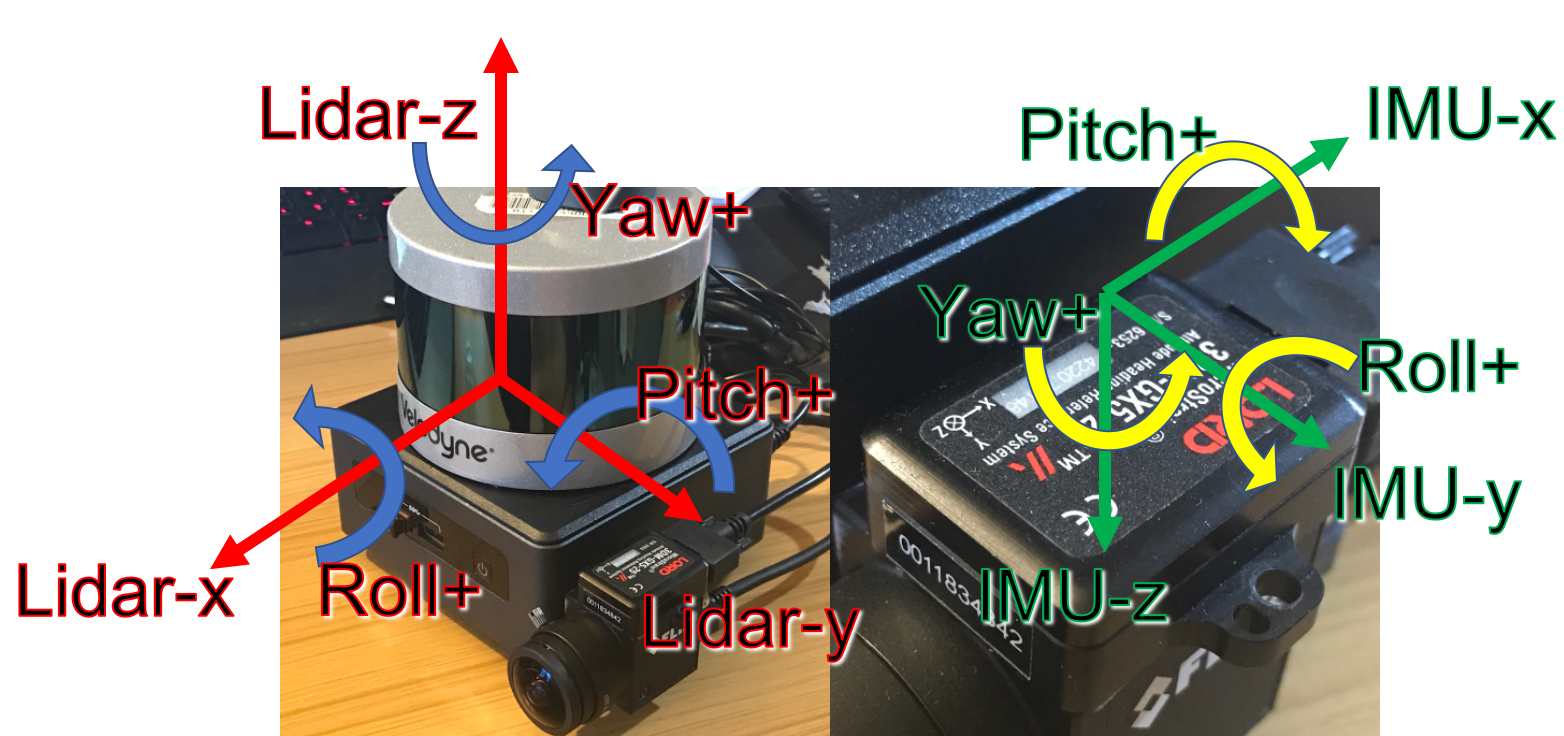
오늘은 LIO-SAM을 사용하기 위한 준비 과정 중 하나인 LiDAR와 IMU 센서의 동기화에 대해 정리하고자 합니다.LIO-SAM은 두 센서의 데이터를 융합해 정밀한 위치 추정을 수행하므로, 시간적으로 일치된 데이터가 필수입니다.
LiDAR는 저주파, IMU는 고주파이기 때문에 IMU 데이터를 LiDAR 주기에 맞춰 동기화해야 합니다. 이를 위해 ROS의 메시지 필터를 사용했고, 약간의 시간 오차를 허용하는 ApproximateTime 정책을 적용했습니다.
처음엔 ExactTime으로 시도했지만, 시간이 너무 정확히 일치해야 해서 동기화가 잘 되지 않더라구요.
🏃♂️
☑️코드 작성(sync_imu.cpp)
#include <rclcpp/rclcpp.hpp>
#include <sensor_msgs/msg/imu.hpp>
#include <sensor_msgs/msg/point_cloud2.hpp>
#include <message_filters/subscriber.h>
#include <message_filters/time_synchronizer.h>
#include <message_filters/sync_policies/approximate_time.h>
#include <rclcpp/qos.hpp>

using std::placeholders::_1;
using std::placeholders::_2;

class SyncLidarImuNode : public rclcpp::Node
{
public:
    SyncLidarImuNode() : Node("sync_lidar_imu")
    {
        RCLCPP_INFO(this->get_logger(), "IMU & LiDAR Synchronization Node Started.");

        // '/ouster/points'의 퍼블리셔가 'BEST_EFFORT'이므로, Subscriber도 'BEST_EFFORT'로 설정
        rclcpp::QoS qos_profile = rclcpp::QoS(rclcpp::KeepLast(10));
        qos_profile.reliability(RMW_QOS_POLICY_RELIABILITY_BEST_EFFORT);
        qos_profile.durability(RMW_QOS_POLICY_DURABILITY_VOLATILE);

        rclcpp::QoS imu_qos_profile = rclcpp::QoS(rclcpp::KeepLast(10));
        imu_qos_profile.reliability(RMW_QOS_POLICY_RELIABILITY_BEST_EFFORT);
        imu_qos_profile.durability(RMW_QOS_POLICY_DURABILITY_VOLATILE);

        // SubscriptionOptions 사용하여 QoS 강제적용
        rclcpp::SubscriptionOptions options;
        options.qos_overriding_options = rclcpp::QosOverridingOptions::with_default_policies();

        // message_filters::Subscriber에서도 `BEST_EFFORT` 적용
        imu_sub_.subscribe(this, "/imu/data", rmw_qos_profile_sensor_data);
        lidar_sub_.subscribe(this, "/ouster/points", rmw_qos_profile_sensor_data);

        // Approximate Time Synchronizer 동기화 정책 설정
        sync_ = std::make_shared<message_filters::Synchronizer<SyncPolicy>>(SyncPolicy(20), imu_sub_, lidar_sub_);
        sync_->setMaxIntervalDuration(rclcpp::Duration::from_seconds(0.017)); //best
        sync_->registerCallback(std::bind(&SyncLidarImuNode::callback, this, _1, _2));

        // 동기화된 IMU 메시지 publish
        imu_pub_ = this->create_publisher<sensor_msgs::msg::Imu>("/synced_imu", imu_qos_profile);
        lidar_pub_ = this->create_publisher<sensor_msgs::msg::PointCloud2>("/synced_points", qos_profile);
    }

private:
    // 동기화된 IMU & LiDAR 메시지가 도착했을 때 호출되는 콜백함수
    void callback(const sensor_msgs::msg::Imu::ConstSharedPtr imu_msg,
                  const sensor_msgs::msg::PointCloud2::ConstSharedPtr lidar_msg)
    {
        RCLCPP_INFO(this->get_logger(), "Callback function triggered!");

        auto synced_imu = std::make_shared<sensor_msgs::msg::Imu>(*imu_msg);
        auto synced_points = std::make_shared<sensor_msgs::msg::PointCloud2>(*lidar_msg);

        lidar_pub_->publish(*synced_points);
        imu_pub_->publish(*synced_imu);
    }


	// 개별 LiDAR 데이터 수신 콜백
    using SyncPolicy = message_filters::sync_policies::ApproximateTime<sensor_msgs::msg::Imu, sensor_msgs::msg::PointCloud2>;
    std::shared_ptr<message_filters::Synchronizer<SyncPolicy>> sync_;

    message_filters::Subscriber<sensor_msgs::msg::Imu> imu_sub_;
    message_filters::Subscriber<sensor_msgs::msg::PointCloud2> lidar_sub_;

    rclcpp::Publisher<sensor_msgs::msg::Imu>::SharedPtr imu_pub_;
    rclcpp::Publisher<sensor_msgs::msg::PointCloud2>::SharedPtr lidar_pub_;

};

int main(int argc, char **argv)
{
    rclcpp::init(argc, argv);
    rclcpp::spin(std::make_shared<SyncLidarImuNode>());
    rclcpp::shutdown();
    return 0;
}
전체 코드는 위와 같고, 여기서 중요한 2가지가 있습니다.
🙏 각 프로그램 마다 적용되는 QoS 정책이 다를 수가 있으니 참고해주세요.
1. QoS 설정 방식
SubscriptionOptions
QoS 충돌 상황에서 강제로 QoS 적용가능. 특히 RELIABLE vs BEST_EFFORT 문제 해결 도움.
2. message_filters::Subscriber의 QoS 처리
imusub.subscribe(this, "/imu/data", rmw_qos_profile_sensor_data);
rmw_qos_profile_sensor_data는 ROS2에서 BEST_EFFORT에 맞게 정의된 기본 QoS
→ 퍼블리셔와 일치하도록 확실하게 맞춰줌.
☑️실행
개발환경 : 우분투 22.04. ROS humble
사용 장비 : OUSTER LIDAR 32채널, VECTORNAV imu VN-100
1. LiDAR launch
ros2 launch ouster_ros sensor.launch.xml2. IMU 실행
- 사용 패키지 : imu_vn_100 (※ rolling 브랜치 사용)
ros2 launch imu_vn_100 imu_vn_100-launch.py3. 동기화 실행
ros2 run imu_vn_100 sync_imu☑️결과 확인
📌 ros2 bag을 이용한 동기화 확인
ros2 bag record /synced_points /synced_imuros2 bag info <bag_file_name>- 동기화 전 :
/imu/data 메시지 수 : 561
/ouster/points 메시지 수 : 56

동기화 후 :
/synced_imu 메시지 수 : 43
/ouster/points 메시지 수 : 45

++수정
제가 이전에는 /synced_imu와 /ouster/points와 비교를 했었는데 imu와 points 모두 동기화 이후의 토픽 메시지를 받아보면 메시지 수가 동일하게 나옵니다!