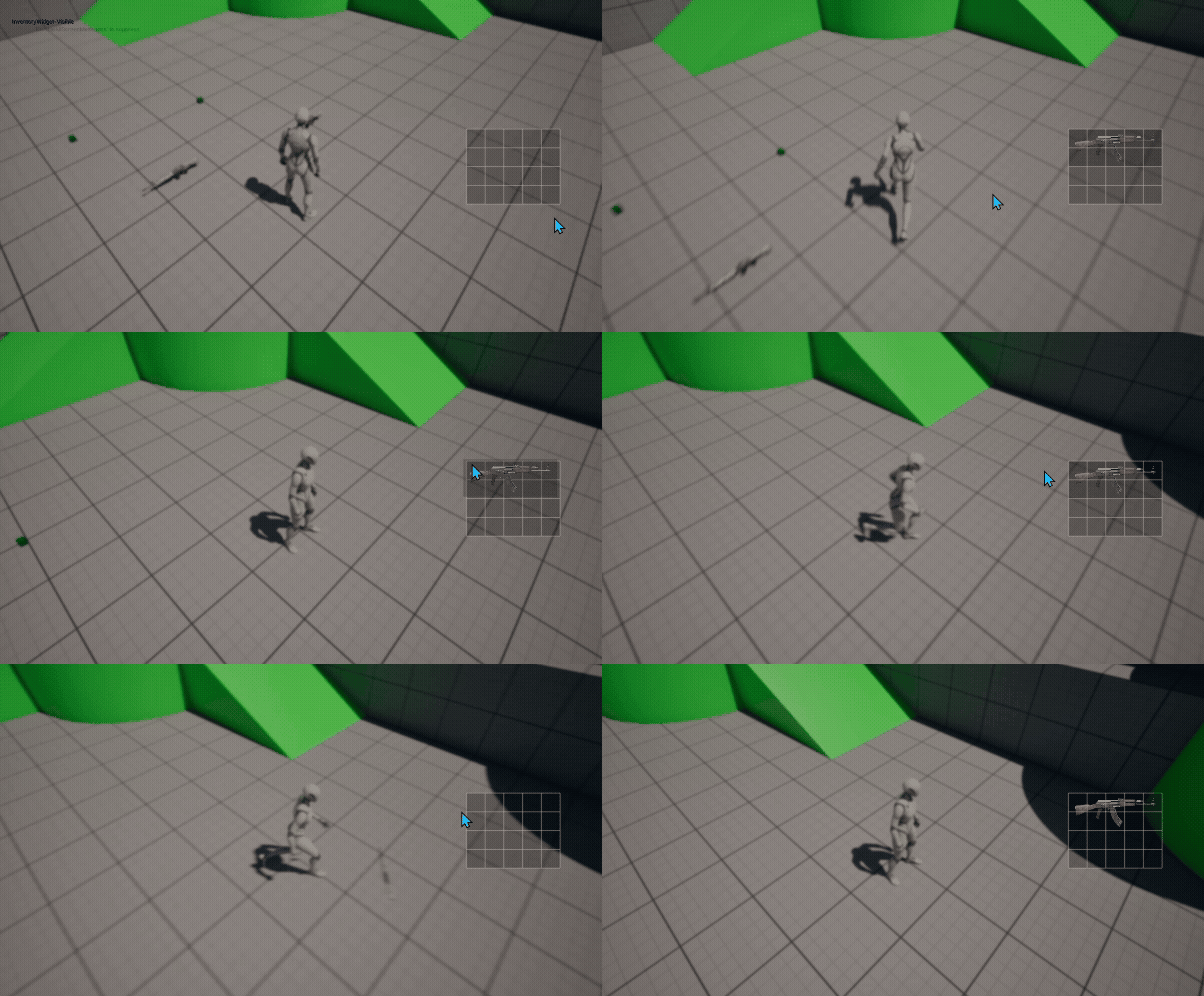
지난번에 했던 부분은 아이템을 시각적으로 표현해주는, 즉 아이템을 먹었을 때 추가가 가능하다면 추가하면서 인벤토리에 아이템을 표시해주는 것을 진행해봤다.
이번에는 아이템을 마우스로 드래그앤드롭해서 떨구는 시스템을 만들어보자
1. 인벤토리 켰을때 마우스 설정
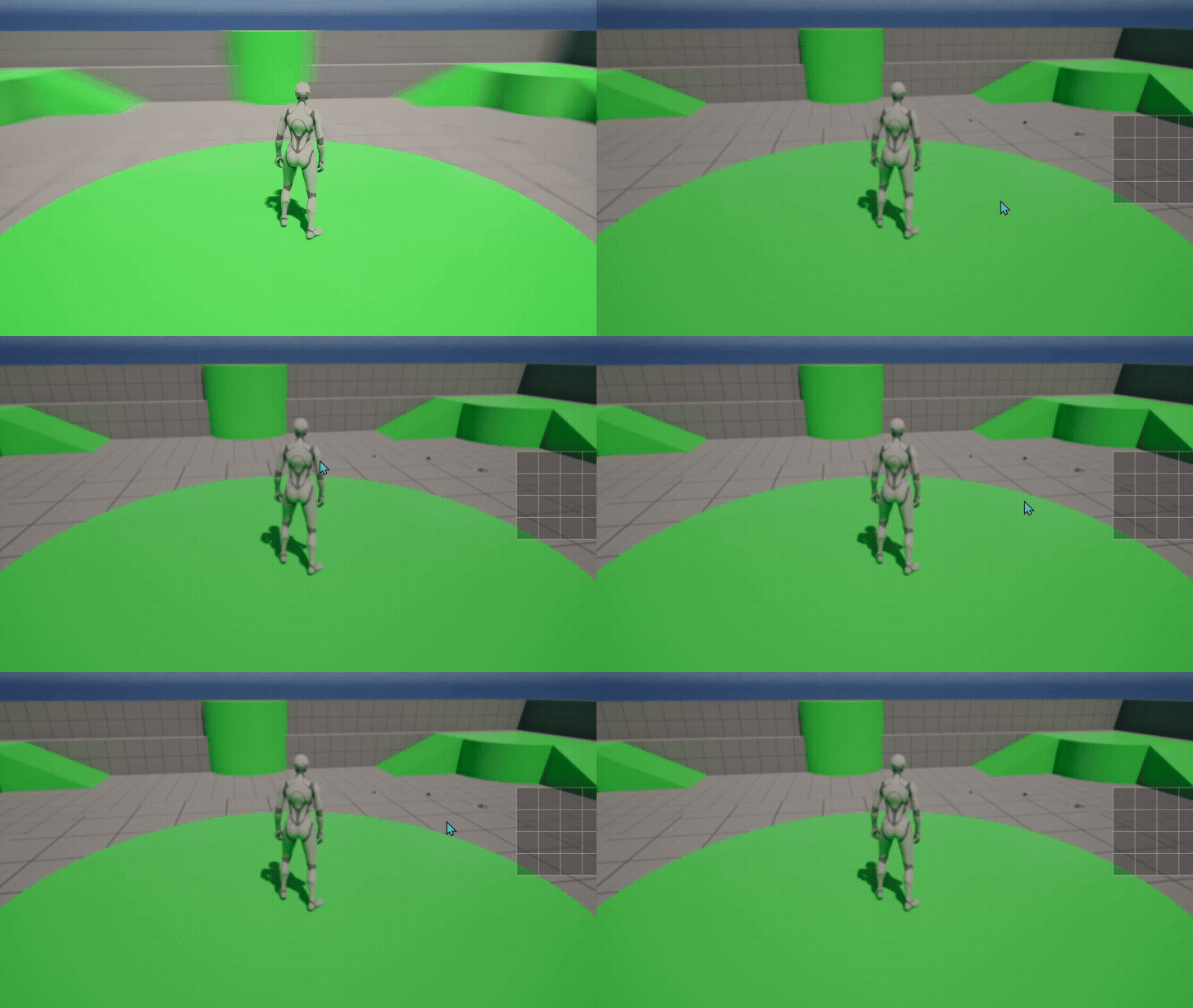
- 기존에는 인벤토리를 켰을때 마우스를 클릭후 이동하게 되면 카메라가 돌아가는 형식이었다. 이렇게 할 경우 아이템의 드래그앤드롭 시스템을 할 수 없기에 코드를 수정해보자
- InventoryWidget에서 인벤토리가 켜졌을때 마우스클릭에 관련된 함수를 추가해서 카메라가 돌아가지 않도록 설정하자
virtual FReply NativeOnMouseButtonDown(const FGeometry& InGeometry, const FPointerEvent& InMouseEvent) override;

// InventoryWidget.cpp
FReply UInventoryWidget::NativeOnMouseButtonDown(const FGeometry& InGeometry, const FPointerEvent& InMouseEvent)
{
	return FReply::Handled();
}- 만약에 빌드했을때 외부참조 오류가 뜬다면 build.cs에
SlateCore모듈을 추가하자
PublicDependencyModuleNames.AddRange(new string[] {

			// ...

			"SlateCore"
		});
결과
2. 아이템을 드래그드롭하면 사라지는 기능
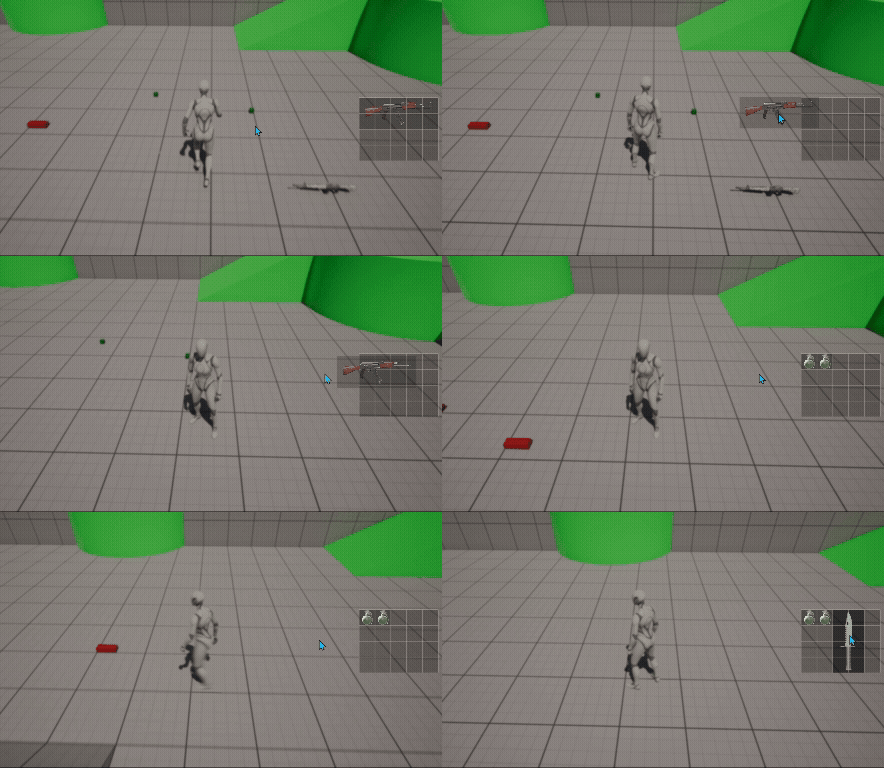
ItemWidget에서 두개의 함수NativeOnMouseEnter,NativeOnMouseLeave,NativeOnDragDetected,NativeOnMouseButtonDown추가하기NativeOnMouseEnter: 마우스가 Widget위로 올라왔을때NativeOnMouseLeave: 마우스가 Widget에서 벗어났을때NativeOnDragDetected: 마우스를 드래그했을때
NativeOnMouseEnter()와 NativeOnMouseLeave()
- 마우스가 아이템위로 가게 되면 배경을 조금 진하게, 벗어나면 원래대로 돌아오도록 설정하자
void UItemWidget::NativeOnMouseEnter(const FGeometry& InGeometry, const FPointerEvent& InMouseEvent)
{
	Super::NativeOnMouseEnter(InGeometry, InMouseEvent);
	// 아이템의 배경색 변경하기
	BackgroundBorder->SetBrushColor(FLinearColor(0.f, 0.0f, 0.f, 0.5f));
}

void UItemWidget::NativeOnMouseLeave(const FPointerEvent& InMouseEvent)
{
	Super::NativeOnMouseLeave(InMouseEvent);
	// 아이템의 배경색 기존으로
	BackgroundBorder->SetBrushColor(FLinearColor(0.f, 0.f, 0.f, 0.2f));
}
NativeOnDragDetected()와 NativeOnMouseButtonDown()
- 언리얼 내에서 드래그드롭을 하기 위해 만들어둔 클래스
UDragDropOperation사용 UDragDropOperation->DefaultDragVisual에는 Widget 자체를 넣어주고,UDragDropOperation->Payload는Refresh했을때 가져온 Item값을 넣어주자- OutOperation에 만든 변수를 넣어두고 아이템 제거와 위젯도 같이 제거하자
void UItemWidget::NativeOnDragDetected(const FGeometry& InGeometry, const FPointerEvent& InMouseEvent, UDragDropOperation*& OutOperation)
{
	Super::NativeOnDragDetected(InGeometry, InMouseEvent, OutOperation);
	//GEngine->AddOnScreenDebugMessage(-1, 5.f, FColor::Yellow, TEXT("Drag Detected"));

	BackgroundBorder->SetBrushColor(FLinearColor(0.f, 0.f, 0.f, 0.2f));
	UDragDropOperation* dragOperation = NewObject<UDragDropOperation>();
	dragOperation->DefaultDragVisual = this;
	dragOperation->Payload = Item;
	CharacterReference->GetInventoryComponent()->RemoveItem(Item);

	OutOperation = dragOperation;

	this->RemoveFromParent();
}NativeOnMouseButtonDown에서는 좌클릭 했을때 드래그드롭이 실행되는 코드를 추가하자
FReply UItemWidget::NativeOnMouseButtonDown(const FGeometry& InGeometry, const FPointerEvent& InMouseEvent)
{
	return FReply::Handled().DetectDrag(TakeWidget(), EKeys::LeftMouseButton);
}
결과
3. 아이템을 드래그앤드랍 → 아이템 떨구고, 다시 습득하기
InventoryWidget에서NativeOnDrop함수 추가하기ItemWidget에서OutOperation->Payload값을 가져와서 캐릭터 정면에 아이템을 스폰하는 코드 추가
bool UInventoryWidget::NativeOnDrop(const FGeometry& InGeometry, const FDragDropEvent& InDragDropEvent, UDragDropOperation* InOperation)
{
	if (InOperation->Payload)
	{
		FVector spawnLocation = CharacterReference->GetActorLocation() + CharacterReference->GetActorForwardVector() * 200.f;
		FRotator spawnRotation = CharacterReference->GetActorRotation();

		FActorSpawnParameters spawnParams;
        // 스폰 위치에 충돌이 있더라도, 가능한 한 위치를 조정해서 반드시 스폰하라
		spawnParams.SpawnCollisionHandlingOverride = ESpawnActorCollisionHandlingMethod::AdjustIfPossibleButAlwaysSpawn;

		SpawnedItem = GetWorld()->SpawnActor<AItemBase>(InOperation->Payload->GetClass(),spawnLocation * FVector(1, 1, 0), spawnRotation, spawnParams);
		return true;
	}
	else
	{
		return false;
	}
}-
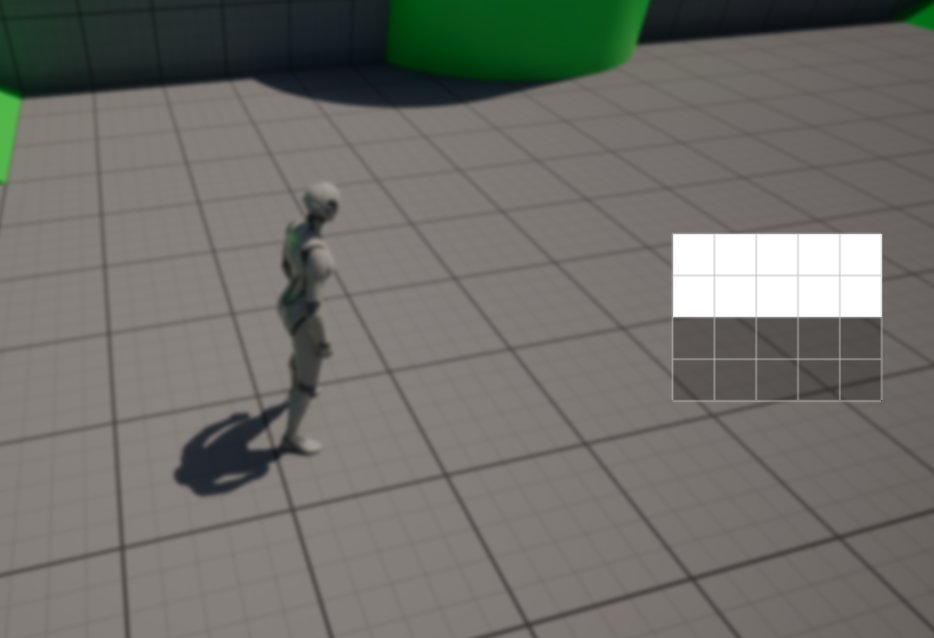
아이템을 스폰하고 다시 먹었을 때 이미지가 나타나지 않는것은 새로 스폰했을 때의 아이템에 Icon 설정이 되어 있지 않기 때문이다.
-
아이템클래스에 들어가서 생성자에서 이미지를 추가해주자
/// IB_M16.cpp
	static ConstructorHelpers::FObjectFinder<UMaterialInterface> materialRef(TEXT("/Game/Project/Icon/MaterialIcons/MI_M16"));
	if (materialRef.Succeeded())
	{
		Icon = materialRef.Object;
	}
결과
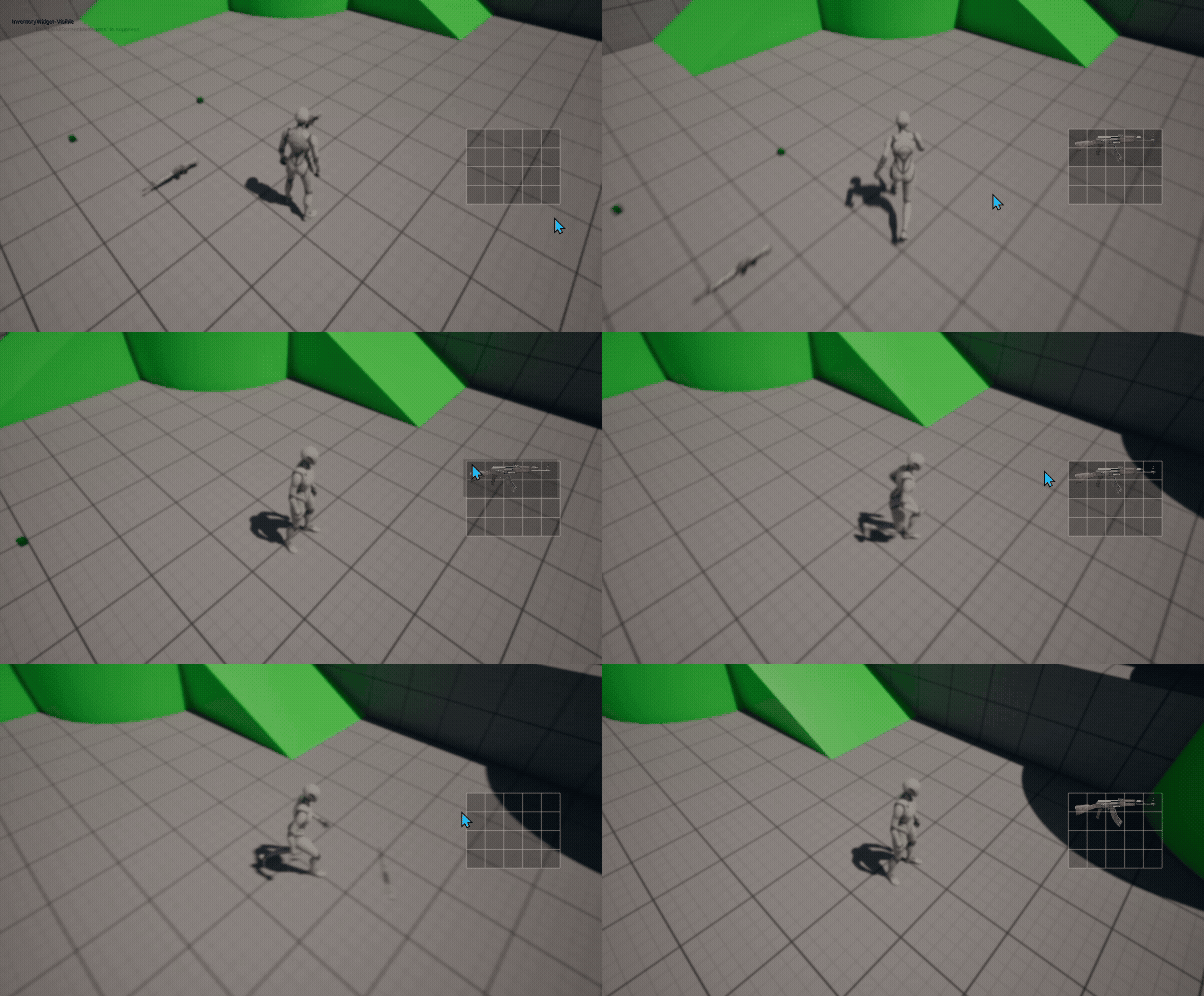
참고 영상

게임 클라이언트 프로그래머 준비중 (공부 및 기록용)