airbnb_df['state'].unique()
- .str.lower() - 모두 소문자로 반환
airbnb_df['state'].str.lower()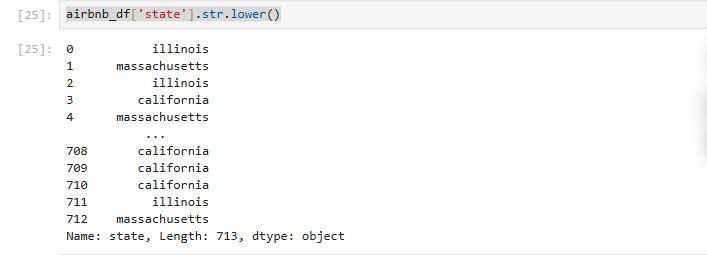
- .str.upper() - 모두 대문자로 반환
airbnb_df['state'].str.upper()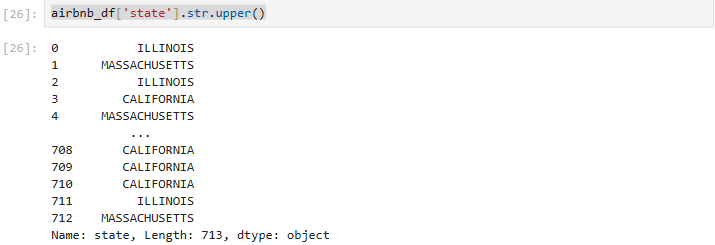
- .str.capitalize() - 첫글자는 대문자, 나머지는 소문자로 반환
airbnb_df['state'].str.capitalize()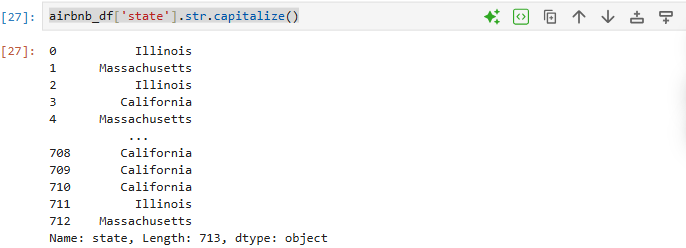
- 문자열 분리(.str.split())
airbnb_df['location'].str.split(',')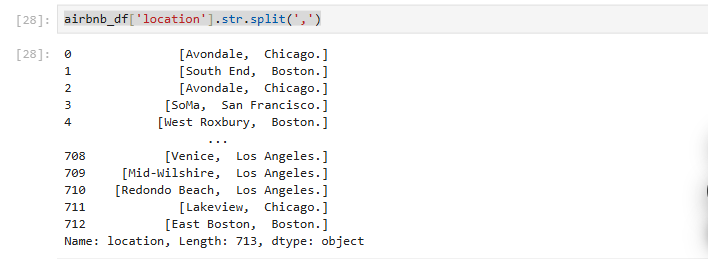
airbnb_df['neighborhood'] = airbnb_df['location'].str.split(',').str[0]
#split처리 후 첫번째 (0번째) 를 가져와 airbnb_df dataFrame에 neighborhood 란 column을 생성 후 저장.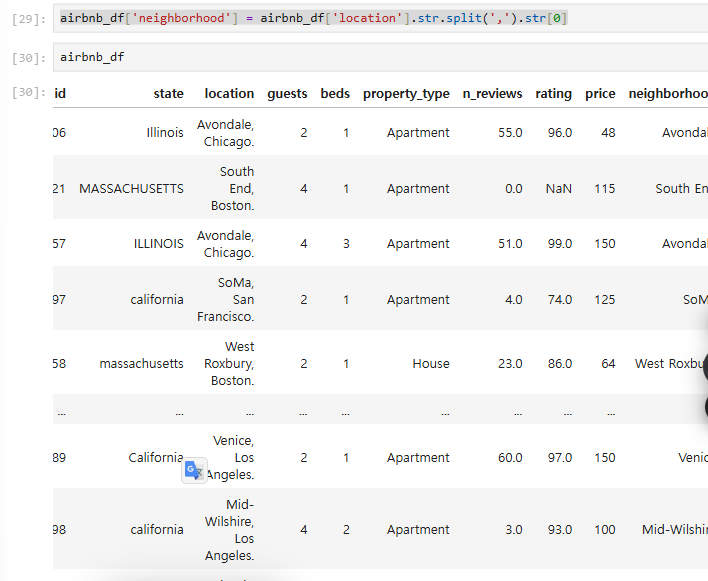
airbnb_df['city'] = airbnb_df['location'].str.split(',').str[1]
#split처리 후 두번째 (1번째) 를 가져와 airbnb_df dataFrame에 city 란 column을 생성 후 저장.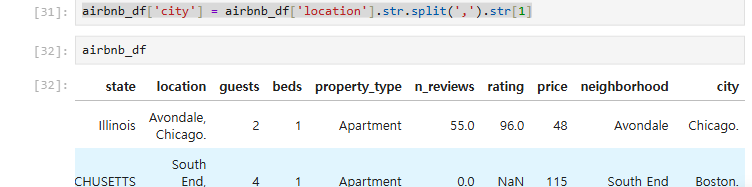
airbnb_df = airbnb_df.drop(columns='location')
#location column 제거
airbnb_df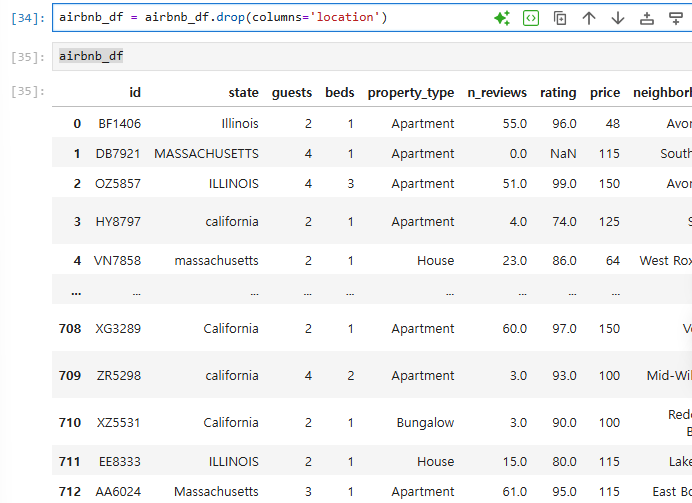
- 불필요한 문자 제거(.str.replace())
airbnb_df[airbnb_df['city'] == 'Boston']데이터가 안나와 확인해 보니
array([' Chicago.', ' Boston.', ' San Francisco.', ' Los Angeles.'],
      dtype=object)
이런 형태로 단어 뒤 '.'가 포함되어 있음
- 우선 앞뒤 공백 제거를 위해
airbnb_df['city'] = airbnb_df['city'].str.strip()- replace 함수 사용, 정규표현식 포함
airbnb_df['city'] = airbnb_df['city'].str.replace('.','', regex=False)
#regex는 default가 True.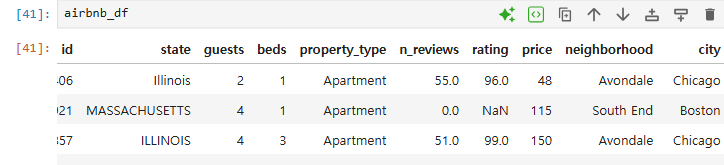
- 1,2번을 합쳐 한줄로 가능.(.str.strip().str.replace())
airbnb_df['city'] = airbnb_df['city'].str.strip().str.replace('.','', regex=False)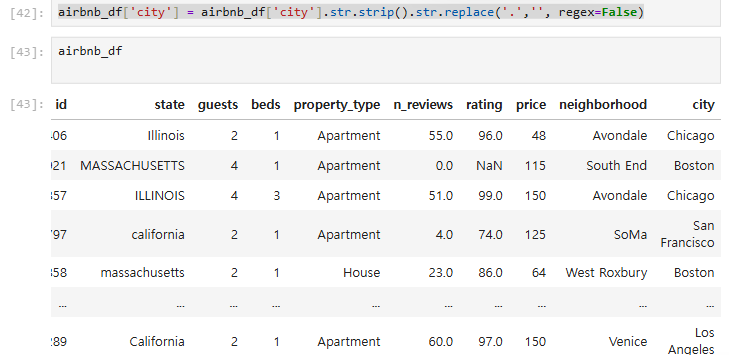
- 예제
import pandas as pd

cellphone_df = pd.read_csv('data/cellphone.csv')

# brand 컬럼에 저장된 제조사명의 대소문자 표기를 변경
# 첫 글자는 대문자로, 나머지 글자는 소문자
cellphone_df['brand'] = cellphone_df['brand'].str.capitalize()

# name 컬럼에는 iPhone 14 Pro (256GB)와 같이 스마트폰의 모델명(iPhone 14 Pro)과 용량(256GB) 정보가 함께 들어 있다.
# 모델과 용량을 쉽게 구분해서 볼 수 있도록 문자열을 분리
# 모델명은 model 컬럼, 용량은 capacity 컬럼에 저장하고, 기존의 name 컬럼은 삭제. 공백 제거
cellphone_df['model'] = cellphone_df['name'].str.split('(').str[0].str.strip()
cellphone_df['capacity'] = cellphone_df['name'].str.split('(').str[1].str.strip().str.replace(')','', regex=True)
cellphone_df = cellphone_df.drop(columns='name')

# size 컬럼에는 스마트폰의 디스플레이 크기 정보가 담겨 있습니다.
# 그런데 데이터에 인치(inch)를 나타내는 " 기호가 들어 있어서 pandas가
# 이 컬럼의 데이터 타입을 문자 데이터로 인식.
#" 기호를 없앤 뒤 size 컬럼의 데이터 타입을 적절한 숫자 타입으로 수정
cellphone_df['size'] = cellphone_df['size'].str.replace('"','', regex=True).astype(float)

cellphone_df
개발자