Today's Lesson: Actionbar Ability Icons
Summary
1. We take a look at how we can stylise our action bar slots so as to add icons for each.
2. We also go over how we can use the progress from our cool down system to make the icons grey when the abilities are not ready.
Virtus Learning Hub
✅ 어빌리티 1,2 쿨다운 아이콘
◼️ 아이콘 이미지
In Widget Blueprint <RPGHUD>
- New ProgressBar: Cooldown2
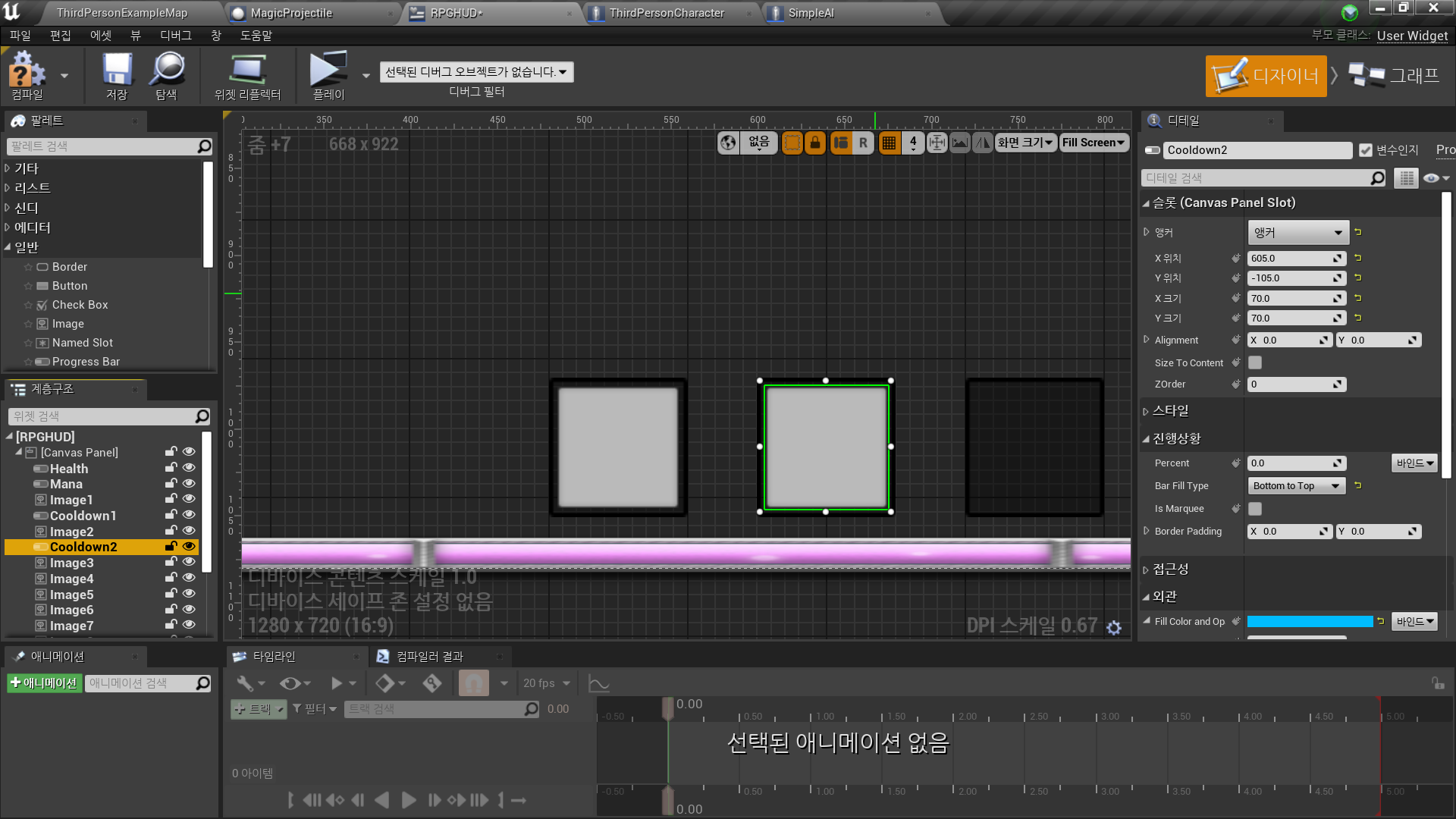
- Background Image: NoFill 아이콘 선택
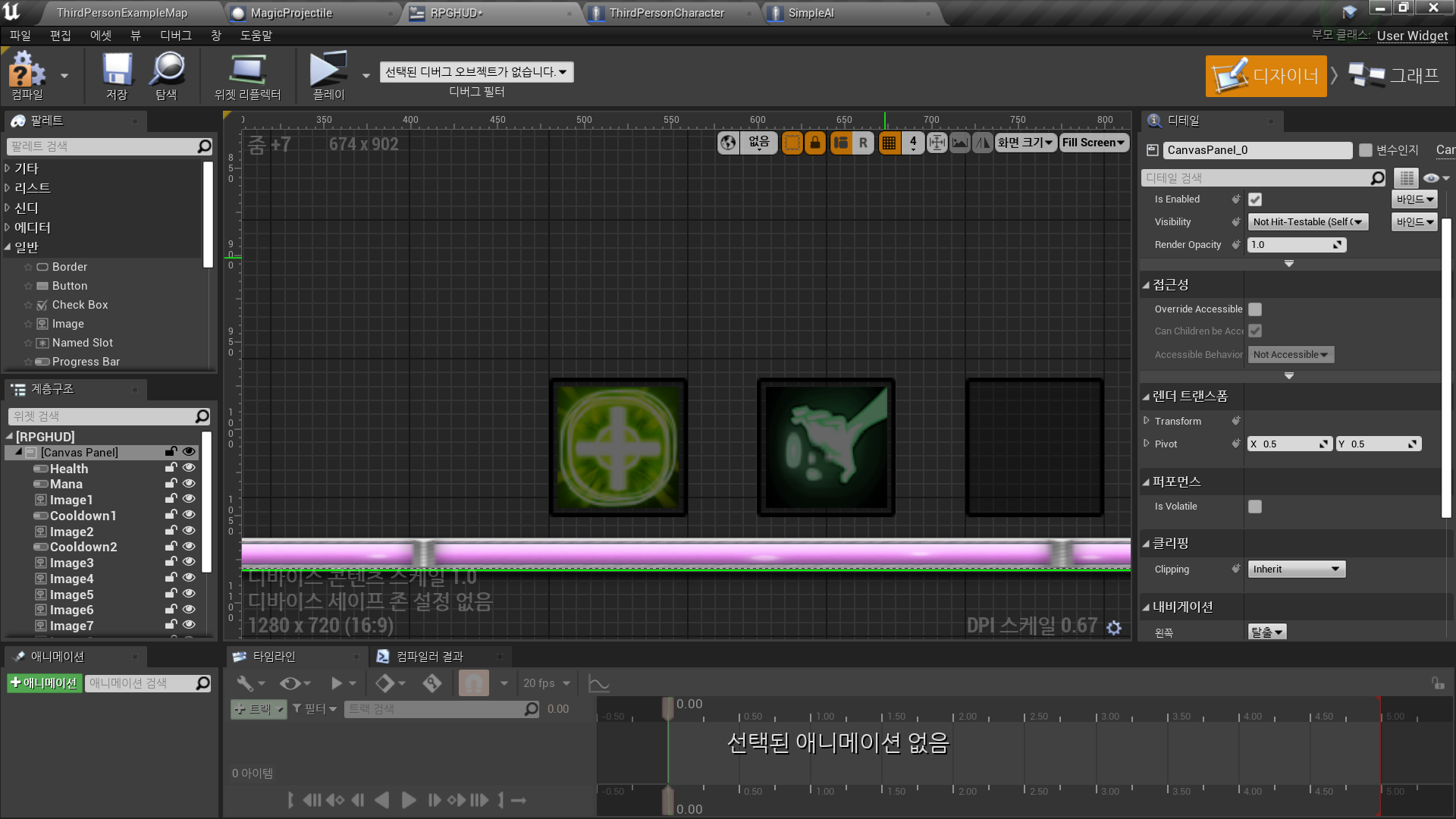
- Fill Image: Fill 아이콘 선택
✅ 어빌리티 2 로직 생성
In Character Blueprint <ThirdPersonCharacter>
◼️ Ability2 쿨다운 정보를 저장할 변수
- New Variable: Ability2Cooldown
Type: Float
Default Value: 1.0
◼️ 쿨다운 로직
- Ability2Cooldown >= 1 ?
True 이면 실행
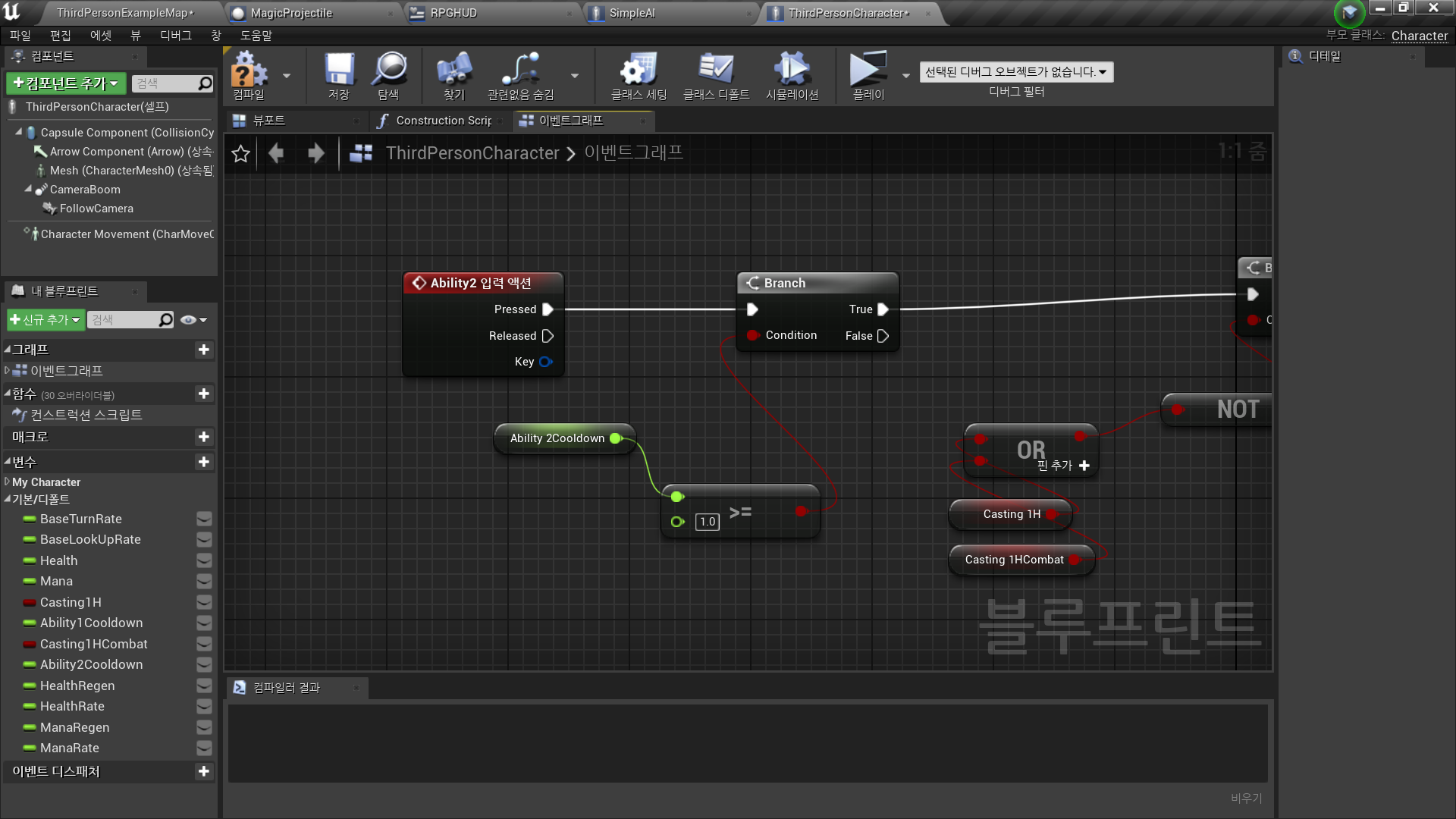
- 루프 생성
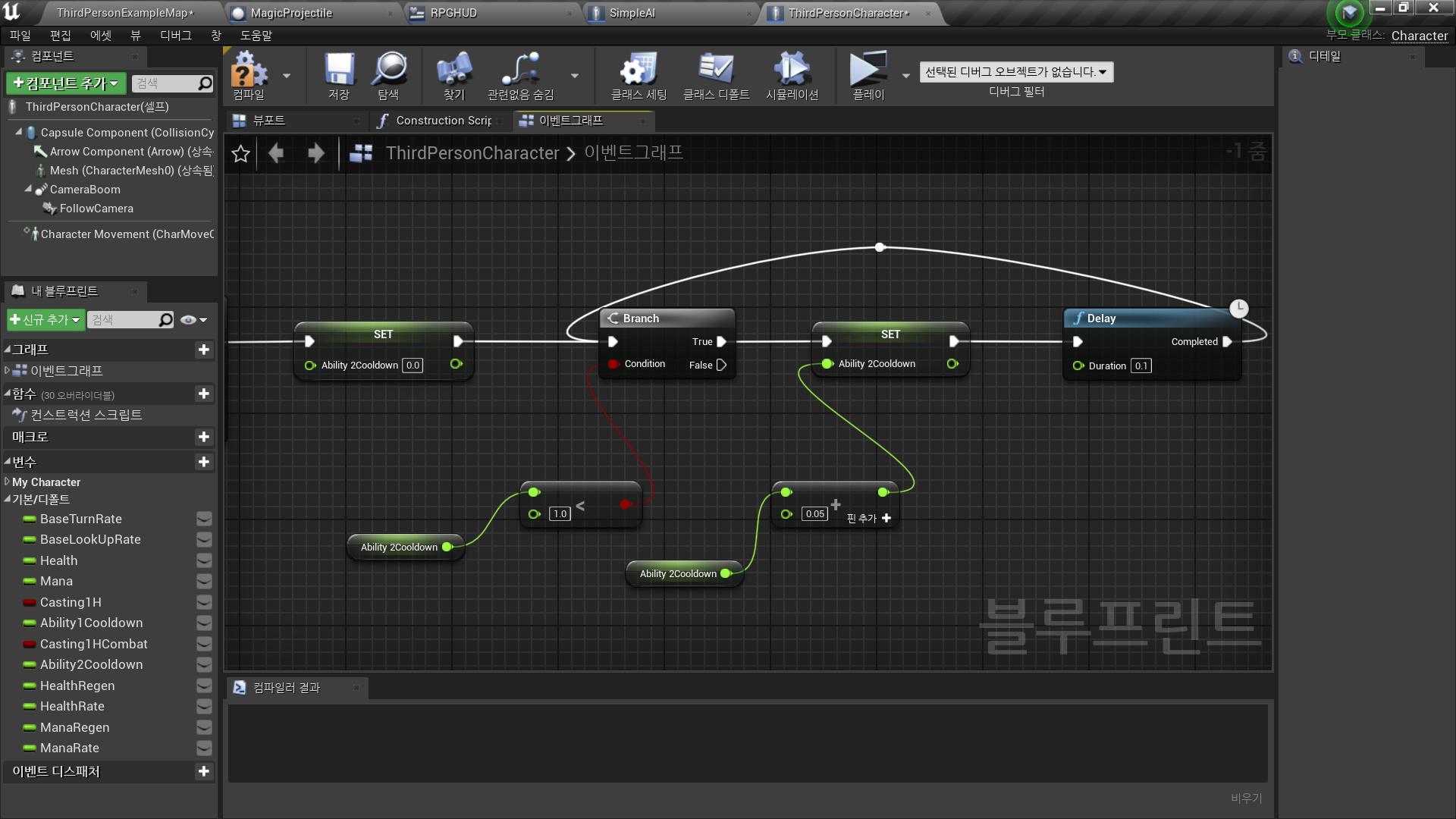
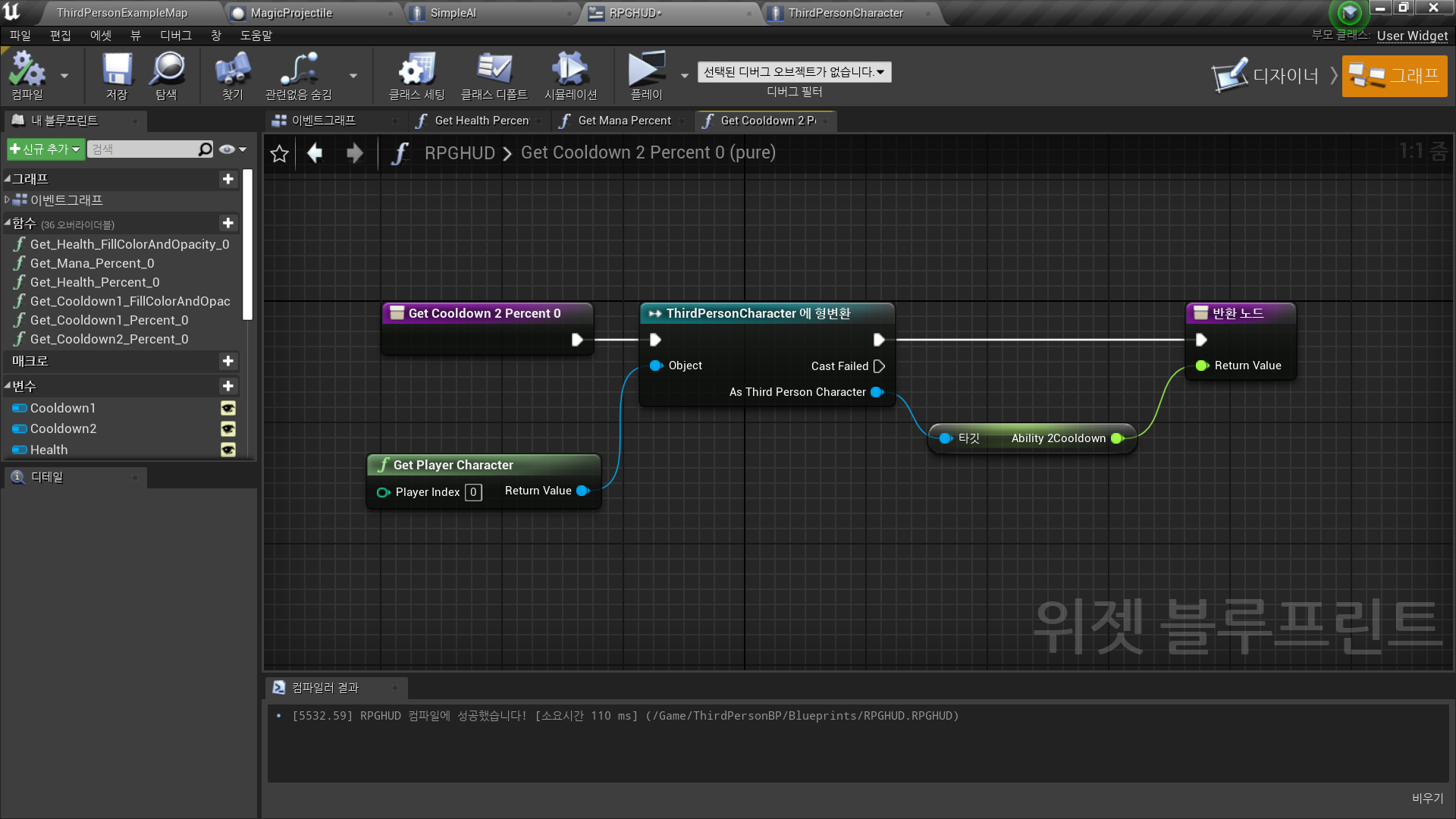
In Widget Blueprint <RPGHUD>
◼️ 어빌리티2 프로그레스바 바인딩 생성
- Progress - Percent - 바인딩 생성
- ThirdPersonCharacter 블루프린트의 Ability2Cooldown 변수 값과 동기화
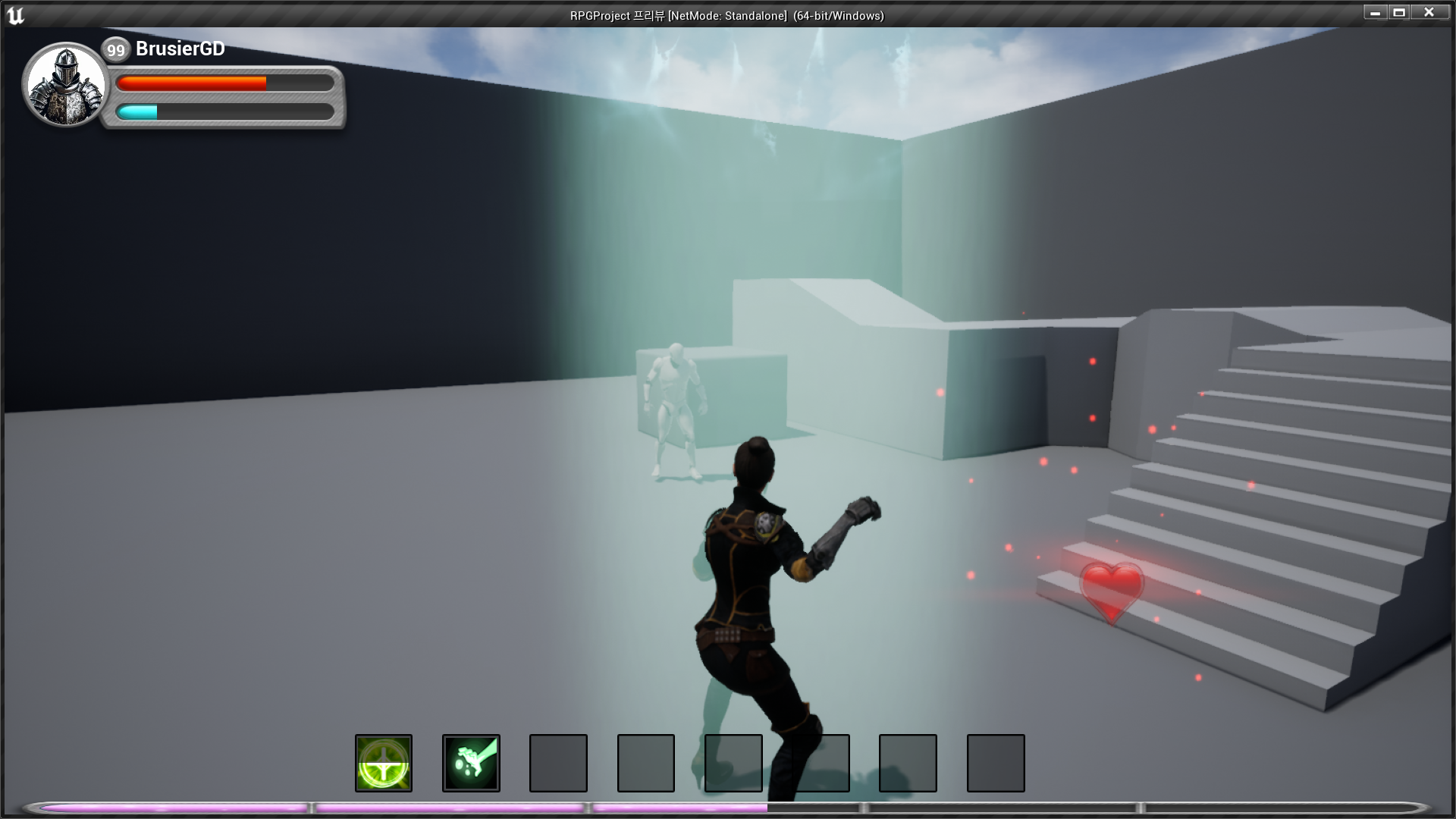
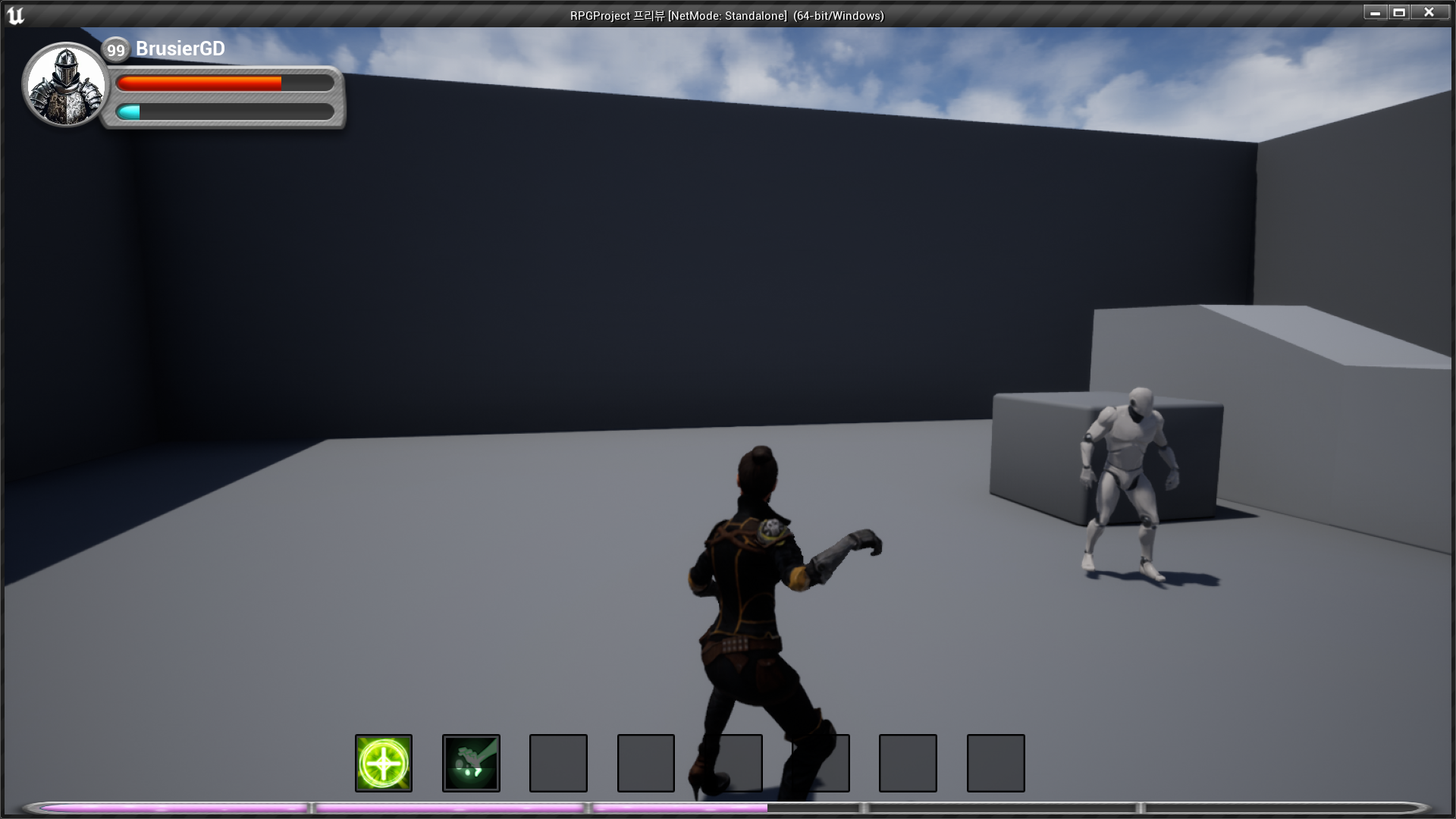
✅ Result
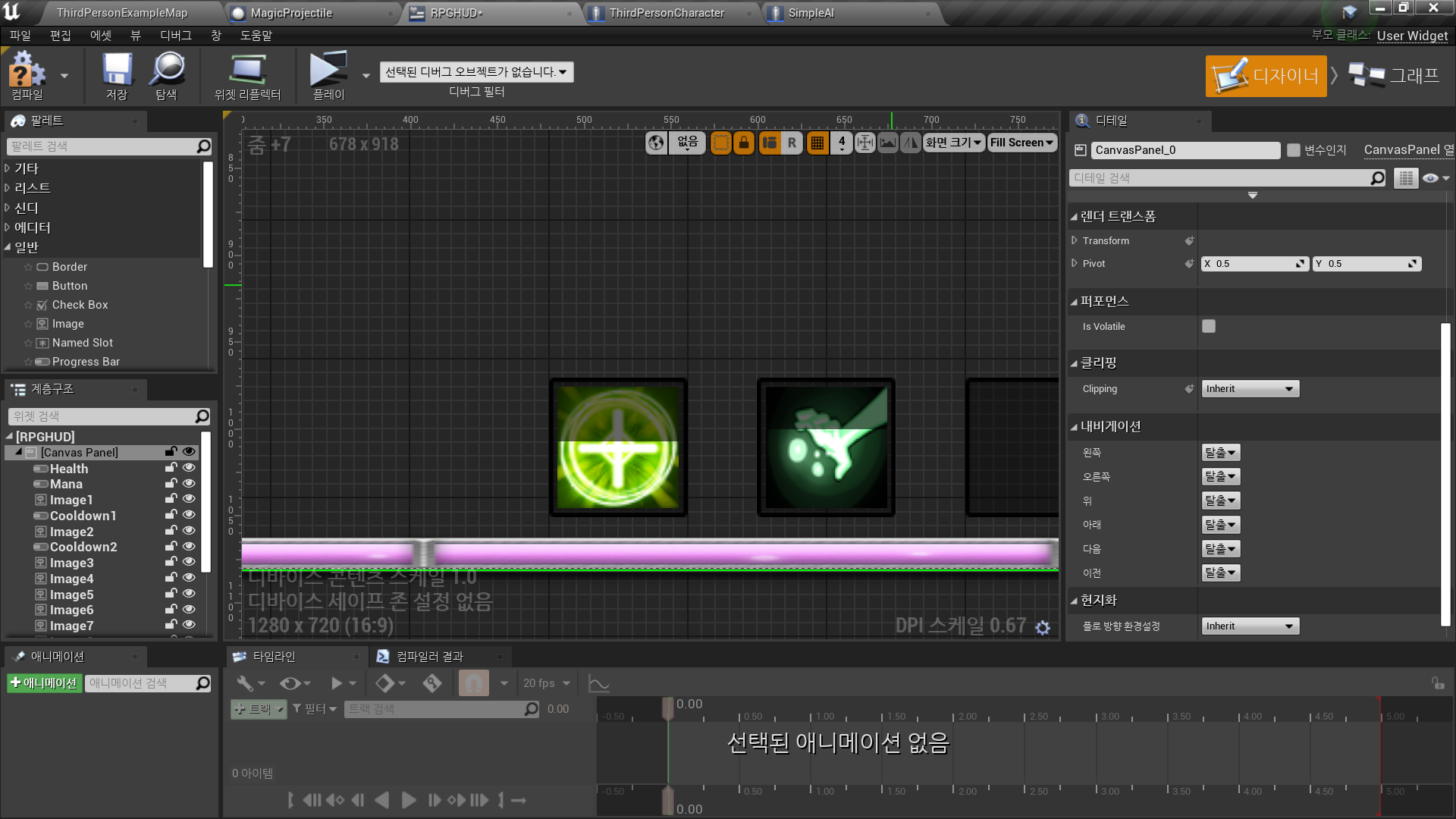
- Ability1 쿨다운 로직, 아이콘 표시
- Ability2 쿨다운 로직, 아이콘 표시

RPG 기획자 지망생