Today's Lesson: Jump Animations
Summary
1. We take a look at how we can setup a jump animation for both our characters within Unreal Engine 4.
2. We go over setting up the animation state along with the transitional rules to tell the engine when to go into the jumping state.
Virtus Learning Hub
✅ Jump Animation, Rule
◼️ 캐릭터가 점프 상태인지 체크하는 변수
In Animation Blueprint <Sword_AnimBP>
In Event Graph
- As Sword Charcter → Get Character Movement Component
- Character Movement → Is Falling
- New Variable: IsFalling
Type: Boolean, Default Value: False - Is Falling → Set IsFalling
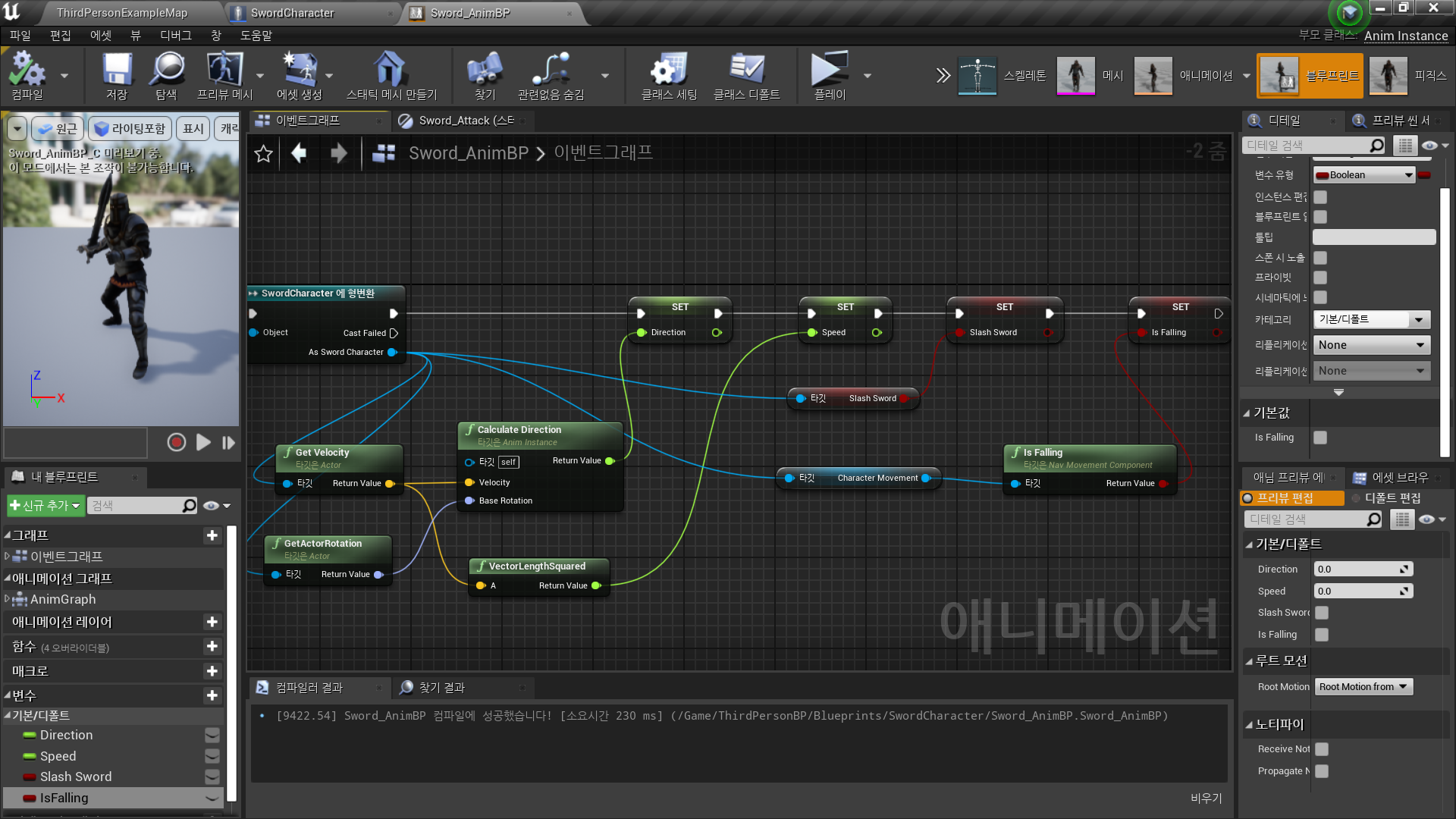
◼️ Jump State, Transition rule
In AnimGraph - State Machine
- New State: Jump
- Idle, Movement와 연결
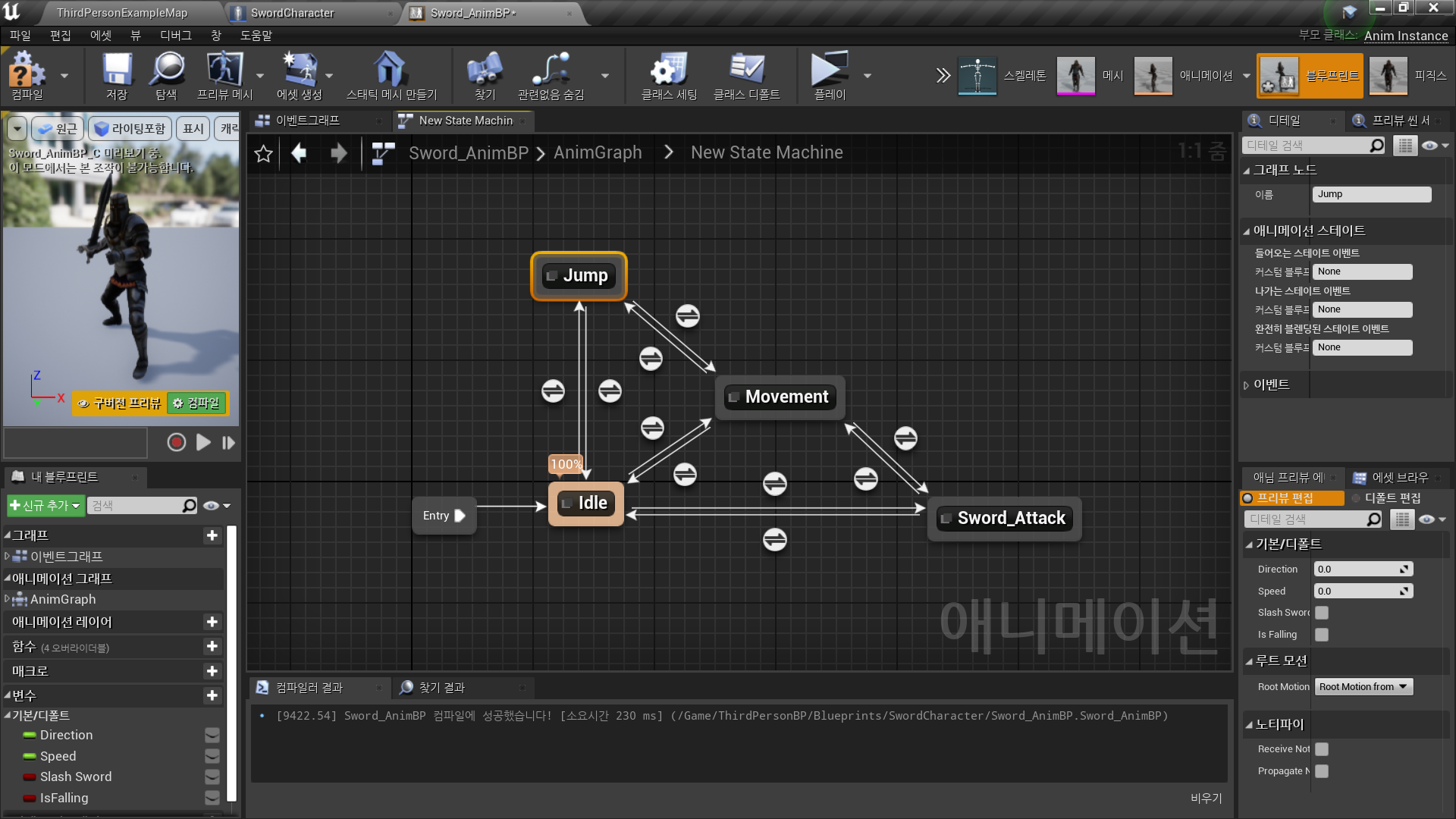
- Jump State - 애니메이션 결정
- Transition Rule
- Idle/Movement → Jump: IsFalling == True
- Jump → Idle/Movement: IsFalling == False
✅ Magic Character Jump
위의 내용과 동일
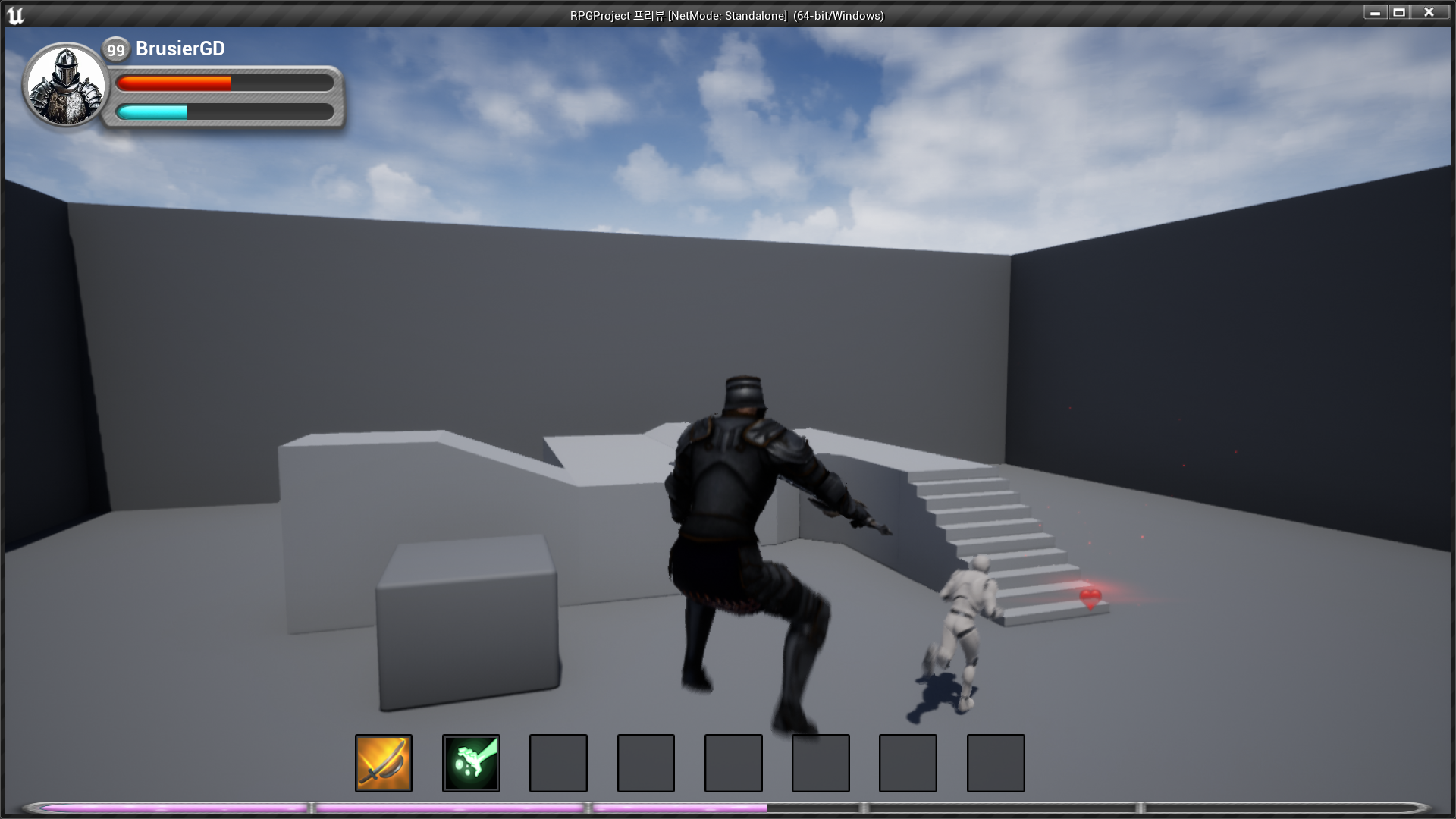
✅ Result
- Sword Character Jump
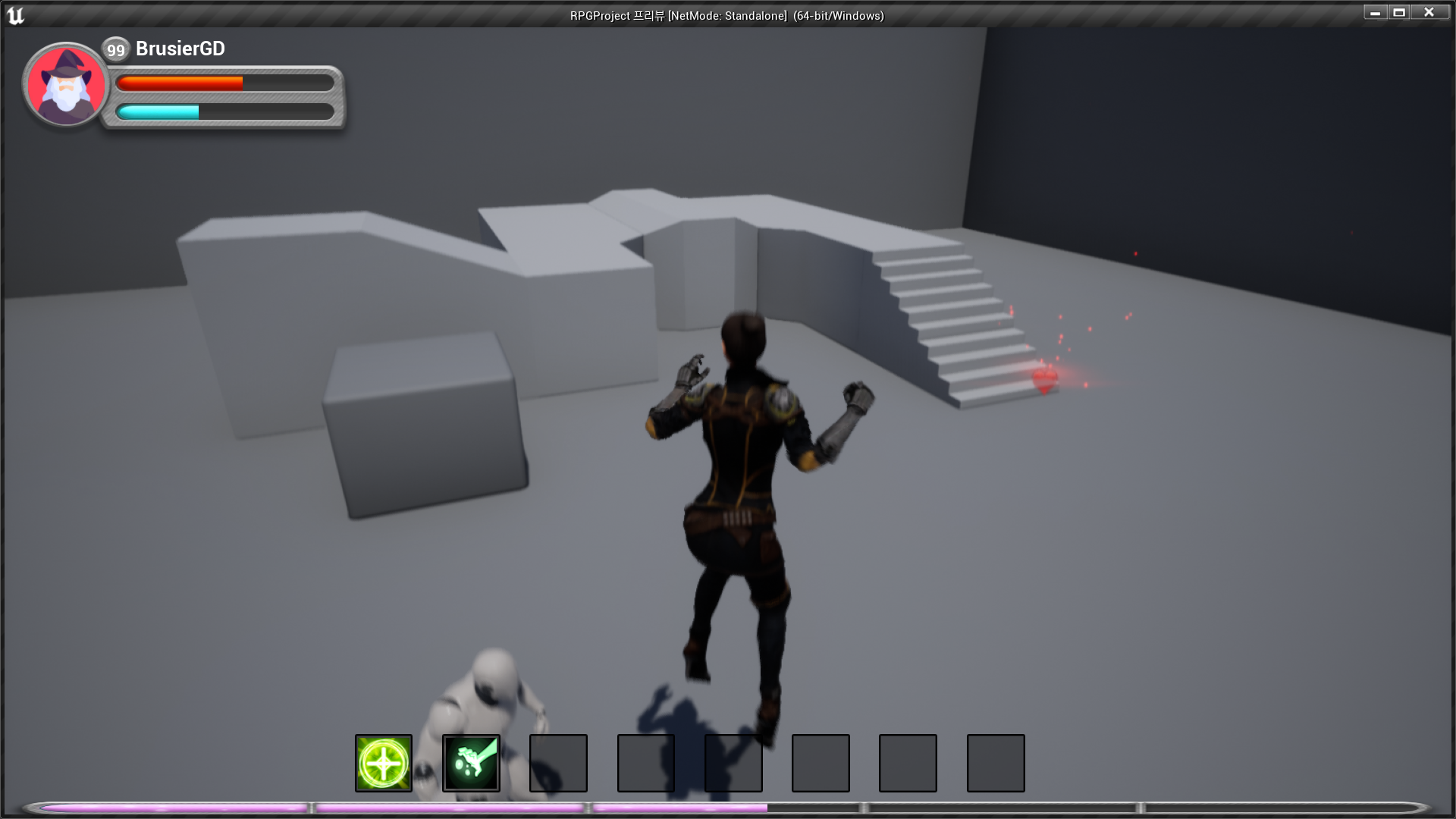
- Magic Character Jump

RPG 기획자 지망생