Bug Fix
Jump & Dodge 전환 오류
jump에서 dodge로 연결되는 오류나, dodge에서 jump로 연결되는 오류는 모두 연속적으로 입력값을 받았을 때 일어났다.
- dodge, jump 연속 입력 시
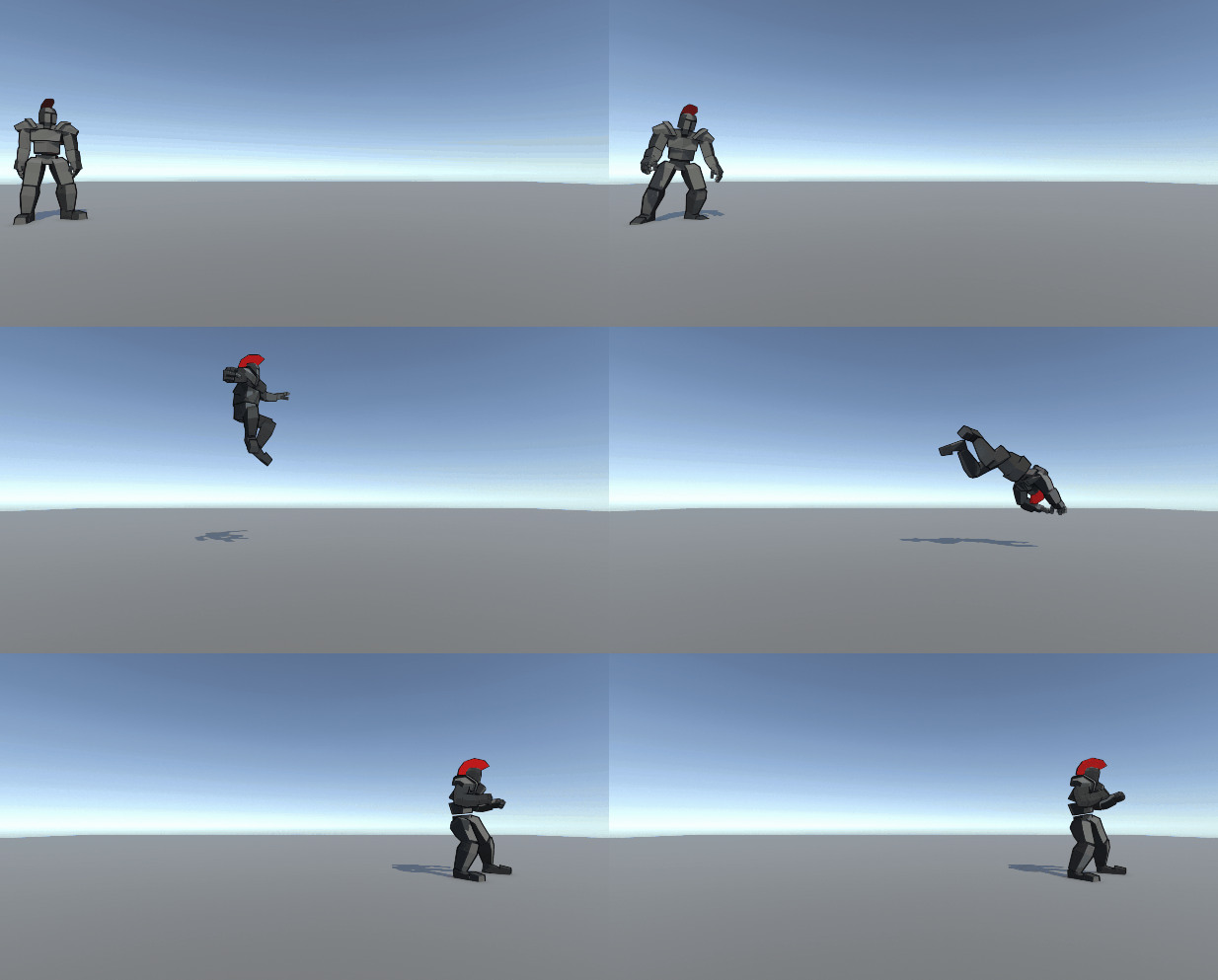
- jump, dodge 연속 입력 시
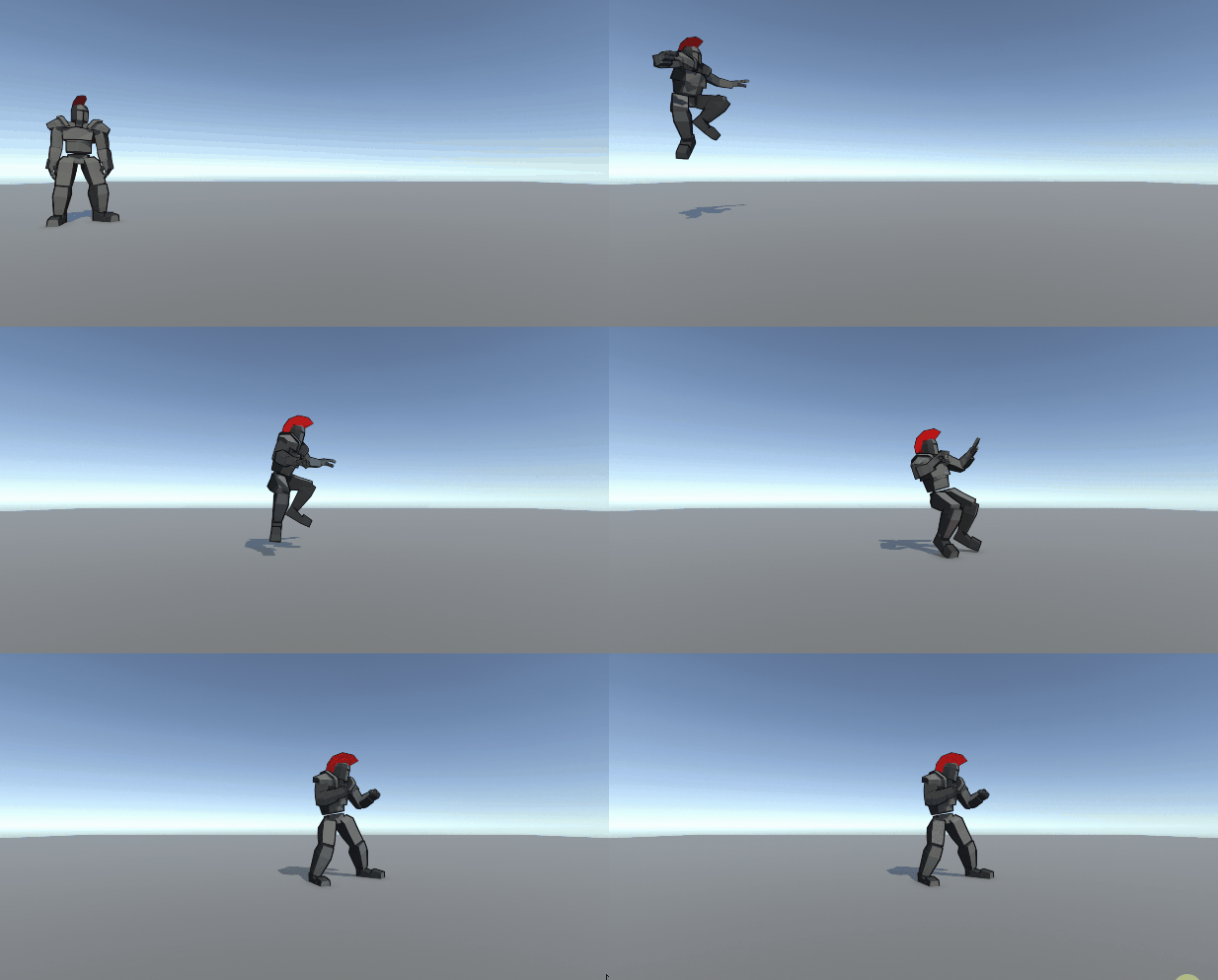
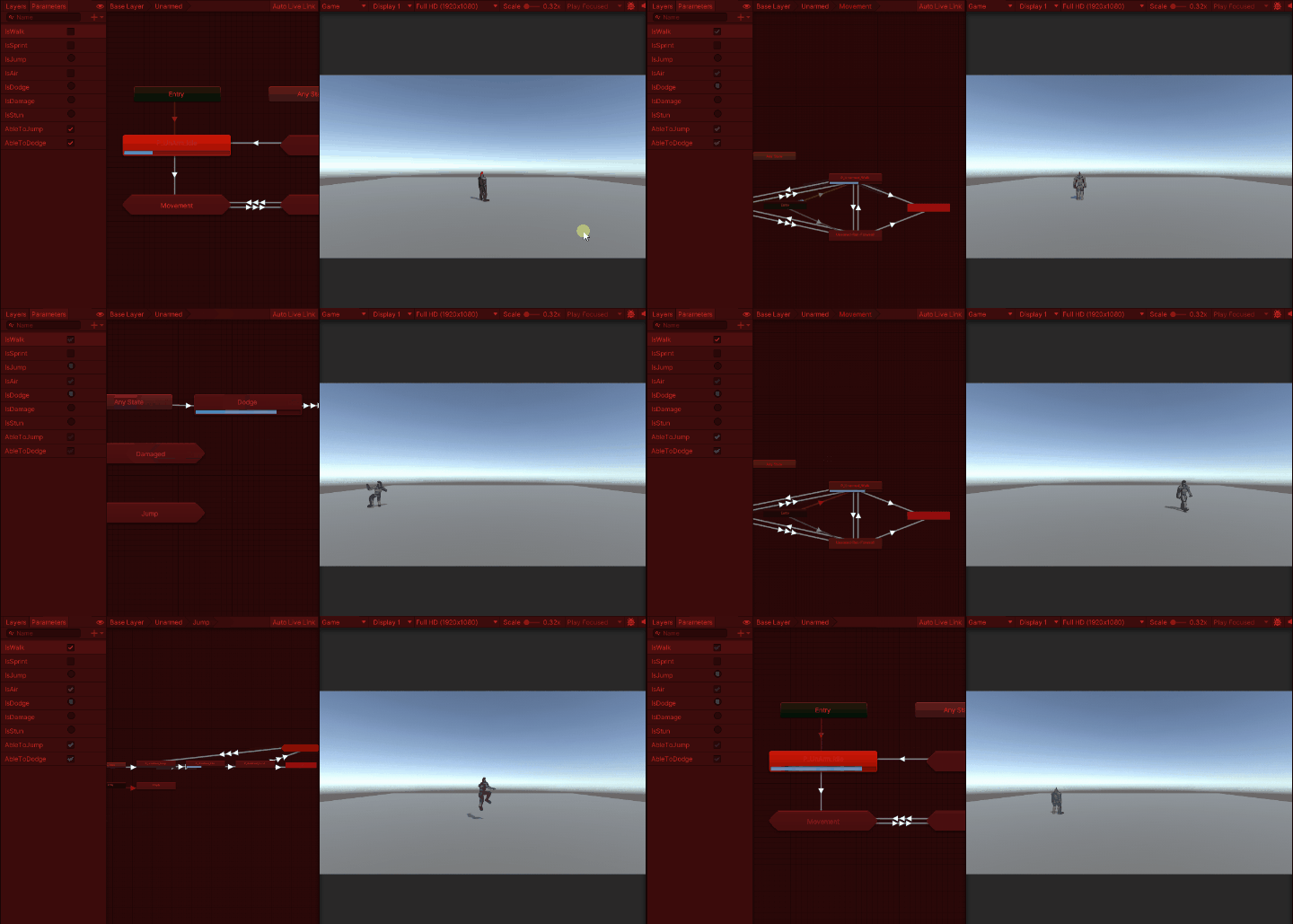
두 동작 모두 parameter 값을 trigger로 이용했고 anystate에서 바로 받을 수 있었다. 게다가 입력 값을 받자마자 trigger가 켜지는 구조였기 때문에, 연속적으로 입력 키를 받으면 trigger가 켜져서 중간에 다른 동작으로 들어가는 오류가 생겼던 것이다.
이전에 jump 혹은 dodge 실행 시, 다른 동작을 할 수 없도록 해당 animation을 재생하는지 감시할 메소드를 만들었었다.
public bool CheckAnimationPlaying(string animationClipName)
{
	if(_animator.GetCurrentAnimatorStateInfo(0).IsName(animationClipName))
    	return true;
    else return false;
}
위 메소드에서 받아온 bool 값을 통해서 animation이 재생되고 있는지 확인을 했었는데, 사실 위 메소드를 이용한 animation check는 매우 늦게 일어났다. (animation clip이 재생되는 중반부에서 확인이 되었다.)
결국에는 animation이 재생되고 있는 지, 즉 이 행동의 시작과 끝을 확인할 수 없어서 일어나는 문제였는데, 이 문제를 해결하기 위해서 dodge animation method의 구조와 dodge 혹은 jump를 가능 여부를 알려줄 수 있는 flag 변수를 만들어서 이를 해결하였다.
//player controller
_dodgeAction.started += context =>
{
    if (isAir || !_playerBehaviour.ableToDodge) return;

    isDodging = true;
    _playerBehaviour.StopCoroutine(_playerBehaviour.PlayerDodge(rollDirection));
    _playerBehaviour.StartCoroutine(_playerBehaviour.PlayerDodge(rollDirection));
};
_dodgeAction.canceled += context => isDodging = false;
//player dodge
public IEnumerator PlayerDodge(Vector3 lastMoveDirection)
{
// ableToDodge : 평소, 이동 중 혹은 회피 동작 이후 일정한 시간이 지났을 때 true가 됩니다.
// ableToDodge true일 경우에만 회피가 가능합니다.
if (_playerController.isDodging && ableToDodge)
{
_rigidbody.velocity = lastMoveDirection + transform.forward * dodgePower;
ableToJump = false;
ableToDodge = false;
}
yield return new WaitForSeconds(DELAYTIME);
if(!ableToJump && !ableToDodge)
{
ableToJump = true;
ableToDodge = true;
}
}위와 같이 ableToJump, ableToDodge를 만들어서 dodge 동작이 실행되는 중에는 false로 만들고 두 동작이 실행될 수 없도록 하였다.
NEWB!