
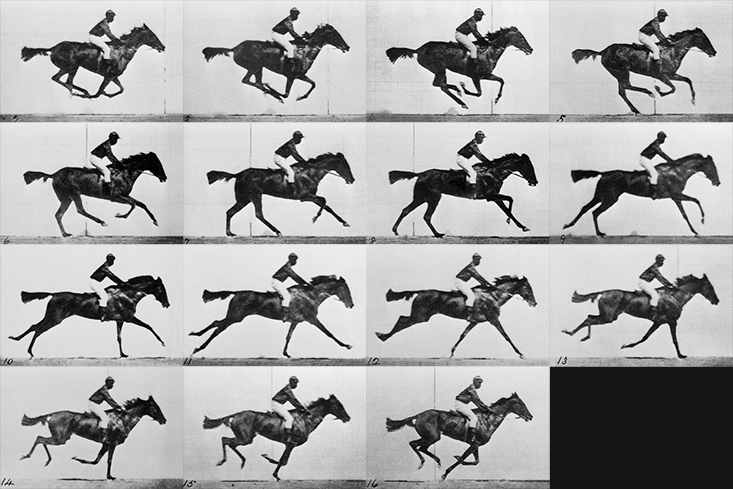
여러 이미지, 즉 프레임을 연속적으로 보여주면 마치 애니메이션을 보는 것과 같이 동작한다.
이러한 착각을 만들어 내기 위해 사용할 수 있는 메서드를 알아보자.
requestAnimationFrame
이 함수 자체가 애니메이션을 동작하게 하는 것이 아니다! 이 함수는 새로운 프레임을 불러올 때마다 다시 호출되고, 또 호출되고, 또 호출될 것임을 의미한다.
아래의 콘솔로그는 컴퓨터 사양에 따라 호출될 것이다. 60FPS의 컴퓨터에서는 초당 60번 호출된다.
// Animation
const tick = () => {
	console.log('tick')

	window.requestAnimationFrame(tick)
}

tick()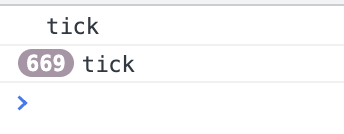
// Animation
const tick = () => {
	// Update objects
	mesh.rotation.y += 0.01

	// Render
	renderer.render(scene, camera)

	window.requestAnimationFrame(tick)
}

tick()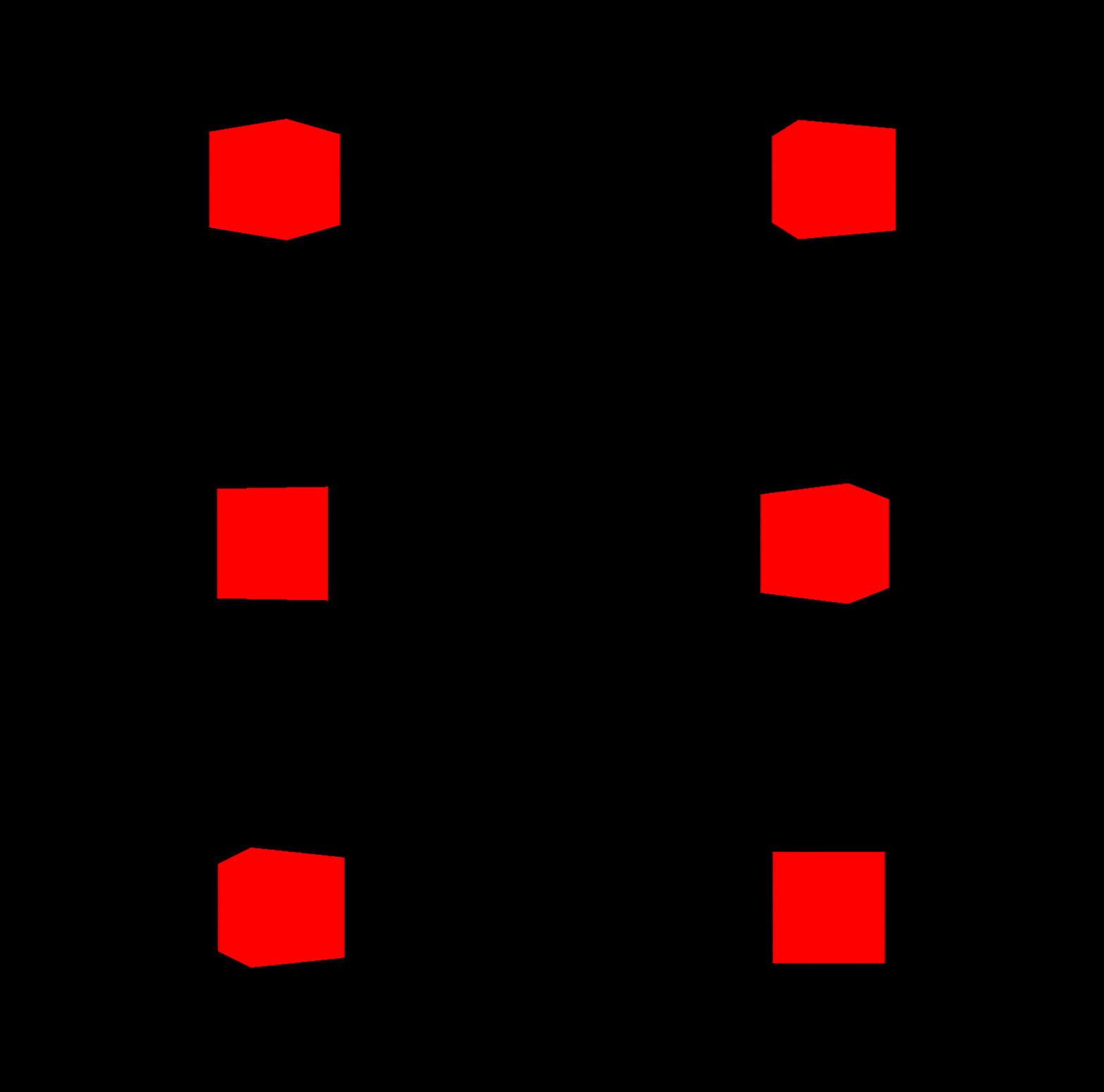
Clock
three.js 에서 제공하는 Clock 인스턴스를 사용하면 좀 더 정밀한 애니메이션 조정이 가능하다.
const clock = new THREE.Clock()

// Animation
const tick = () => {
	// Clock
	const elapsedTime = clock.getElapsedTime() // 1초에 1이 더해지는 속도로 증가한다.

	// Update objects
	mesh.rotation.y = elapsedTime // 1초당 rotation 값이 1이 증가한다.
	mesh.rotation.y = elapsedTime * Math.PI * 2 // 1초에 rotation이 360도

	// Render
	renderer.render(scene, camera)

	window.requestAnimationFrame(tick)
}

tick()
Position을 사용한 예제
수포자는 웁니다...
const clock = new THREE.Clock()

// Animation
const tick = () => {
	// Clock
	const elapsedTime = clock.getElapsedTime()

	// Update objects
	mesh.position.y = Math.sin(elapsedTime)
	mesh.position.x = Math.cos(elapsedTime)

	// Render
	renderer.render(scene, camera)

	window.requestAnimationFrame(tick)
}

tick()
마찬가지로 카메라 포지션, 앵글도 애니메이션을 적용할 수 있다.
const clock = new THREE.Clock()

// Animation
const tick = () => {
	// Clock
	const elapsedTime = clock.getElapsedTime()

	// Update objects
	camera.position.y = Math.sin(elapsedTime)
	camera.position.x = Math.cos(elapsedTime)
	camera.lookAt(mesh.position)

	// Render
	renderer.render(scene, camera)

	window.requestAnimationFrame(tick)
}

tick()
Gsap
animation에 유용한 서드파티 라이브러리
https://gsap.com/
사이트 넘 이쁘다.......................😮

🌙`、、`ヽ`ヽ`、、ヽヽ、`、ヽ`ヽ`ヽヽ` ヽ`、`ヽ`、ヽ``、ヽ`ヽ`、ヽヽ`ヽ、ヽ `ヽ、ヽヽ`ヽ`、``ヽ`ヽ、ヽ、ヽ`ヽ`ヽ 、ヽ`ヽ`ヽ、ヽ、ヽ`ヽ`ヽ 、ヽ、ヽ、ヽ``、ヽ`、ヽヽ 🚶♀ ヽ``ヽ``、ヽ`、