3강 ( 01:43:43 - 끝 )
학습내용
- html
<ul>
		<li>메뉴 1</li>
		<li>메뉴 2</li>
		<li>메뉴 3</li>
		<li>메뉴 4</li>
		<li>메뉴 5</li>
		<li>메뉴 6</li>
	</ul>
css
li:first-child {
	color: red;
}

li:last-child {
	color: blue;
}

li:nth-child(2) {
	color: gray;
}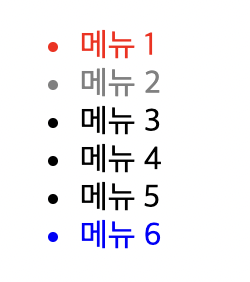
nth-child(2n+1) 홀수 번째
nth-child(2n) 짝수 번째 등 설정 가능
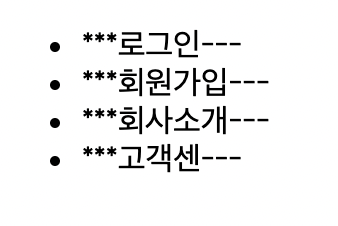
- html
<ul>
 		<li>로그인</li>
 		<li>회원가입</li>
 		<li>회사소개</li>
 		<li>고객센</li>
 	</ul>
css
li:before {
	content:  "***";
}

li:after {
	content: "---";
}
-
dothome 회원가입
도톰인줄 알았는데 닷홈
IP가 차단되어서 처음에 서버 연결이 안됬었는데 문의 남기니까 3분안에 답변을 해주셨다.
서버에 연결해서 내 데스크탑에 있는 파일을 업로드하고 결과를 확인함 -
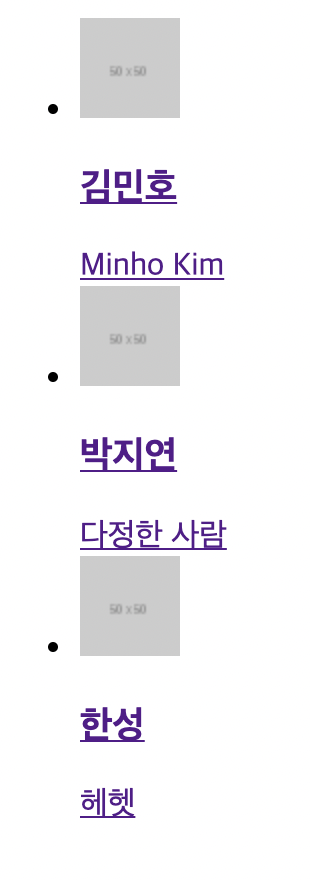
카톡 친구목록 만들기 2탄..
html
<!DOCTYPE html>
<html>
<head>

	<meta charset="utf-8">

	<link rel="stylesheet" type="text/css" href="css/style.css">
</head>
<body>

	<ul class="friends-lists">
		<li class="friends-list">
			<a href="#">
				<img src="https://via.placeholder.com/50" class="friend-thumbnail">
				<div class="friend-info">
					<h3 class="friend-name">김민호</h3>
					<span class="friend-intro">Minho Kim</span>
				</div>
			</a>
		</li>
	</ul>
</body>
</html>
이 코드로 똑같은 거 3개
어려웠던 부분
Q) a 태그로 넣으면 원래 파란글씨 밑줄 드간다는데 난 왜 보라색이고 마우스를 대면 빨간색으로 바뀌는건가요?...
border-radius: 50%; 하면 원형
css
.friends-lists {
	list-style: none;
}

.friends-lists .friends-list a{
	color: #000000;
	text-decoration: none;
}

.friends-lists .friends-list a .friend-thumbnail {
	border: solid 2px gray;
	border-radius: 20px;
}

.friends-lists .friends-list a .friend-info .friend-name {
	font-size:  20px;
	color: #000000;
}

.friends-lists .friends-list a .friend-info .friend-name {
	font-size: 15px;
	color: #c8c8c8;
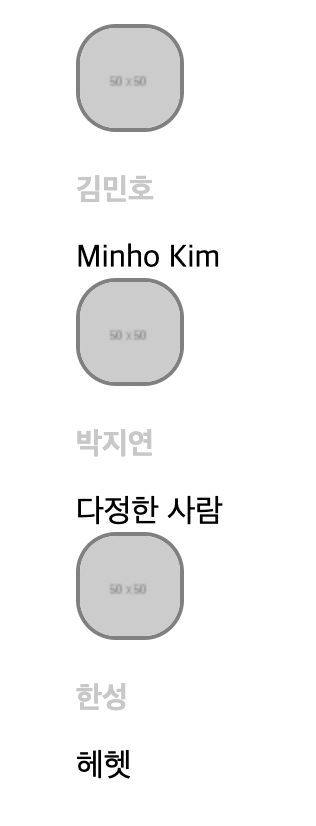
friends-lists 색상 #c8c8c8
강사님은 씨에잇 이라고 읽으셨다 . 회색은 c8c8c8
저기서 주석처리한 custom 추가
css
/* Custom */
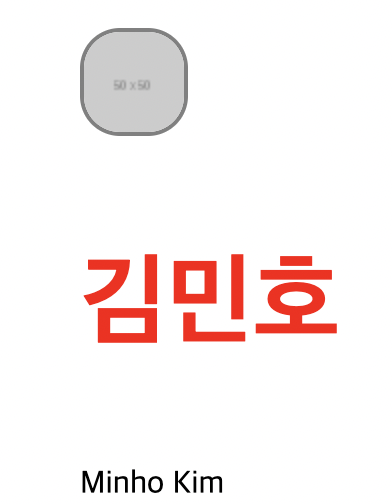
.friends-lists .friends-list a .friend-info .friend-name {
	font-size: 50px;
	color: red;
}
- naver
html
<!DOCTYPE html>
<html>
<head>
	<meta charset="utf-8">
</head>
<body>

	<ul class="living-lists">
		<li class="living-item">
			<a href="#">
				<img src="https://via.placeholder.com/170x114" class="living-thumbnail">
				<div class="living-info">
					<span class="type">리빙</span>
					<h3 class="title">30평대 아파트, 따뜻한 느낌의 침실</h3>
					<p class="paragraph">Nice to meet you Nice to meet you Nice to meet you Nice to meet you Nice to meet you Nice to meet you Nice to meet you Nice to meet you</p>
					<div class="date-wrap">
						<span class="source">유닠</span>
						<span class="date">3개월 전</span>
					</div>
				</div>
			</a>
		</li>

				<li class="living-item">
			<a href="#">
				<img src="https://via.placeholder.com/170x114" class="living-thumbnail">
				<div class="living-info">
					<span class="type">리빙</span>
					<h3 class="title">아이있는 집 주방 1년 간의 소소한 변화</h3>
					<p class="paragraph">Nice to meet you Nice to meet you Nice to meet you Nice to meet you Nice to meet you Nice to meet you Nice to meet you Nice to meet you</p>
					<div class="date-wrap">
						<span class="source">miju</span>
						<span class="date">1개월 전</span>
					</div>
				</div>
			</a>
		</li>
	</ul>
</body>
</html>
class 설정 해주기
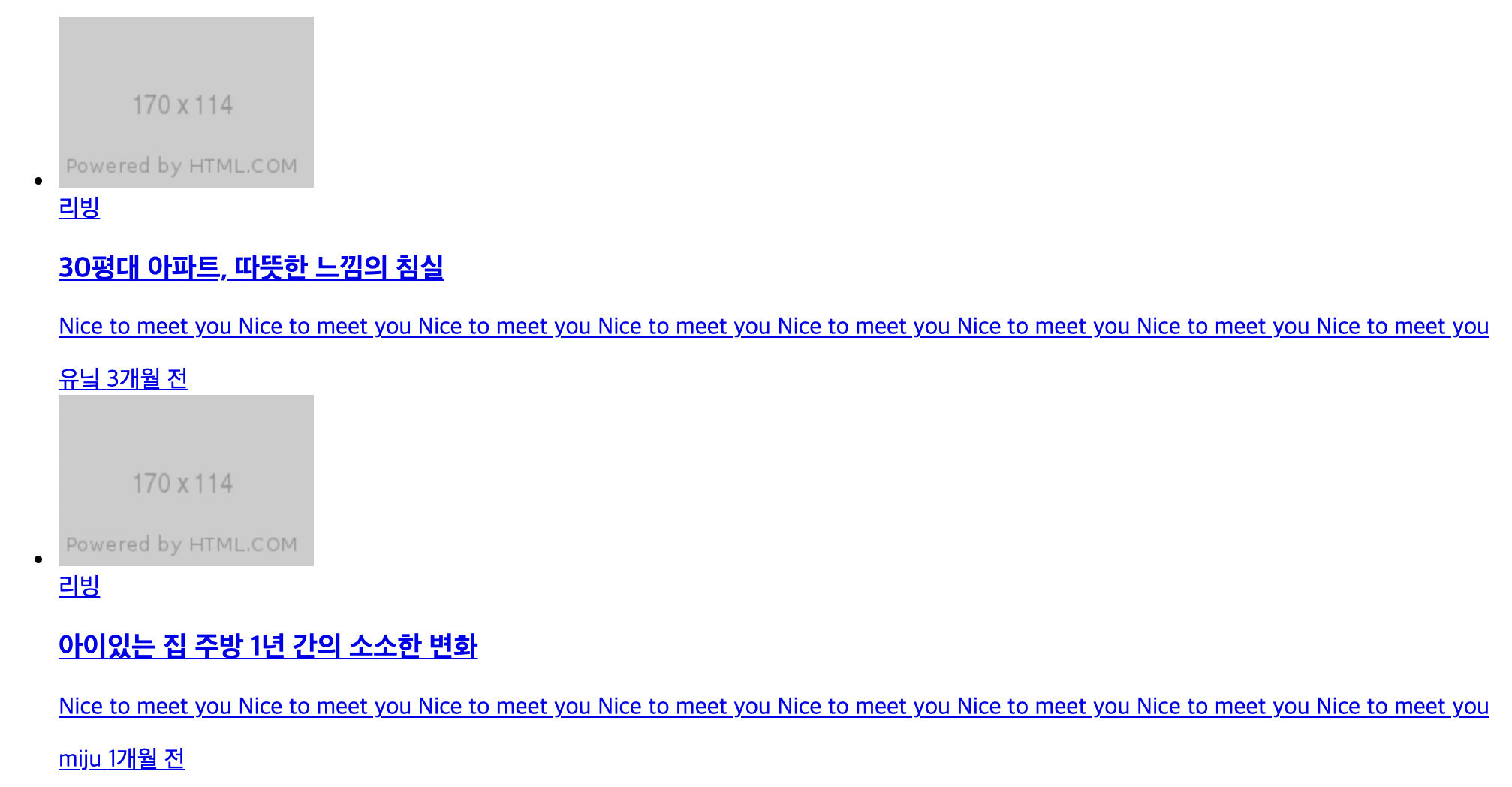
css
.living-lists {
	list-style: none;
}

.living-lists .living-item a {
	color:  #000000;
	text-decoration:  none;
}

.living-lists .living-item .living-info .type {
	color: #c08d31;
	font-weight: 700;
	font-size: 12px;
}

.living-lists .living-item .living-info .title {
	font-size: 13px;
	color: #000000;
}

.living-lists .living-item .living-info .paragraph {
	font-size: 13px;
	color: #404040;
	line-height: 20px;
}

.living-lists .living-item .living-info .date-wrap .source,
.living-lists .living-item .living-info .date-wrap .date {
	font-size: 12px;
	color: #505050;
}

.living-lists .living-item .living-info .date-wrap .date {
	color: gray;
}
line-height: 자간 상하 간격
해결방법
A)css코드를 작성하면서 중간 중간 저장하고 실행해보았는데 강사님 결과 화면이랑 너어무 달랐다. 아까랑 똑같이 보라색 글씨에 커서를 대면 빨간색 ㅠㅠ 혼자 해결해보려고 강의도 다시 들었는데 css style 파일을 css 폴더에 넣었더니 바로 해결됨
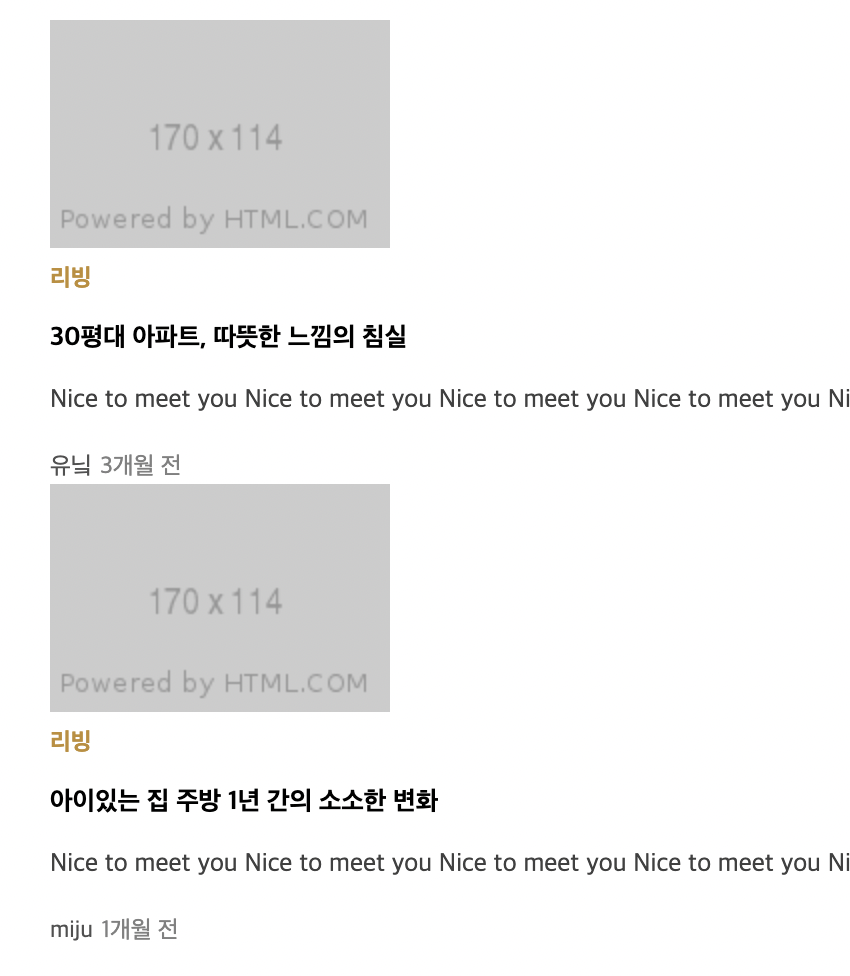
css
.living-lists .living-item .living-info .date-wrap .date:before {
	content: '-';
}

.living-lists .living-item:hover {
	background-color: pink;
}

.living-lists .living-item a:hover .living-info .title {
	text-decoration: underline;
}
가상선택자 기호 넣기(o개월 전 앞 '-')
image에 커서 놓을 시 제목 밑줄
기사에 커서 놓을 시 배경 색 변경
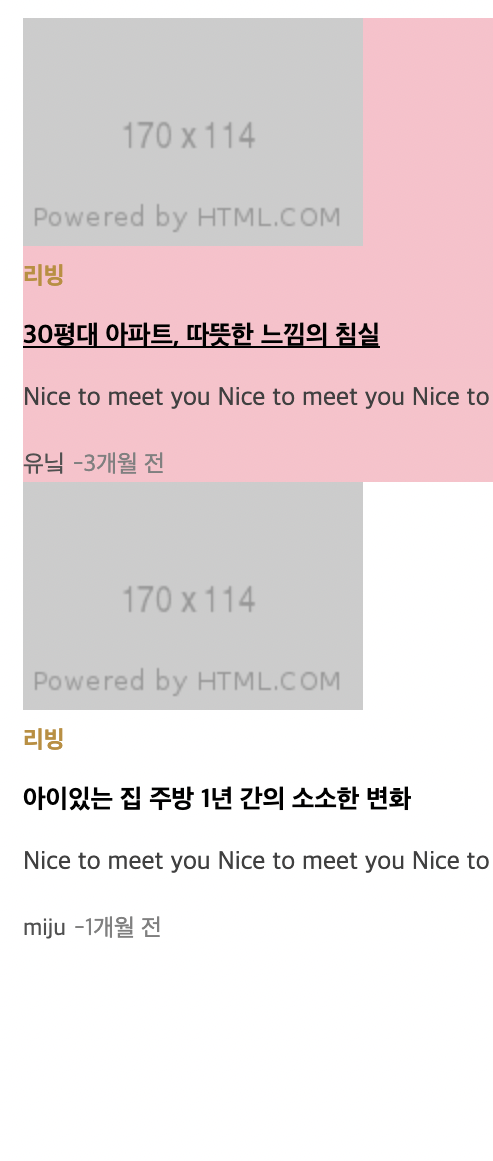
자꾸 새로 입력하는 css 코드가 적용이 안되서 막혔는데 처음부터 css 파일을 naver 폴더 안에 저장경로를 설정해서 새로운 코드는 아까처럼 적용이 안됬던 것이다.... 저장 경로를 바꿔주고 다 해결했다!
소감
오늘은 가상선택자에 대해 배웠는데 크게 어려운 부분은 없었다.
어제는 5시 한참 지나서 끝냈는데 오늘은 조금 일찍 끝낸만큼 이번주 동안 배운 내용을 복습해야겠다. dothome에 가입을 했는데 금방 해결할 수 있어서 다행이었고, 다른 사람들이 질문한 내용도 도움이 되는 부분이 있어서 다시 살펴보아야겠다.