Course
Store, Process, and Manage Data on Google Cloud - Command Line
Lab
목록
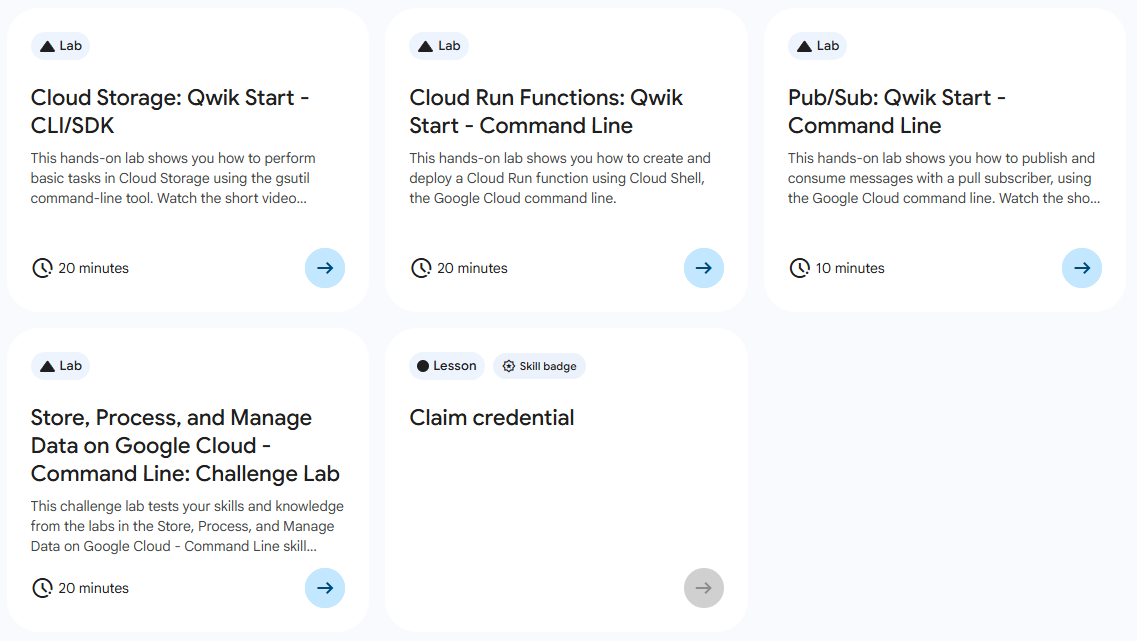
- Cloud Storage: Qwik Start - CLI/SDk
- Cloud Run Functions: Qwik Start - Command Line ⬅️ 오늘의 Lab!
- Pub/Sub: Qwik Start - Command Line
- Store, Process, and Manage Data on Google Cloud - Command Line: Challenge Lab
🌠 Cloud Run Functions: Qwik Start - Command Line
개요
지난 번엔 Console 창에서 진행했던 실습을 이번엔 Command Line을 사용해서 해보자!
실습 과정
1. 함수 만들기
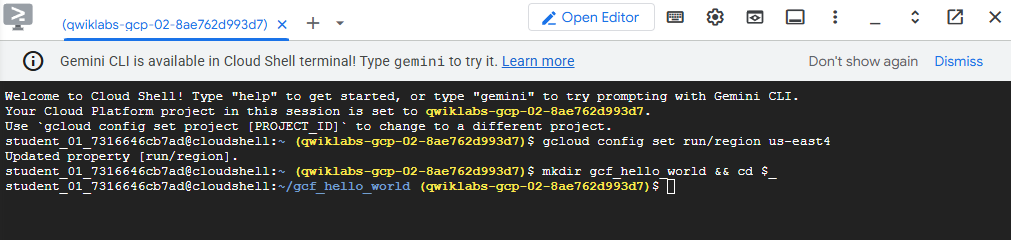
(1) 기본 Region 설정
gcloud config set run/region REGION(2) 함수 코드용 디렉터리 생성
mkdir gcf_hello_world && cd $_(3) index.js 파일 수정
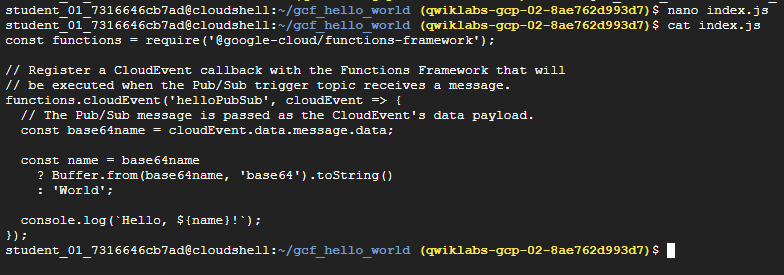
# index.js 파일 생성
nano index.js

# index.js 파일 수정
const functions = require('@google-cloud/functions-framework');

// Register a CloudEvent callback with the Functions Framework that will
// be executed when the Pub/Sub trigger topic receives a message.
functions.cloudEvent('helloPubSub', cloudEvent => {
  // The Pub/Sub message is passed as the CloudEvent's data payload.
  const base64name = cloudEvent.data.message.data;

  const name = base64name
    ? Buffer.from(base64name, 'base64').toString()
    : 'World';

  console.log(`Hello, ${name}!`);
});
(4) package.json 파일 수정
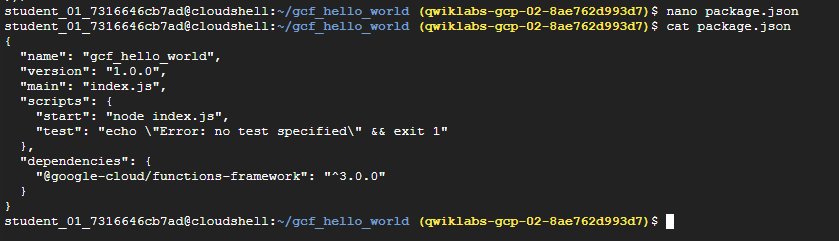
# package.json 파일 생성
nano package.json

# package.json 파일 수정
{
  "name": "gcf_hello_world",
  "version": "1.0.0",
  "main": "index.js",
  "scripts": {
    "start": "node index.js",
    "test": "echo \"Error: no test specified\" && exit 1"
  },
  "dependencies": {
    "@google-cloud/functions-framework": "^3.0.0"
  }
}
(5) 패키지 설치
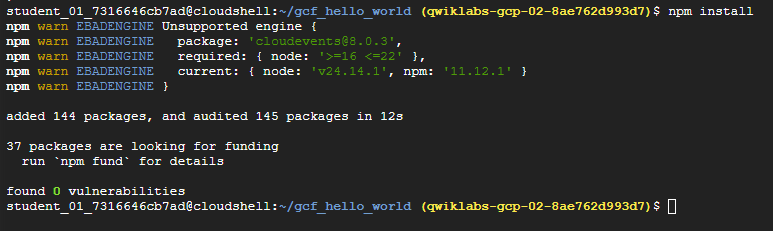
npm install2. 함수 배포하기
참고
이 실습에서는
--trigger-topic을cf_demo로 실행한다!
(1) 배포하기
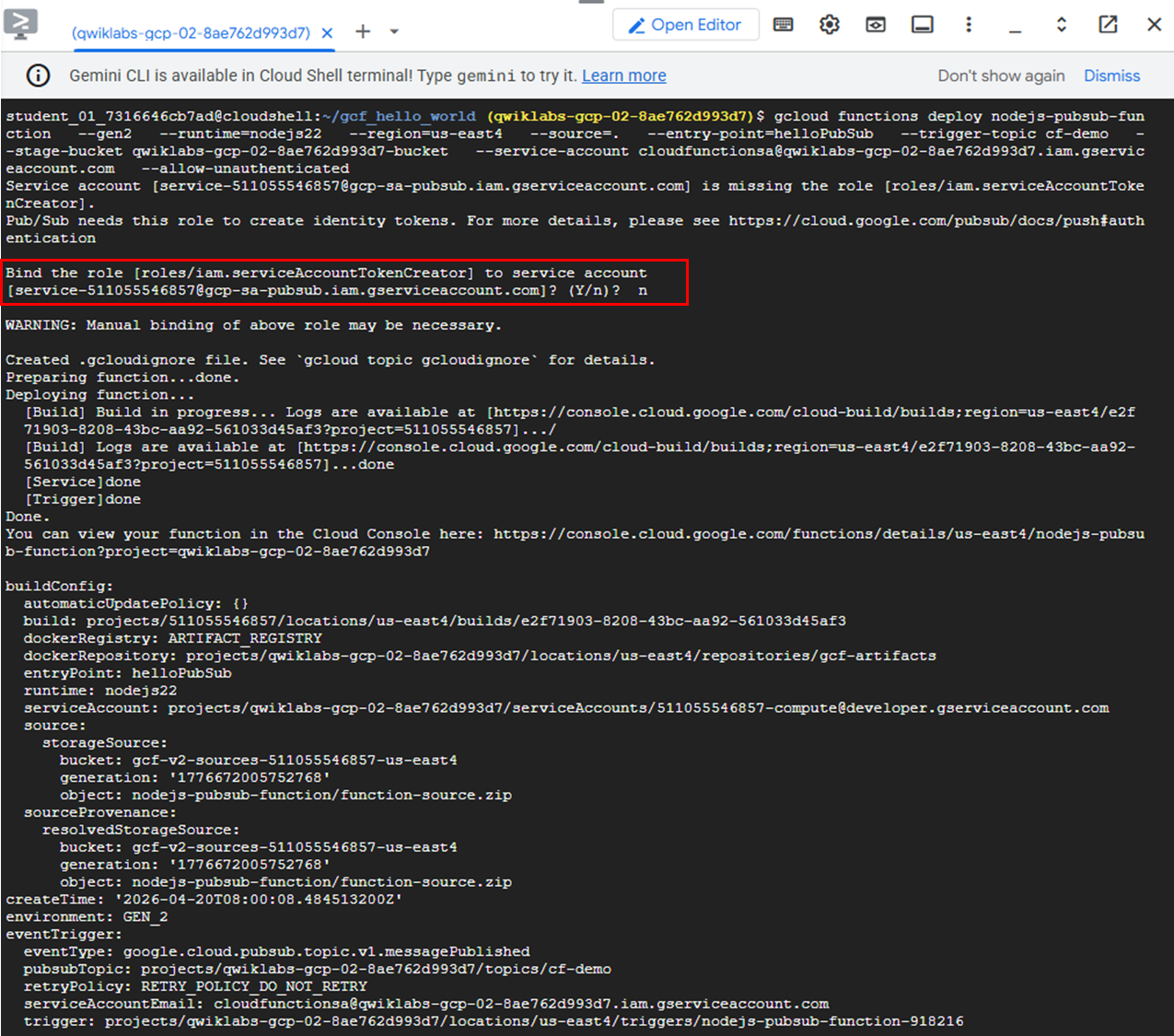
gcloud functions deploy nodejs-pubsub-function \
  --gen2 \
  --runtime=nodejs_version \
  --region=REGION \
  --source=. \
  --entry-point=helloPubSub \
  --trigger-topic cf-demo \
  --stage-bucket PROJECT_ID-bucket \
  --service-account cloudfunctionsa@PROJECT_ID.iam.gserviceaccount.com \
  --allow-unauthenticated
➡️ nodejs-pubsub-function 함수를 cf-demo라는 이름의 Pub/Sub 주제에 배포한다.
➡️ 서비스 계정 serviceAccountTokenCreator 알림이 표시되면 n 선택
참고⏰
해당 과정에서는 몇 분의 시간이 소요됩니다.

(2) 함수 상태 확인
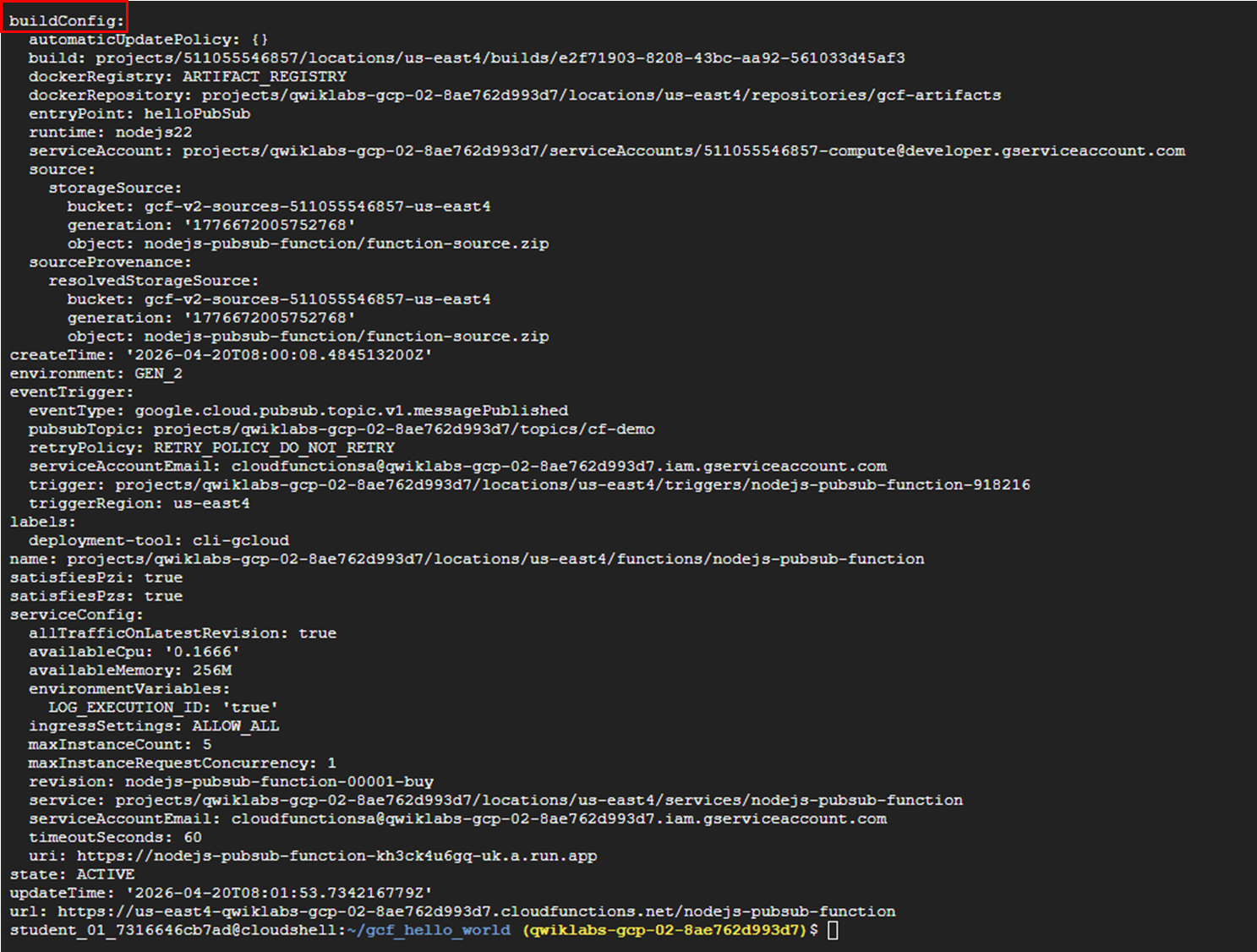
gcloud functions describe nodejs-pubsub-function --region=REGION ➡️ 활성 상태임을 확인
3. 함수 테스트하기
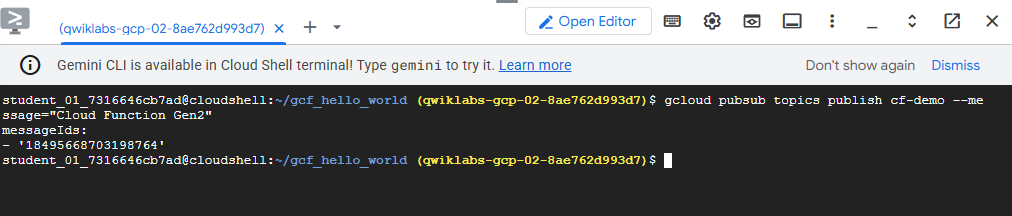
gcloud pubsub topics publish cf-demo --message="Cloud Function Gen2"➡️ 함수가 이벤트를 감지한 후 클라우드 로그에 메시지를 기록하는지 테스트
➡️ 실행ID의 로그 메시지가 있는 지 확인한다.
4. 로그 보기
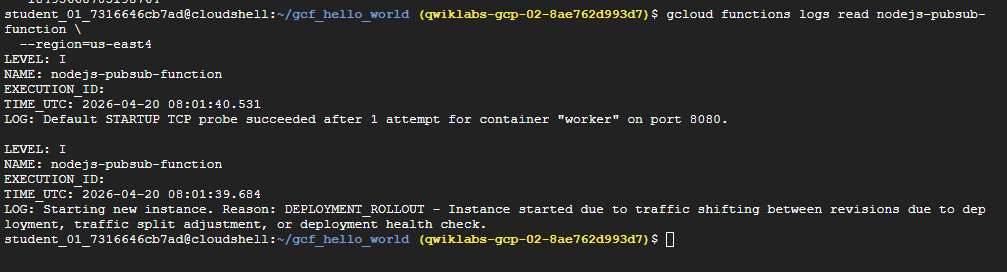
gcloud functions logs read nodejs-pubsub-function --region=REGION 
새싹 개발자