https://www.youtube.com/playlist?list=PLoc4bSmQajN-2N7BXdf2M7TaZ9EyZJRBa
위 영상을 따라 설치를 진행했습니다.
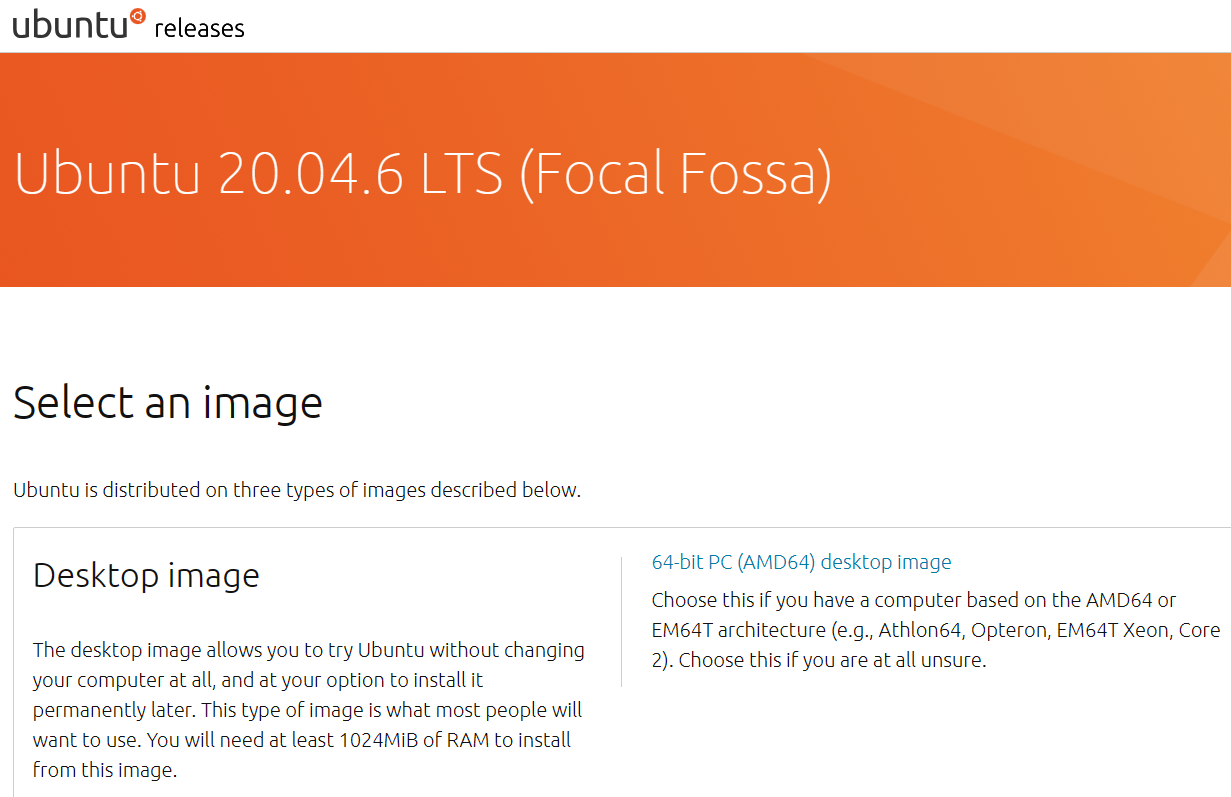
ubuntu 20.04 이미지 파일 다운로드
https://releases.ubuntu.com/focal/
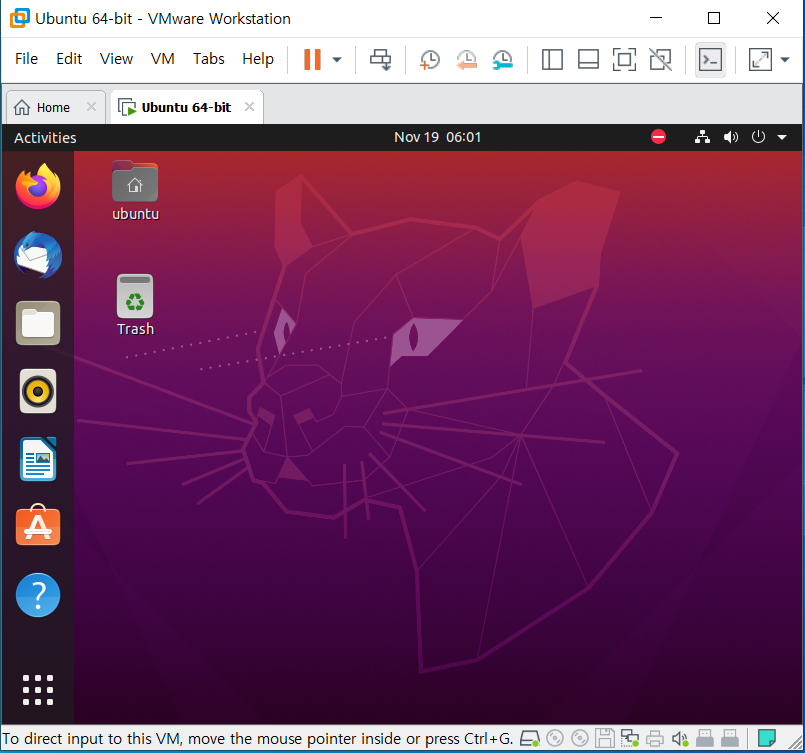
vmware에 ubuntu 설치
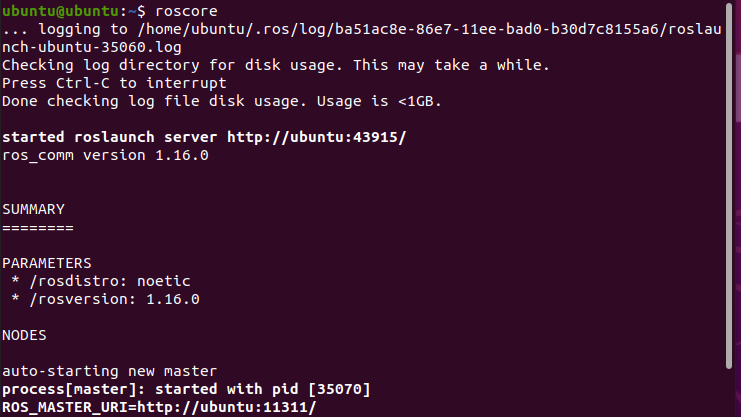
ubuntu에 ros 설치
http://wiki.ros.org/noetic/Installation/Ubuntu
설치 후 roscore 로 확인합니다.
Chrome 설치
.deb 파일로 다운받아 sudo dpkg -i 파일명 으로 설치

qtcreater ros 설치
https://ros-qtc-plugin.readthedocs.io/en/latest/_source/How-to-Install-Users.html
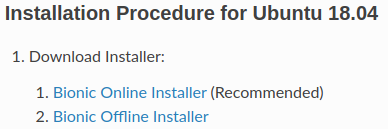
offline Installer 설치

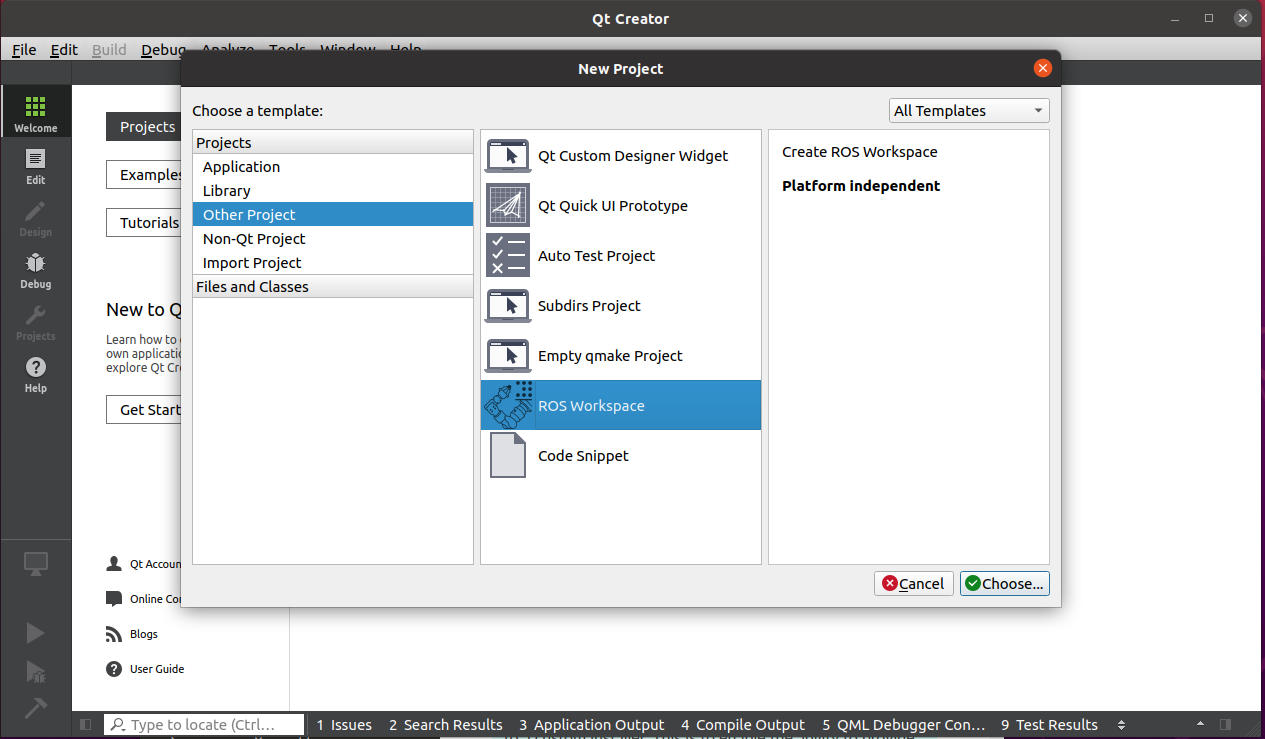
New Project에 ROS Workspace가 있는지 확인
terminator 설치

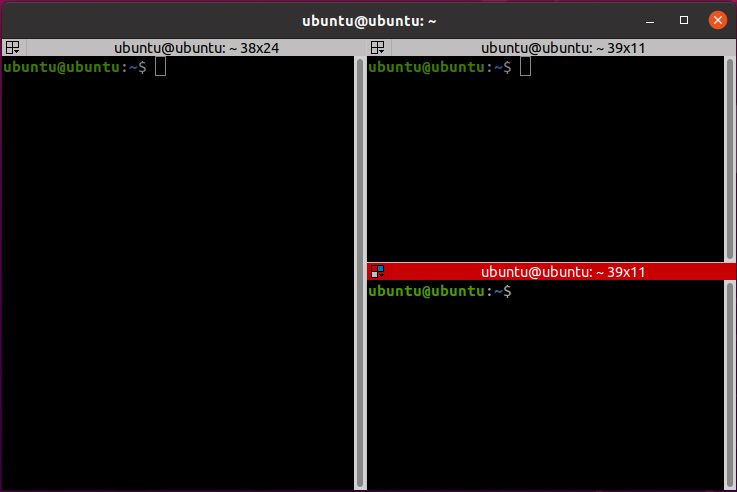
- Ctrl+Shift+(E or O) : 화면 분할
- Ctrl+Shift+W : 터미널 창 닫기
- Alt+방향키 : 터미널 창 이동

Let's take the lead