(Jetson Project#17)Configuring Autonomous Mapping
Developing Self Driving with Jetson Nano
8.4. Configuring Autonomous Mapping
To map the entire space, we'll enable the robot to autonomously navigate while building the map.
8.4.1. Create a Simple Exploration Node
We'll create a node that commands the robot to move in a predefined pattern or random walk for mapping.
- Create a New ROS Package for Exploration:
cd ~/catkin_ws/src
catkin_create_pkg exploration rospy std_msgs geometry_msgs- Create the exploration_node.py Script:
mkdir -p ~/catkin_ws/src/exploration/scripts
cd ~/catkin_ws/src/exploration/scripts
nano exploration_node.py- Add the Following Content:
#!/usr/bin/env python3
import rospy
import random
from std_msgs.msg import String
from sensor_msgs.msg import LaserScan

class ExplorationNode:
    def __init__(self):
        rospy.init_node('exploration_node', anonymous=True)
        self.cmd_pub = rospy.Publisher('/motor_command', String, queue_size=10)
        rospy.Subscriber('/scan', LaserScan, self.scan_callback)
        self.rate = rospy.Rate(1)  # 1 Hz
        self.obstacle_distance = 0.5  # meters

    def scan_callback(self, data):
        # Check for obstacles directly ahead
        min_distance = min(min(data.ranges[0:10]), min(data.ranges[-10:]))
        if min_distance < self.obstacle_distance:
            self.cmd_pub.publish('S')
            self.avoid_obstacle()
        else:
            self.cmd_pub.publish('F')

    def avoid_obstacle(self):
        # Stop and choose a random direction to turn
        self.cmd_pub.publish('S')
        rospy.sleep(1)
        turn_direction = random.choice(['L', 'R'])
        self.cmd_pub.publish(turn_direction)
        rospy.sleep(1)
        self.cmd_pub.publish('F')

    def run(self):
        while not rospy.is_shutdown():
            self.rate.sleep()

if __name__ == '__main__':
    try:
        node = ExplorationNode()
        node.run()
    except rospy.ROSInterruptException:
        pass
Explanation:
- The node continuously publishes forward commands.
- If an obstacle is detected within 0.5 meters, the robot stops, randomly turns left or right, and continues moving forward.
- This simple behavior allows the robot to explore the environment and build a map.
- Make the Script Executable:
chmod +x exploration_node.py- Update package.xml and CMakeLists.txt:
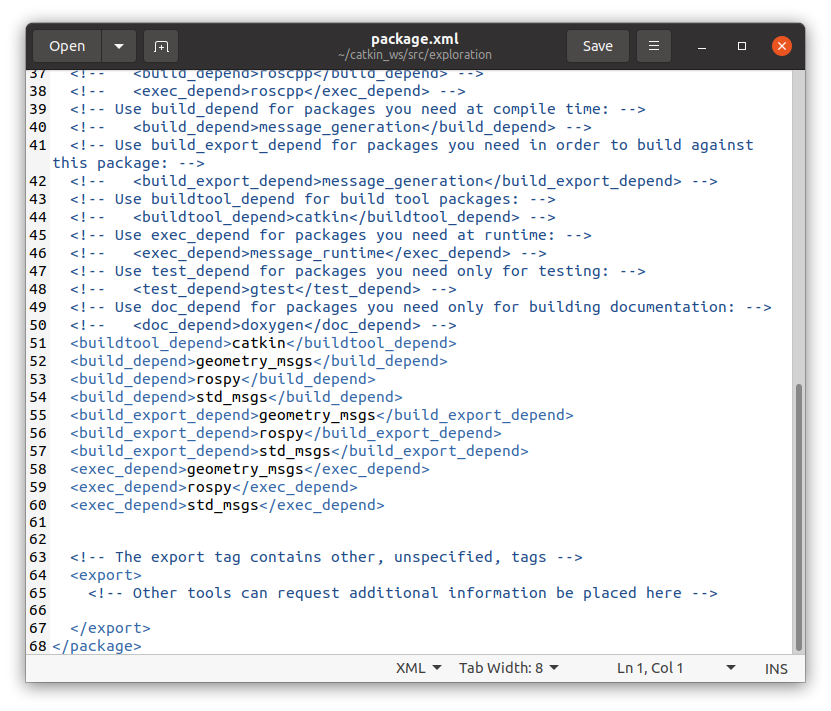
- package.xml:
<build_depend>rospy</build_depend>
<build_depend>std_msgs</build_depend>
<build_depend>geometry_msgs</build_depend>
<exec_depend>rospy</exec_depend>
<exec_depend>std_msgs</exec_depend>
<exec_depend>geometry_msgs</exec_depend>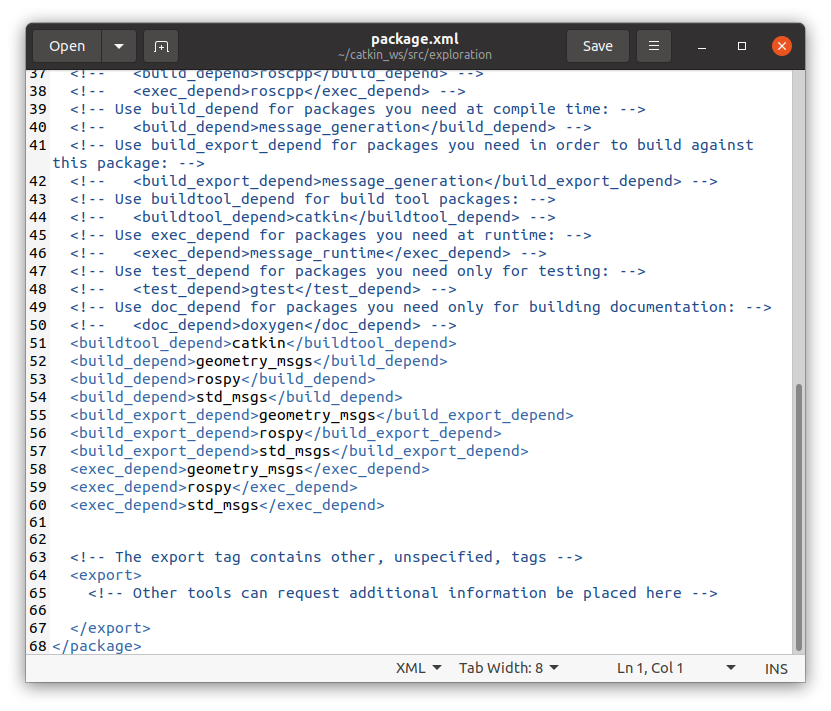
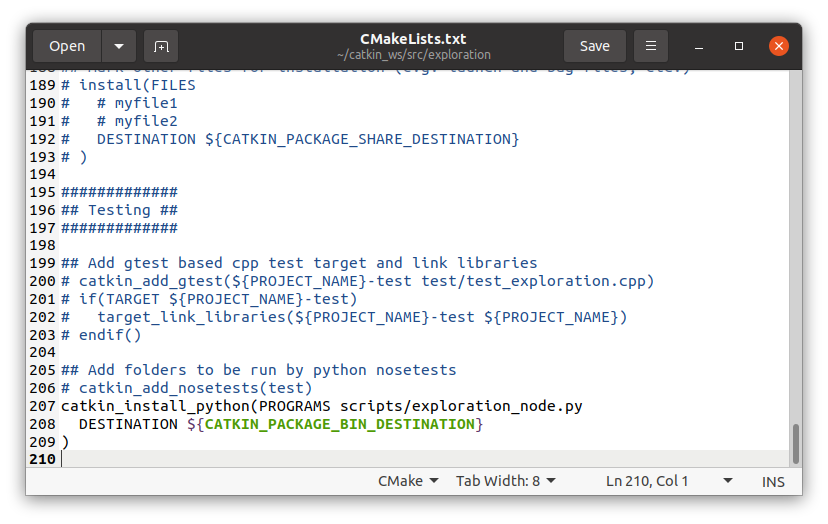
- CMakeLists.txt:
catkin_install_python(PROGRAMS scripts/exploration_node.py
  DESTINATION ${CATKIN_PACKAGE_BIN_DESTINATION}
)
- Build the Package:
cd ~/catkin_ws
catkin_make
source devel/setup.bash- Create a Launch File for the Exploration Node:
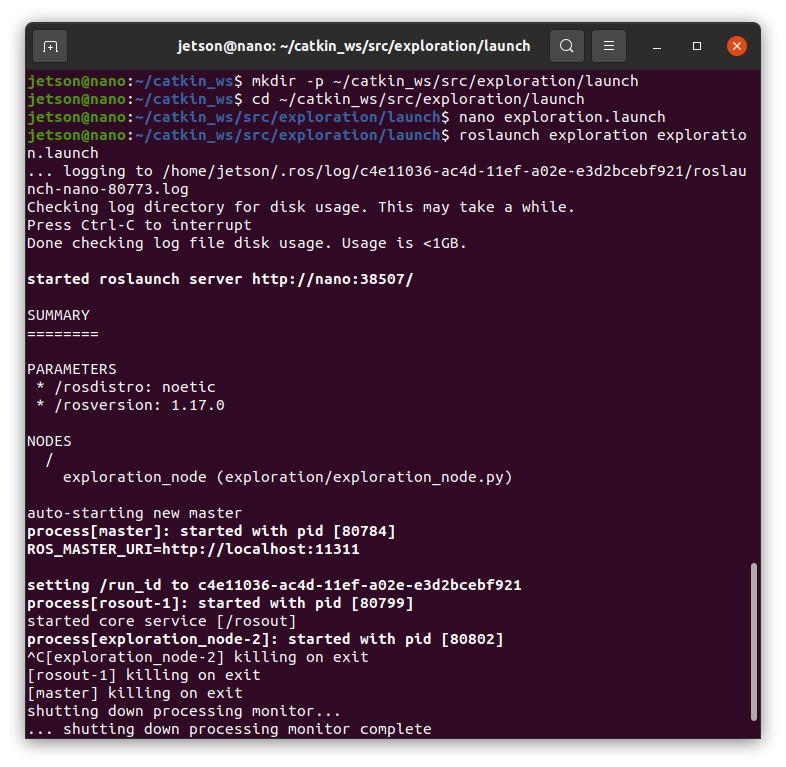
mkdir -p ~/catkin_ws/src/exploration/launch
cd ~/catkin_ws/src/exploration/launch
nano exploration.launch- Add the Following Content:
<launch>
  <node name="exploration_node" pkg="exploration" type="exploration_node.py" output="screen"/>
</launch>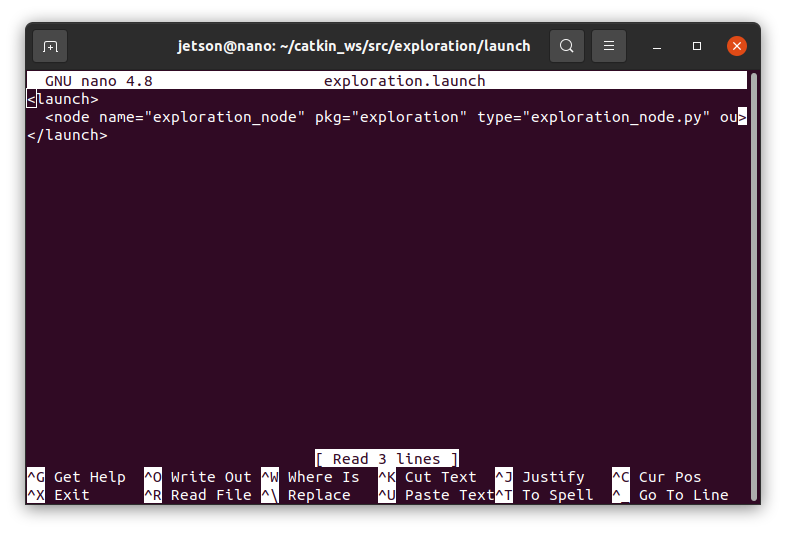
- Launch the Exploration Node:
roslaunch exploration exploration.launch
8.4.2. Adjusting Obstacle Avoidance
Since the exploration node is now controlling the robot, you might need to adjust or disable the previous obstacle avoidance node to prevent conflicts.
-
Option 1: Modify the obstacle avoidance node to work in conjunction with the exploration node.
-
Option 2: Disable the obstacle avoidance node while the exploration node is running.
8.5. Automatically Saving the Map
The map_saver node in the Hector SLAM launch file saves the map when the node shuts down.
-
The map is saved to "~/hector_map.pgm" and "~/hector_map.yaml".
-
Ensure that the "map_saver" node is properly configured in your "hector_slam_custom.launch" file.