(Jetson Project#18)Autonomous Navigation Using the Saved Map(delete)
Developing Self Driving with Jetson Nano
Part 9: Autonomous Navigation Using the Saved Map
Now that you have a map of the environment, we'll set up the robot to autonomously navigate within it using the ROS Navigation Stack.
9.1. Configuring the Navigation Stack
We'll use the saved map and set up the necessary nodes for localization and navigation.
9.1.1. Create a Navigation Package
- Navigate to Your Catkin Workspace's Source Directory:
cd ~/catkin_ws/src
- Create the Package:
catkin_create_pkg navigation_launch rospy std_msgs sensor_msgs geometry_msgs tf9.1.2. Create the Navigation Launch File
- Create the navigation.launch File:
mkdir -p ~/catkin_ws/src/navigation_launch/launch
cd ~/catkin_ws/src/navigation_launch/launch
nano navigation.launch- Add the Following Content:
<launch>
  <!-- Map Server -->
  <node name="map_server" pkg="map_server" type="map_server" args="~/hector_map.yaml" />

  <!-- AMCL Node for Localization -->
  <node name="amcl" pkg="amcl" type="amcl" output="screen">
    <param name="use_map_topic" value="false" />
    <param name="scan_topic" value="/scan" />
    <param name="odom_frame_id" value="odom" />
    <param name="base_frame_id" value="base_link" />
    <param name="global_frame_id" value="map" />
  </node>

  <!-- Move Base Node -->
  <node name="move_base" pkg="move_base" type="move_base" output="screen"/>

  <!-- RViz for Navigation -->
  <node name="rviz" pkg="rviz" type="rviz" args="-d $(find navigation_launch)/rviz/navigation.rviz" required="true" />
</launch>
9.1.3. Create an RViz Configuration for Navigation
- Create the navigation.rviz File:
mkdir -p ~/catkin_ws/src/navigation_launch/rviz
cd ~/catkin_ws/src/navigation_launch/rviz
nano navigation.rviz-
Configure RViz:
Global Options:
Fixed Frame: map.Add Displays:
Map: Topic /map.
RobotModel: Uses URDF if available.
LaserScan: Topic /scan.
TF: Visualize TF frames.
Path: Topics:
/move_base/TrajectoryPlannerROS/global_plan
/move_base/TrajectoryPlannerROS/local_plan
Pose Array: Topic /particlecloud (from AMCL).Save the Configuration:
File > Save Config.
don't need
- Update the Launch File to Use the New RViz Config:
In navigation.launch, ensure the RViz node points to your RViz configuration:
<node name="rviz" pkg="rviz" type="rviz" args="-d $(find navigation_launch)/rviz/navigation.rviz" required="true" />9.2. Launching the Navigation Stack
-
Start All Necessary Nodes:
- roscore
- RPLIDAR Node
- IMU Node
- TF Broadcaster (if used)
- Motor Control Node
- Navigation Stack
-
Launch the Navigation Stack:
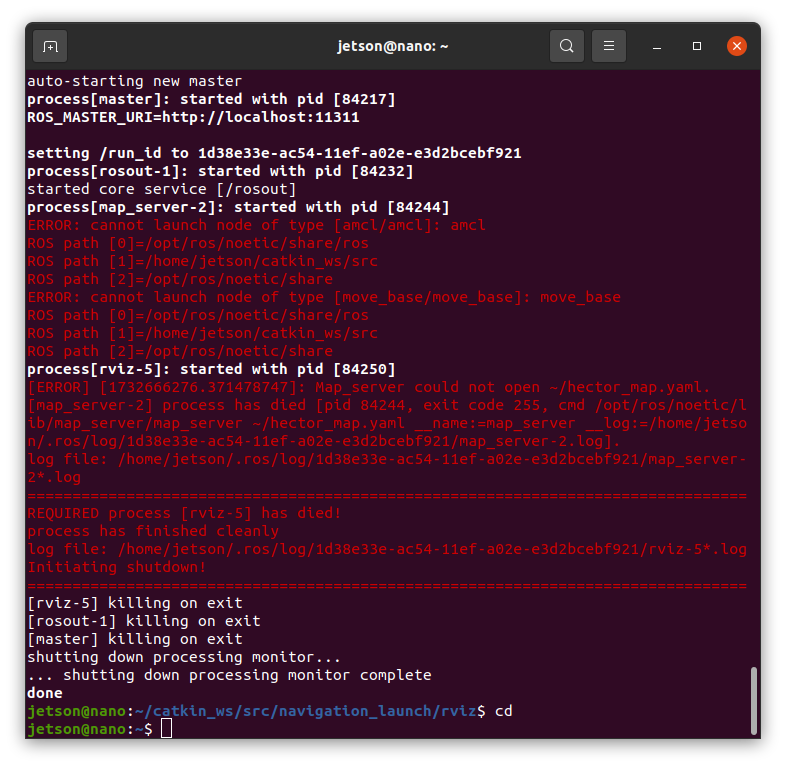
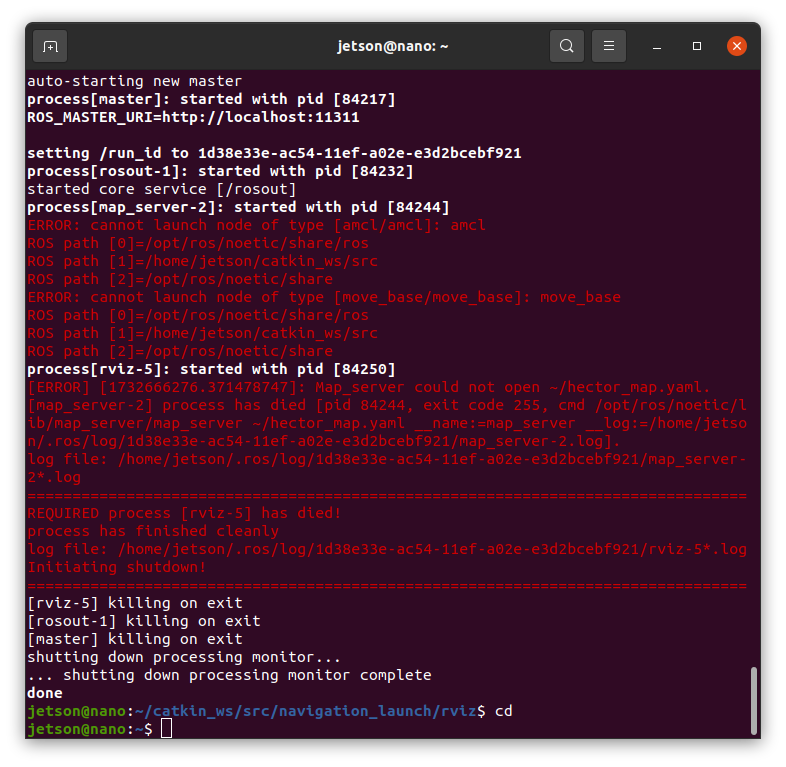
roslaunch navigation_launch navigation.launch
-
Set the Initial Pose in RViz:
Use the "2D Pose Estimate" tool in RViz to set the robot's initial position on the map.
-
Set Navigation Goals:
- Use the "2D Nav Goal" tool to set goal positions for the robot.
- The robot should navigate to the specified goals while avoiding obstacles.