Ros2 Cartographer Setup(2)_custom serial communication node_trouble shooting
Developing Self Driving with Jetson Nano
목록 보기
4/33
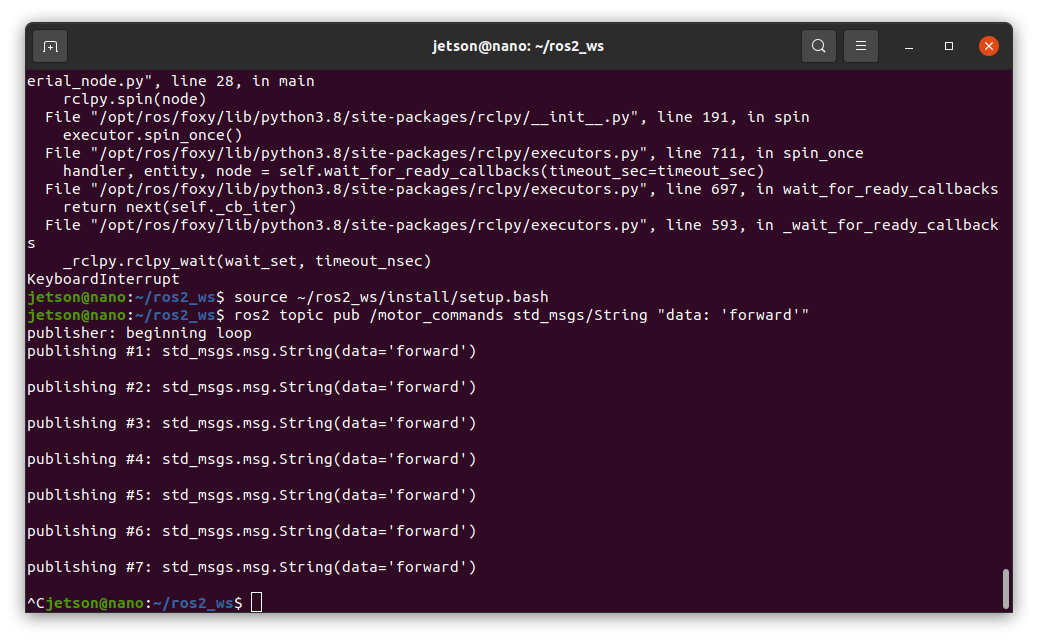
Previous chapter, [ Could not open serial port '/dev/ttyUSB0' ] in "serial_node.py" code for custom serial communication node
Before the start...
I already connected to esp32 via USB port, but same error again.
So, I changed to some codes
Recommend edit the 'serial_node.py'
nano ~/ros2_ws/src/serial_communication/serial_communication/serial_node.py
1. Changed 'serial_node.py' parts
self.serial_port = '/dev/ttyACM0'
self.baud_rate = 115200
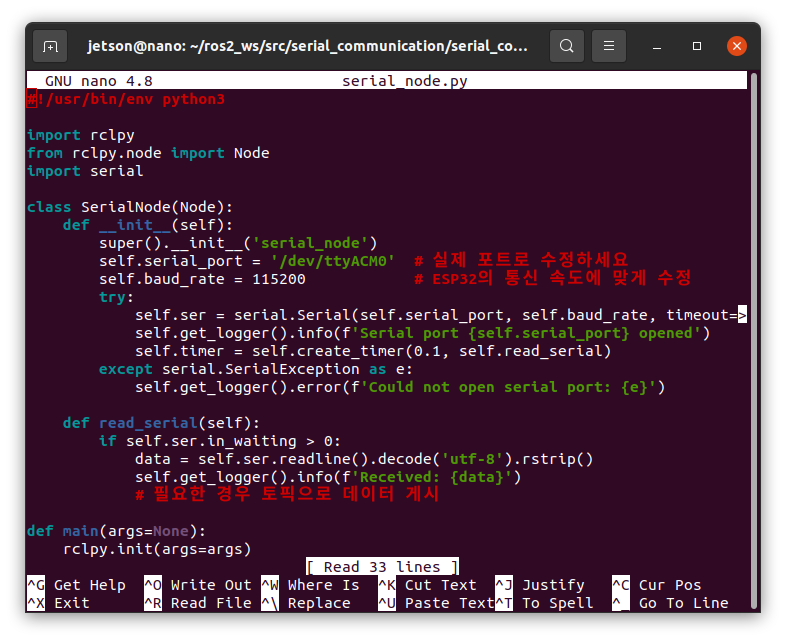
because, ttyUSB0 is already on rplidar a1
and ttyUSB1 isn't exist (maybe)
and ESP32 is showed on 'USB CDC(Communication Device Class)' so, shange the port name to
'/dev/ttyACM0'
2. Rebuild Package & Sourcing workspace
cd ~/ros2_ws
colcon build --packages-select serial_communication
source install/setup.bash
3. Launch Node & Test
ros2 run serial_communication serial_node
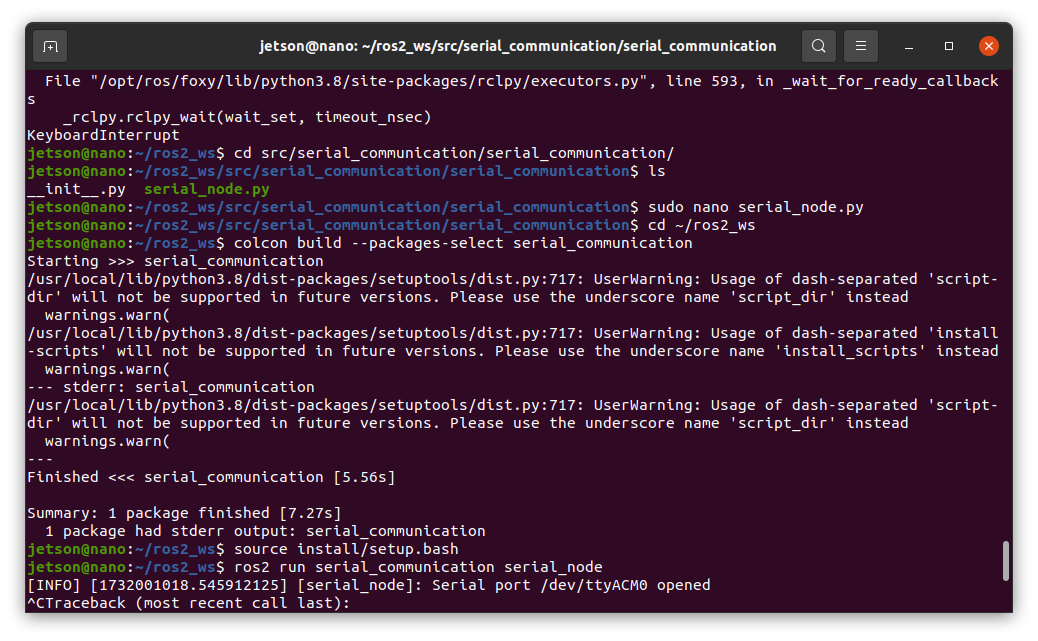
4. Serial port /dev/ttyACM0 opened !!
[INFO] [timestamp] [serial_communication_node]: Serial port /dev/ttyACM0 opened
5. Additional ESP32 communication Test
Open new terminal, sourcing workspace
source ~/ros2_ws/install/setup.bash
ros2 topic pub /motor_commands std_msgs/String "data: 'forward'"
Node output result below
[INFO] [timestamp] [serial_communication_node]: Sent to ESP32: forward
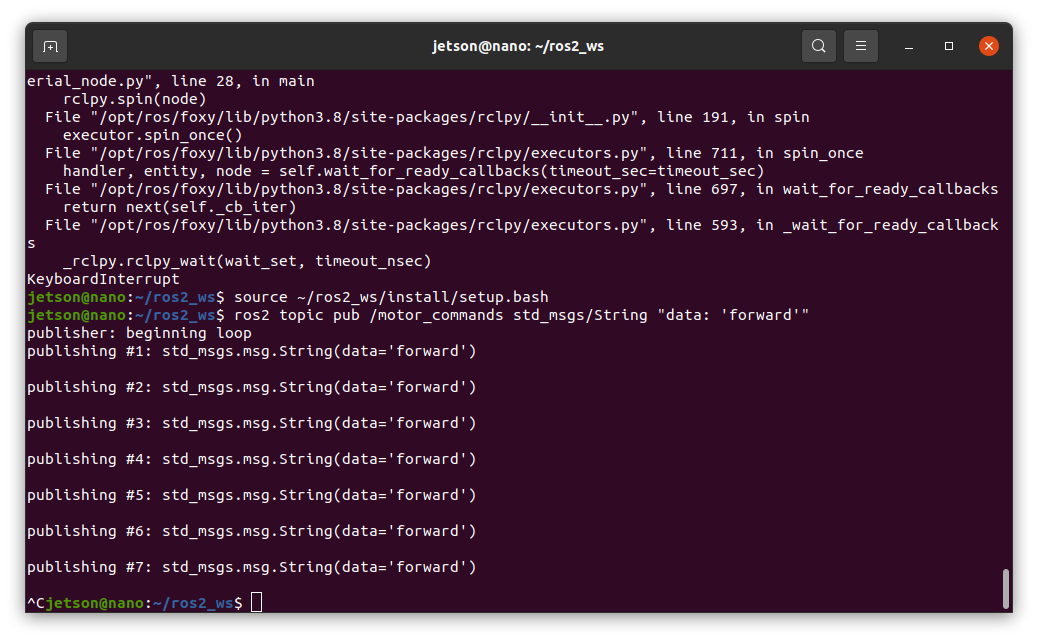
work well!
next chapter would be "ESP32 Setup"
..