🗂️ Day59 프로젝트: 블로그에 스타일 추가
🗂️ Day57 프로젝트: Jinja를 이용한 블로그 템플레이팅에 스타일을 더한 업그레이드
1. 템플릿 다운로드, 플라스크로 홈페이지 생성
🔍 유의 사항
- 템플릿 다운로드 후 프로젝트에 붙여넣기
- static 폴더와 templates 폴더 생성 후 파일 이동
- header.html, footer.html, main.py 파일 생성
- 플라스크 사용은 Day54 - 56 참고
❖ 동적 URL 생성
Flask의 url_for() 함수로 정적 파일의 경로를 동적으로 생성하는 것
예) static/style.css 파일의 동적 URL 생성방법
url_for('static', filename='style.css')정적 리소스 사용을 위해 단순히 static 폴더에 접근하는 것보다 동적 URL이 좋은 이유
- 파일 변경 시 캐싱 문제 해결
- 유지보수 및 경로 변경 용이
- 리버스 프록시와의 호환성
2. 정적 파일을 동적 URL로 수정
🔍 유의 사항
- index.html에서 static 파일들을 동적 URL로 수정
- 자바스크립트가 동작하는지 확인
(스크롤을 내렸다가 다시 올리면 어느 위치든 네비게이션 바가 상단에 표시됨)
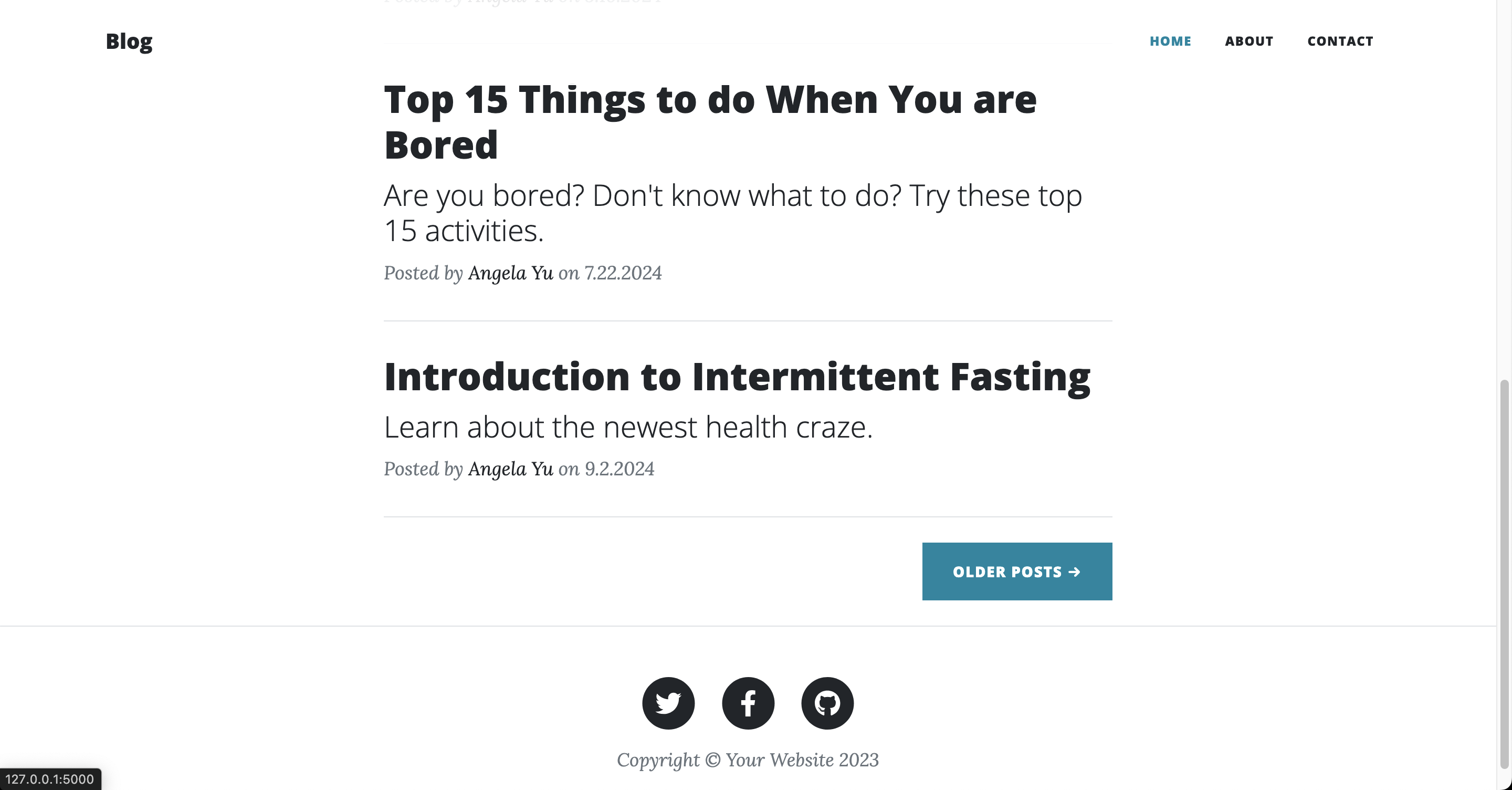
3. include를 사용하여 Jinja 템플릿 렌더링
🔍 유의 사항
- 웹사이트의 모든 페이지에서 반복되는 헤더와 푸터를 템플릿으로 만든 후 적용
- include를 사용하여 이전과 완전히 똑같이 동작하도록 index.html 코드 변경
<head>와 내비게이션 코드를 header.html로 이동<footer>를 footer.html로 이동
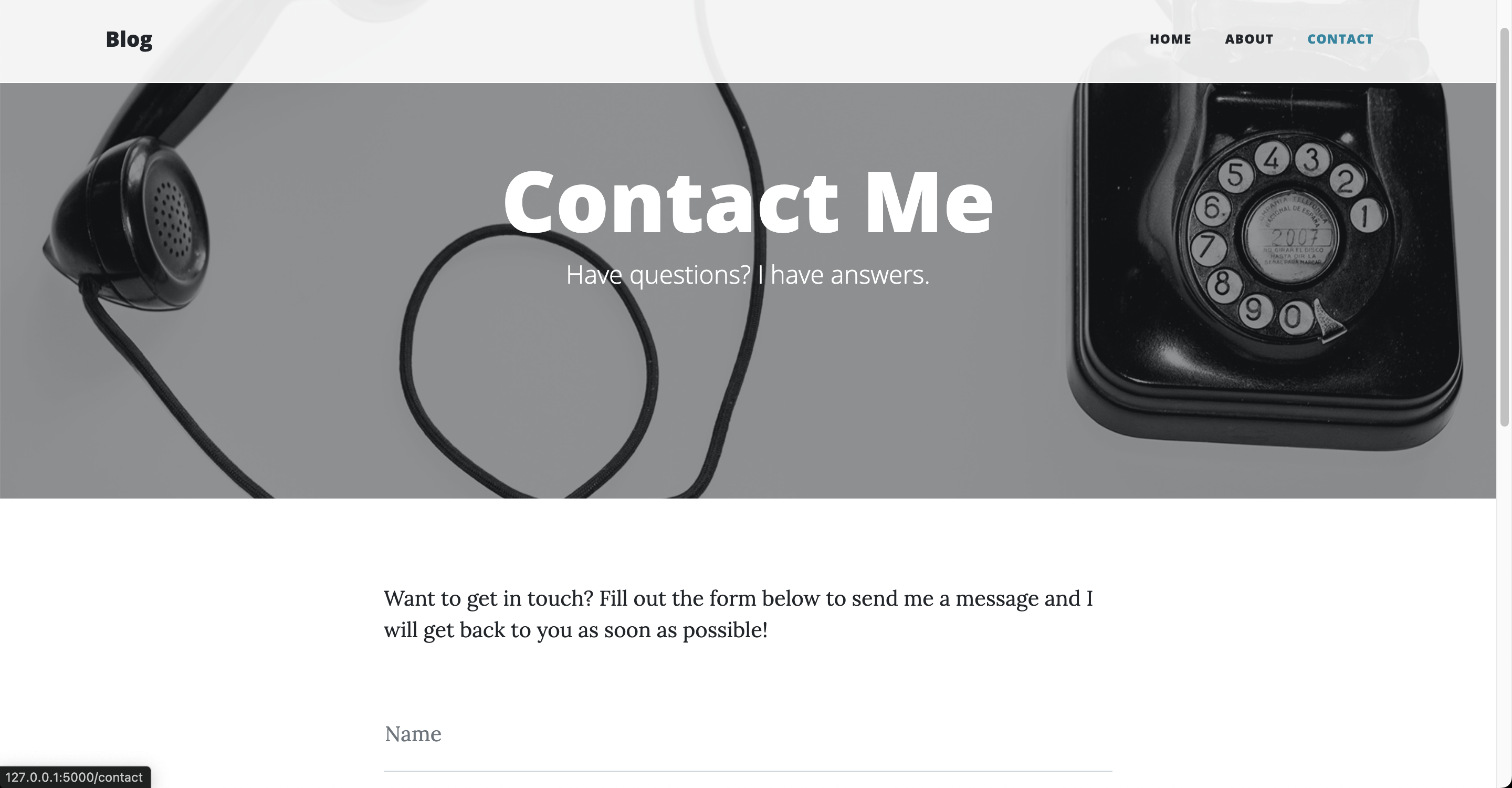
4. 소개 및 문의 페이지 작성
🔍 유의 사항
- header.html 파일에서 네비게이션 바 수정
- 'SAMPLE POST' 항목 삭제
- ABOUT, CONTACT를 클릭하면 해당 html 파일로 이동
- 앵커 태그에 서버의 해당 경로를 정확히 작성
- ❗️403 에러 발생할 경우
→ main.py의 라우트 함수 이름을 이용하여 동적 url로 작성하면 해결됨- ABOUT과 CONTACT 페이지에 이미지가 뜨게 동적 url로 수정
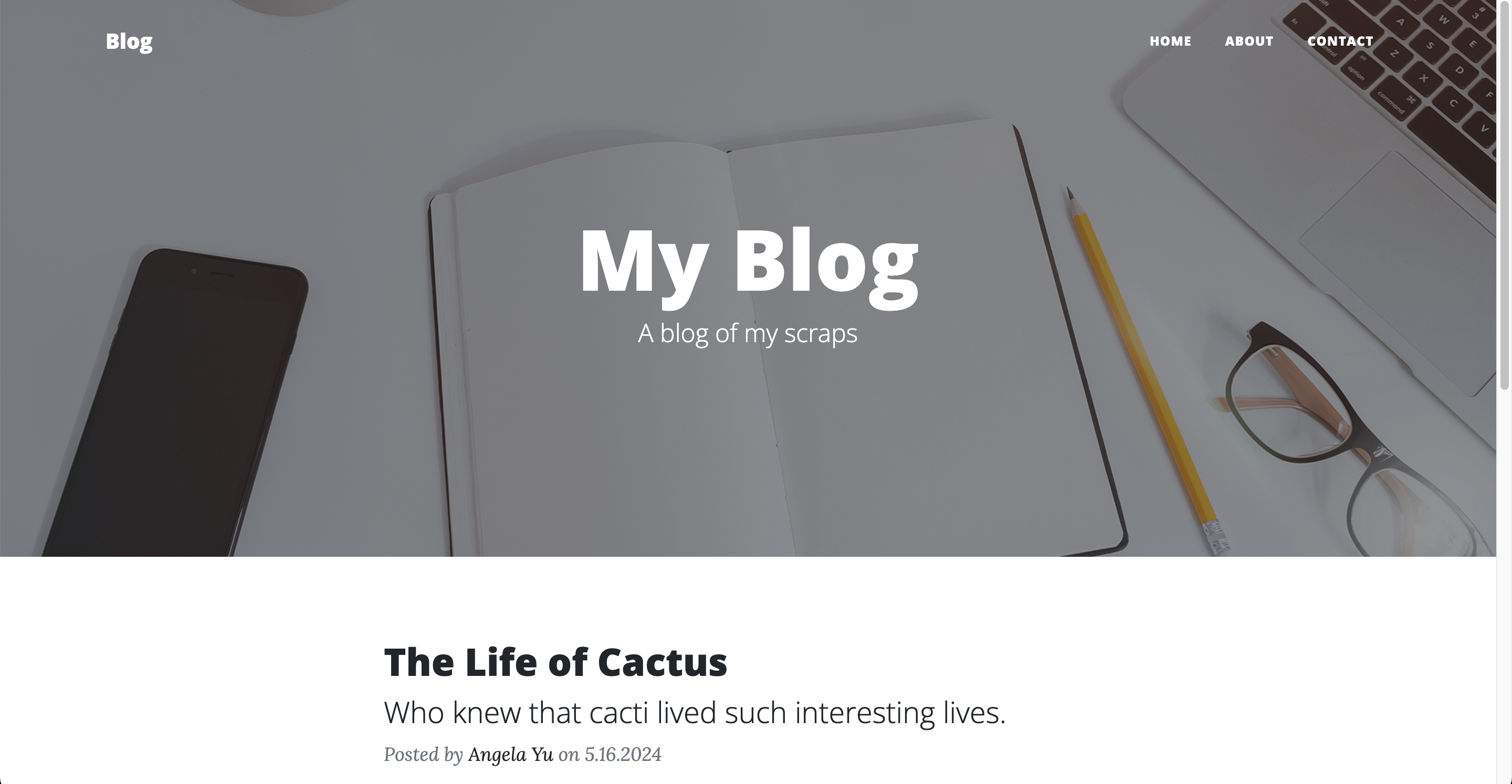
5. API로 블로그 게시물 가져와서 홈페이지 렌더링
🔍 유의 사항
- n:point에서 예시로 제공한 텍스트를 붙여넣고 API로 게시물을 가져오기
- 텍스트의 각 항목에 author, date 키와 예시 값을 추가해야 한다
- 각 게시물 작성은 for 반복문으로 변경하고 중복되는 부분은 삭제
- Day57에서 사용자 클래스를 사용했던 것과 달리 간단하게 Jinja 변수를 사용
(대괄호 대신 점)
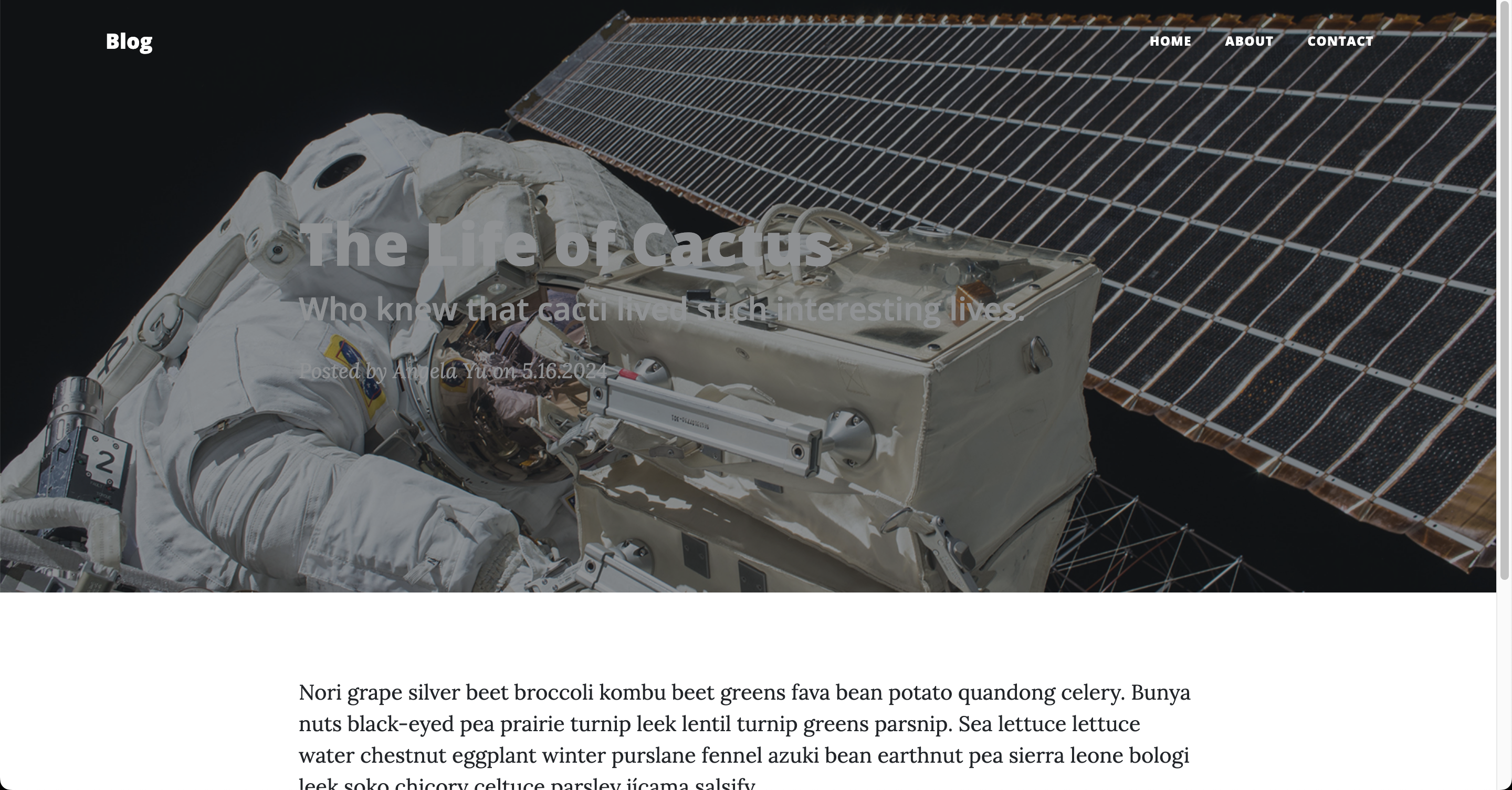
7. 개별 게시물 렌더링
🔍 유의 사항
- 특정 게시물 제목을 클릭하면 제목, 부제목, 이미지, 날짜, 작성자, 본문
이 포함된 post.html 페이지로 이동
⌨️ main.py
from flask import Flask, render_template
import requests

posts = requests.get("https://api.npoint.io/c21898800ffb334813fc").json()

app = Flask(__name__)

@app.route("/")
def home():
    return render_template("index.html", all_posts=posts)

@app.route("/about")
def about():
    return render_template("about.html")

@app.route("/contact")
def contact():
    return render_template("contact.html")

@app.route("/post/<int:index>")
def show_post(index):
    requested_post = None
    for blog_post in posts:
        if blog_post["id"] == index:
            requested_post = blog_post
    return render_template("post.html", post=requested_post)

if __name__ == "__main__":
    app.run(debug=True)
🏗️ header.html
<!DOCTYPE html>
<html lang="en">
    <head>
        <meta charset="utf-8" />
        <meta name="viewport" content="width=device-width, initial-scale=1, shrink-to-fit=no" />
        <meta name="description" content="" />
        <meta name="author" content="" />
        <title>Clean Blog - Start Bootstrap Theme</title>
        <link rel="icon" type="image/x-icon" href="static/assets/favicon.ico" />
        <!-- Font Awesome icons (free version)-->
        <script src="https://use.fontawesome.com/releases/v6.3.0/js/all.js" crossorigin="anonymous"></script>
        <!-- Google fonts-->
        <link href="https://fonts.googleapis.com/css?family=Lora:400,700,400italic,700italic" rel="stylesheet" type="text/css" />
        <link href="https://fonts.googleapis.com/css?family=Open+Sans:300italic,400italic,600italic,700italic,800italic,400,300,600,700,800" rel="stylesheet" type="text/css" />
        <!-- Core theme CSS (includes Bootstrap)-->
        <link href="{{ url_for('static', filename='css/styles.css') }}" rel="stylesheet" />

    </head>
    <body>
        <!-- Navigation-->
        <nav class="navbar navbar-expand-lg navbar-light" id="mainNav">
            <div class="container px-4 px-lg-5">
                <a class="navbar-brand" href="index.html">Blog</a>
                <button class="navbar-toggler" type="button" data-bs-toggle="collapse" data-bs-target="#navbarResponsive" aria-controls="navbarResponsive" aria-expanded="false" aria-label="Toggle navigation">
                    Menu
                    <i class="fas fa-bars"></i>
                </button>
                <div class="collapse navbar-collapse" id="navbarResponsive">
                    <ul class="navbar-nav ms-auto py-4 py-lg-0">
                        <li class="nav-item"><a class="nav-link px-lg-3 py-3 py-lg-4" href="{{ url_for('home') }}">Home</a></li>
                        <li class="nav-item"><a class="nav-link px-lg-3 py-3 py-lg-4" href="{{ url_for('about') }}">About</a></li>
                        <li class="nav-item"><a class="nav-link px-lg-3 py-3 py-lg-4" href="{{ url_for('contact') }}">Contact</a></li>
                    </ul>
                </div>
            </div>
        </nav>
🏗️ footer.html
<!-- Footer-->
<footer class="border-top">
<div class="container px-4 px-lg-5">
<div class="row gx-4 gx-lg-5 justify-content-center">
<div class="col-md-10 col-lg-8 col-xl-7">
<ul class="list-inline text-center">
<li class="list-inline-item">
<a href="#!">
<span class="fa-stack fa-lg">
<i class="fas fa-circle fa-stack-2x"></i>
<i class="fab fa-twitter fa-stack-1x fa-inverse"></i>
</span>
</a>
</li>
<li class="list-inline-item">
<a href="#!">
<span class="fa-stack fa-lg">
<i class="fas fa-circle fa-stack-2x"></i>
<i class="fab fa-facebook-f fa-stack-1x fa-inverse"></i>
</span>
</a>
</li>
<li class="list-inline-item">
<a href="#!">
<span class="fa-stack fa-lg">
<i class="fas fa-circle fa-stack-2x"></i>
<i class="fab fa-github fa-stack-1x fa-inverse"></i>
</span>
</a>
</li>
</ul>
<div class="small text-center text-muted fst-italic">Copyright © Your Website 2023</div>
</div>
</div>
</div>
</footer>
<!-- Bootstrap core JS-->
<script src="https://cdn.jsdelivr.net/npm/bootstrap@5.2.3/dist/js/bootstrap.bundle.min.js"></script>
<!-- Core theme JS-->
<script src="{{ url_for('static', filename='js/scripts.js') }}"></script>
</body>
</html>
🏗️ index.html
{% include "header.html" %}

        <!-- Page Header-->
        <header class="masthead" style="background-image: url( {{ url_for('static', filename='assets/img/home-bg.jpg') }})">
            <div class="container position-relative px-4 px-lg-5">
                <div class="row gx-4 gx-lg-5 justify-content-center">
                    <div class="col-md-10 col-lg-8 col-xl-7">
                        <div class="site-heading">
                            <h1>My Blog</h1>
                            <span class="subheading">A blog of my scraps</span>
                        </div>
                    </div>
                </div>
            </div>
        </header>

        <!-- Main Content-->
        <div class="container px-4 px-lg-5">
            <div class="row gx-4 gx-lg-5 justify-content-center">
                <div class="col-md-10 col-lg-8 col-xl-7">
                    {% for post in all_posts %}
                        <!-- Post preview-->
                        <div class="post-preview">
                            <a href="{{ url_for('show_post', index=post.id) }}">
                                <h2 class="post-title">{{ post.title }}</h2>
                                <h3 class="post-subtitle">{{ post.subtitle }}</h3>
                            </a>
                            <p class="post-meta">
                                Posted by
                                <a href="#!">{{ post.author }}</a>
                                on {{ post.date }}
                            </p>
                        </div>

                        <!-- Divider-->
                        <hr class="my-4" />
                    {% endfor %}

                    <!-- Pager-->
                    <div class="d-flex justify-content-end mb-4"><a class="btn btn-primary text-uppercase" href="#!">Older Posts →</a></div>
                </div>
            </div>
        </div>

{% include "footer.html" %}
🏗️ about.html
{% include "header.html" %}

        <!-- Page Header-->
        <header class="masthead" style="background-image: url( {{ url_for('static', filename='assets/img/about-bg.jpg') }})">
            <div class="container position-relative px-4 px-lg-5">
                <div class="row gx-4 gx-lg-5 justify-content-center">
                    <div class="col-md-10 col-lg-8 col-xl-7">
                        <div class="page-heading">
                            <h1>About Me</h1>
                            <span class="subheading">This is what I do.</span>
                        </div>
                    </div>
                </div>
            </div>
        </header>
        <!-- Main Content-->
        <main class="mb-4">
            <div class="container px-4 px-lg-5">
                <div class="row gx-4 gx-lg-5 justify-content-center">
                    <div class="col-md-10 col-lg-8 col-xl-7">
                        <p>Lorem ipsum dolor sit amet, consectetur adipisicing elit. Saepe nostrum ullam eveniet pariatur voluptates odit, fuga atque ea nobis sit soluta odio, adipisci quas excepturi maxime quae totam ducimus consectetur?</p>
                        <p>Lorem ipsum dolor sit amet, consectetur adipisicing elit. Eius praesentium recusandae illo eaque architecto error, repellendus iusto reprehenderit, doloribus, minus sunt. Numquam at quae voluptatum in officia voluptas voluptatibus, minus!</p>
                        <p>Lorem ipsum dolor sit amet, consectetur adipisicing elit. Aut consequuntur magnam, excepturi aliquid ex itaque esse est vero natus quae optio aperiam soluta voluptatibus corporis atque iste neque sit tempora!</p>
                    </div>
                </div>
            </div>
        </main>

{% include "footer.html" %}
🏗️ contact.html
{% include "header.html" %}

        <!-- Page Header-->
        <header class="masthead" style="background-image: url( {{ url_for('static', filename='assets/img/contact-bg.jpg') }})">
            <div class="container position-relative px-4 px-lg-5">
                <div class="row gx-4 gx-lg-5 justify-content-center">
                    <div class="col-md-10 col-lg-8 col-xl-7">
                        <div class="page-heading">
                            <h1>Contact Me</h1>
                            <span class="subheading">Have questions? I have answers.</span>
                        </div>
                    </div>
                </div>
            </div>
        </header>
        <!-- Main Content-->
        <main class="mb-4">
            <div class="container px-4 px-lg-5">
                <div class="row gx-4 gx-lg-5 justify-content-center">
                    <div class="col-md-10 col-lg-8 col-xl-7">
                        <p>Want to get in touch? Fill out the form below to send me a message and I will get back to you as soon as possible!</p>
                        <div class="my-5">
                            <!-- * * * * * * * * * * * * * * *-->
                            <!-- * * SB Forms Contact Form * *-->
                            <!-- * * * * * * * * * * * * * * *-->
                            <!-- This form is pre-integrated with SB Forms.-->
                            <!-- To make this form functional, sign up at-->
                            <!-- https://startbootstrap.com/solution/contact-forms-->
                            <!-- to get an API token!-->
                            <form id="contactForm" data-sb-form-api-token="API_TOKEN">
                                <div class="form-floating">
                                    <input class="form-control" id="name" type="text" placeholder="Enter your name..." data-sb-validations="required" />
                                    <label for="name">Name</label>
                                    <div class="invalid-feedback" data-sb-feedback="name:required">A name is required.</div>
                                </div>
                                <div class="form-floating">
                                    <input class="form-control" id="email" type="email" placeholder="Enter your email..." data-sb-validations="required,email" />
                                    <label for="email">Email address</label>
                                    <div class="invalid-feedback" data-sb-feedback="email:required">An email is required.</div>
                                    <div class="invalid-feedback" data-sb-feedback="email:email">Email is not valid.</div>
                                </div>
                                <div class="form-floating">
                                    <input class="form-control" id="phone" type="tel" placeholder="Enter your phone number..." data-sb-validations="required" />
                                    <label for="phone">Phone Number</label>
                                    <div class="invalid-feedback" data-sb-feedback="phone:required">A phone number is required.</div>
                                </div>
                                <div class="form-floating">
                                    <textarea class="form-control" id="message" placeholder="Enter your message here..." style="height: 12rem" data-sb-validations="required"></textarea>
                                    <label for="message">Message</label>
                                    <div class="invalid-feedback" data-sb-feedback="message:required">A message is required.</div>
                                </div>
                                <br />
                                <!-- Submit success message-->
                                <!---->
                                <!-- This is what your users will see when the form-->
                                <!-- has successfully submitted-->
                                <div class="d-none" id="submitSuccessMessage">
                                    <div class="text-center mb-3">
                                        <div class="fw-bolder">Form submission successful!</div>
                                        To activate this form, sign up at
                                        <br />
                                        <a href="https://startbootstrap.com/solution/contact-forms">https://startbootstrap.com/solution/contact-forms</a>
                                    </div>
                                </div>
                                <!-- Submit error message-->
                                <!---->
                                <!-- This is what your users will see when there is-->
                                <!-- an error submitting the form-->
                                <div class="d-none" id="submitErrorMessage"><div class="text-center text-danger mb-3">Error sending message!</div></div>
                                <!-- Submit Button-->
                                <button class="btn btn-primary text-uppercase disabled" id="submitButton" type="submit">Send</button>
                            </form>
                        </div>
                    </div>
                </div>
            </div>
        </main>

{% include "footer.html" %}
🏗️ post.html
{% include "header.html" %}

<!-- Page Header -->
<header class="masthead" style="background-image: url( {{ url_for('static', filename='assets/img/post-bg.jpg') }})">
    <div class="overlay"></div>
    <div class="container">
        <div class="row">
            <div class="col-lg-8 col-md-10 mx-auto">
                <div class="post-heading">
                    <h1>{{ post.title }}</h1>
                    <h2 class="subheading">{{ post.subtitle }}</h2>
                    <span class="meta">
                        Posted by
                        <a href="#">{{ post.author }}</a>
                        on {{ post.date }}
                    </span>
                </div>
            </div>
        </div>
    </div>
</header>

<!-- Post Content -->
<article>
    <div class="container">
        <div class="row">
            <div class="col-lg-8 col-md-10 mx-auto">
                <p>
                    {{post.body}}
                </p>
            </div>
        </div>
    </div>
</article>

<hr>

{% include "footer.html" %}