🗂️ Day23 프로젝트: 터틀크로싱 게임
캡스톤 프로젝트 2
앞으로만 갈 수 있는 거북이를 조종하여 차들이 지나다니는 다차선 고속도로를 건너는 게임
난이도 설정
- 보통 난이도 : 프로젝트 완성까지 모든 단계를 활용
- 어려운 난이도 : 프로젝트 완성까지 1~2단계만 활용
- 전문가 난이도 : 프로젝트 완성까지 1단계만 활용
◇ 시작 코드
📄 player.py
STARTING_POSITION = (0, -280)       # 터틀 시작 지점
MOVE_DISTANCE = 10                  # 한 걸음의 길이
FINISH_LINE_Y = 280                 # 결승선의 y축


class Player:
    pass
📄 car_manager.py
COLORS = ["red", "orange", "yellow", "green", "blue", "purple"]
STARTING_MOVE_DISTANCE = 5      # 차가 한 번에 가는 거리
MOVE_INCREMENT = 10             # 레벨이 올라갈 때마다 추가될 거리


class CarManager:
    pass
📄 scoreboard.py
FONT = ("Courier", 24, "normal")


class Scoreboard:
    pass
📄 main.py
import time
from turtle import Screen
from player import Player
from car_manager import CarManager
from scoreboard import Scoreboard

screen = Screen()
screen.setup(width=600, height=600)
screen.tracer(0)

game_is_on = True
while game_is_on:
    time.sleep(0.1)
    screen.update()
1. 게임 방법
🔍 유의 사항
- 거북이는 키보드 ↑ 키를 누르면 앞으로 이동 (뒤, 왼쪽, 오른쪽으로 움직일 수 없음)
- 자동차는 축 범위 내에서 무작위로 생성되고,
화면의 오른쪽 가장자리에서 왼쪽 가장자리로 움직임- 거북이가 화면의 제일 윗부분에 도착하면,
원래 위치로 돌아가고 플레이어는 다음 레벨로 넘어감- 거북이와 자동차가 충돌하면 게임 종료, 모든 것이 멈춤
2. 문제 나누기
🔍 유의 사항
- 화면의 아래쪽에서부터 출발하는 거북이 생성, ↑ 키가 입력되면 북쪽으로 움직이게 설정
- 40x20 자동차들을 축 범위 내에서 무작위로 생성, 왼쪽 가장자리로 이동시키기
- 화면의 위아래 가장자리에서 50픽셀 이상 띄우기(거북이의 안전지대)
- 게임 반복문이 6번 실행될 때마다 자동차를 새로 생성
- 거북이와 자동차의 충돌이 감지되면 게임 멈추기
- 거북이가 화면 위쪽 가장자리(FINISH_LINE_Y)에 도달했는지 감지
- 도달했다면 거북이를 시작 위치로 다시 원위치시키고, 자동차 속도 증가시키기
- MOVE_INCREMENT 속성으로 자동차 속도 증가
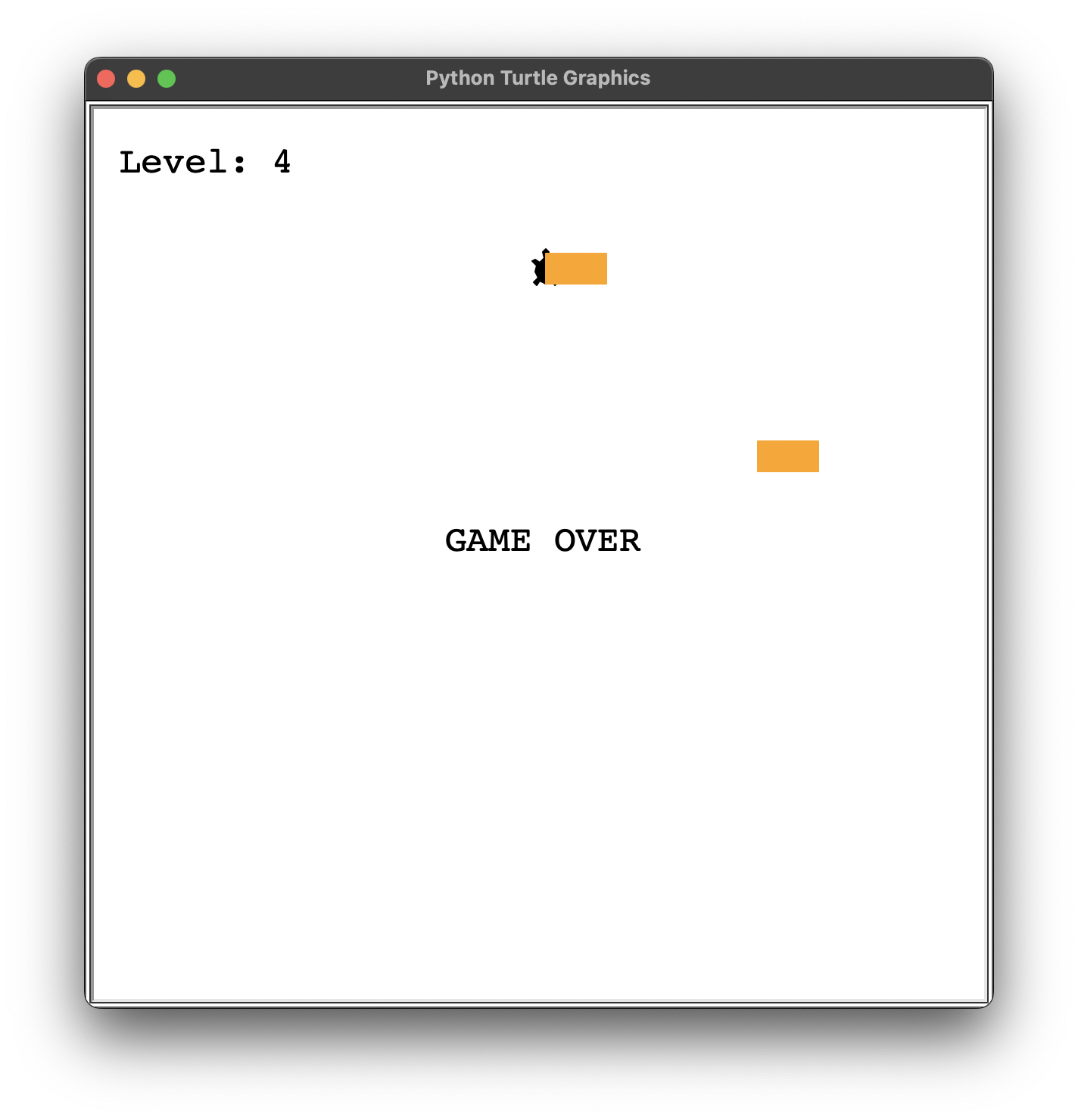
- 현재 게임 레벨을 보여주는 점수판 생성
- 거북이가 성공적으로 길을 건널 때마다 레벨 +1
- 거북이와 자동차가 부딪히면 화면 중앙에 'GAME OVER' 문구 표시
3. 플레이어(거북이) 만들기
⌨️ player.py
from turtle import Turtle

STARTING_POSITION = (0, -280)
MOVE_DISTANCE = 10
FINISH_LINE_Y = 280

class Player(Turtle):

    def __init__(self):
        super().__init__()
        self.shape("turtle")
        self.setheading(90)
        self.penup()
        self.goto(STARTING_POSITION)

    def go_up(self):
        self.forward(MOVE_DISTANCE)
⌨️ main.py
import time
from turtle import Screen
from player import Player
from car_manager import CarManager
from scoreboard import Scoreboard

screen = Screen()
screen.setup(width=600, height=600)
screen.tracer(0)

player = Player()

screen.listen()
screen.onkey(player.go_up, "Up")

game_is_on = True
while game_is_on:
    time.sleep(0.1)
    screen.update()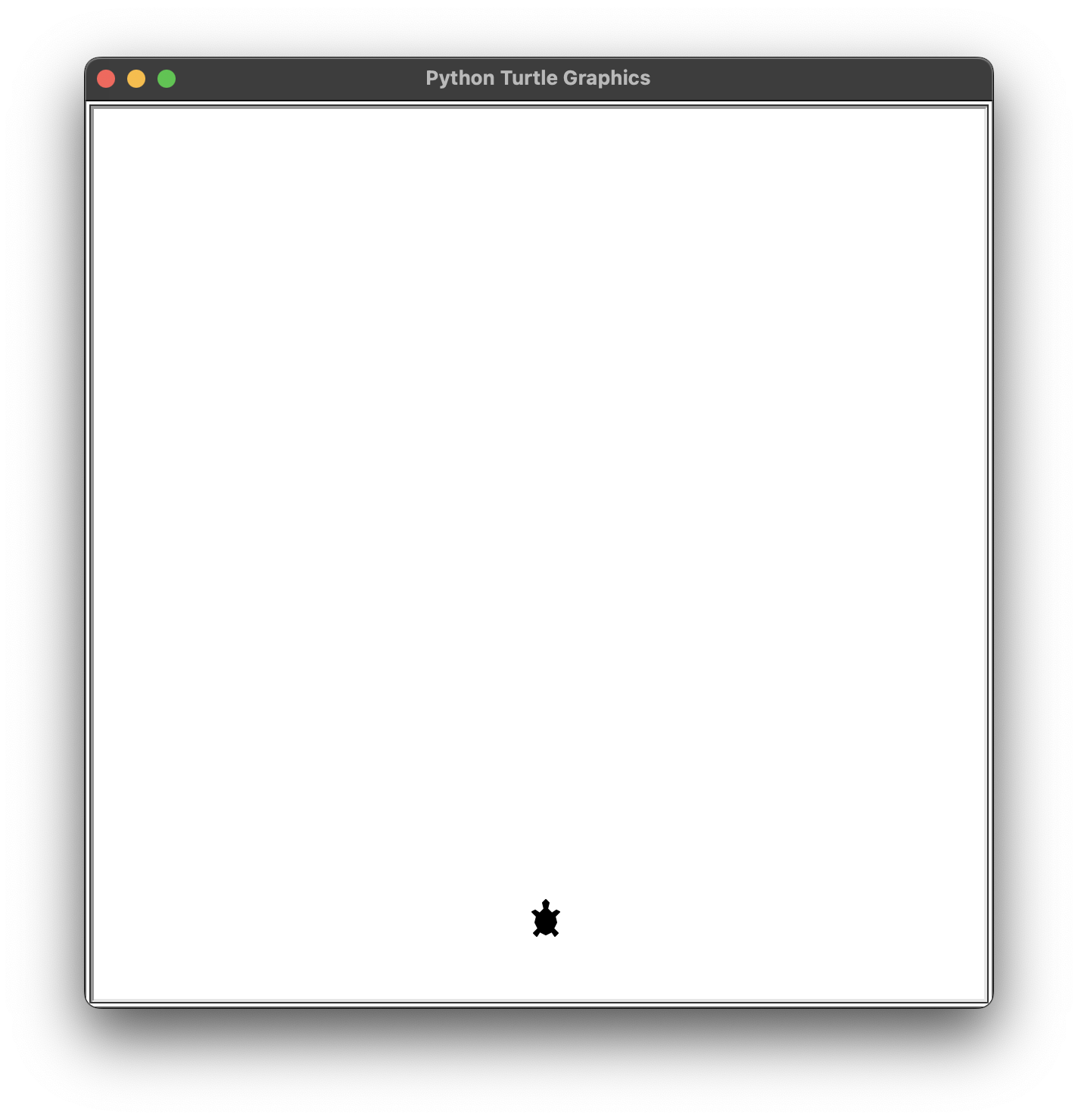
4. 장애물(자동차) 만들기
🔍 유의 사항
- CarManager 클래스에서
super().__init__()생략 시 주의 문구가 뜨지만,
그대로 작성하면 화면 정가운데에 기본 터틀이 생성되므로 넘어가기- while문이 매번 실행될 때마다 차를 1대씩 생성하면 너무 많아서 건널 수 없음
- 6번 정도 실행될 때마다 1대를 생성하는 것이 적당
- 🖍️ :
create_car()메소드에서 확률을 계산하는 코드 작성
⌨️ car_manager.py
from turtle import Turtle
import random

COLORS = ["red", "orange", "yellow", "green", "blue", "purple"]
STARTING_MOVE_DISTANCE = 5
MOVE_INCREMENT = 10

class CarManager(Turtle):

    def __init__(self):
        self.cars = []

    def creat_car(self):
        new_car = Turtle("square")
        new_car.color(random.choice(COLORS))
        new_car.shapesize(stretch_wid=1, stretch_len=2)
        new_car.penup()
        random_y = random.randint(-250, 250)
        new_car.goto(300, random_y)
        self.cars.append(new_car)

    def move_cars(self):
        for car in self.cars:
            car.backward(STARTING_MOVE_DISTANCE)
🖍️ 답안
    def creat_car(self):
        random_chance = random.randint(1, 6)
        if random_chance == 1:
            new_car = Turtle("square")
            new_car.color(random.choice(COLORS))
            new_car.shapesize(stretch_wid=1, stretch_len=2)
            new_car.penup()
            random_y = random.randint(-250, 250)
            new_car.goto(300, random_y)
            self.cars.append(new_car)
⌨️ main.py
…
player = Player()
car_manager = CarManager()
…
car_frequency = 0
game_is_on = True
while game_is_on:
    time.sleep(0.1)
    screen.update()

    if car_frequency % 6 == 0:
        car_manager.creat_car()
    car_manager.move_cars()
    car_frequency += 1
🖍️ 답안
while game_is_on:
    time.sleep(0.1)
    screen.update()

	car_manager.creat_car()
    car_manager.move_cars()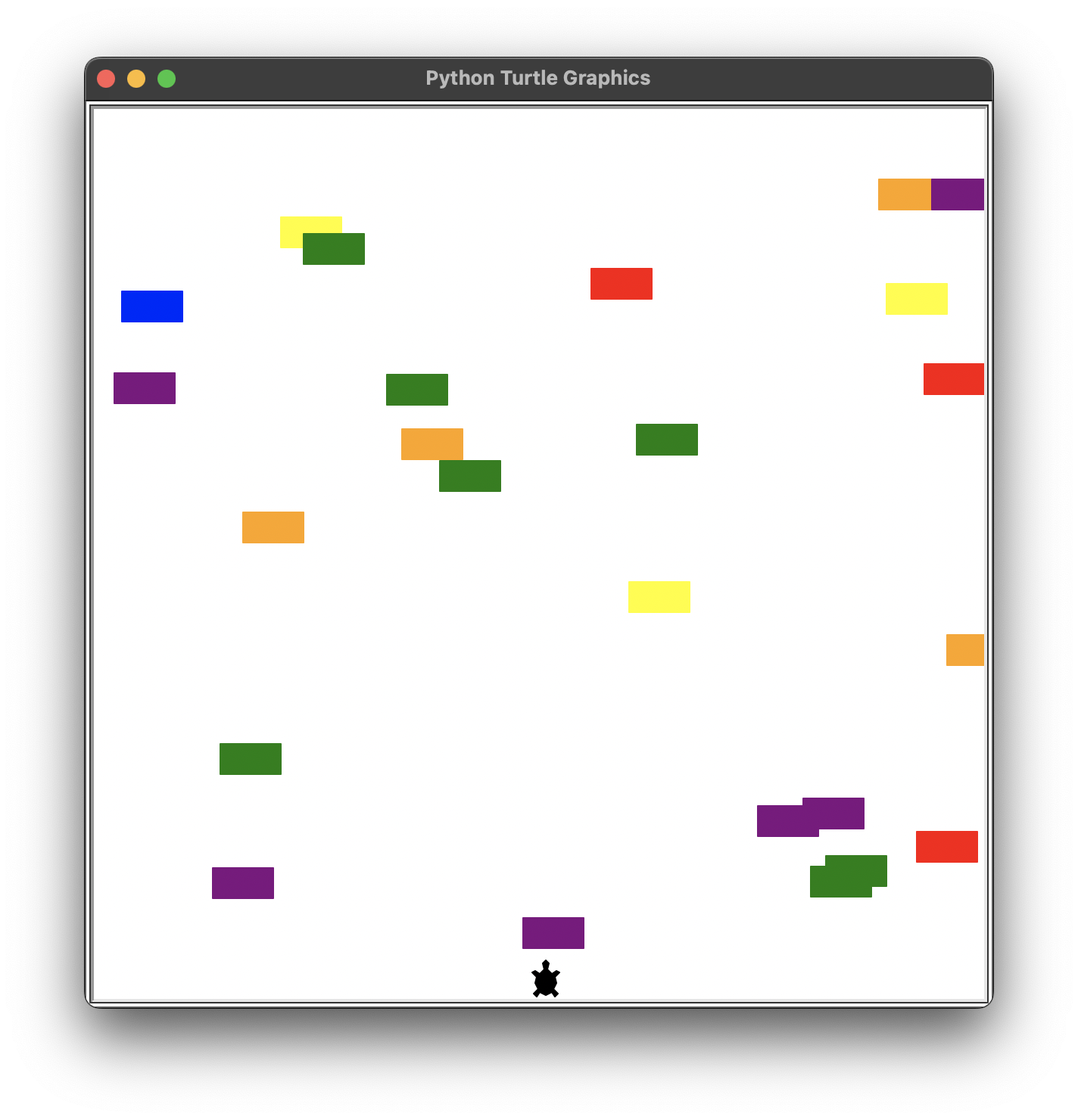
5. 장애물 충돌 감지하기
⌨️ main.py
…
game_is_on = True
while game_is_on:
    time.sleep(0.1)
    screen.update()

    car_manager.creat_car()
    car_manager.move_cars()

    # 거북이와 자동차와의 충돌 감지
    for car in car_manager.cars:
        if car.distance(player) < 20:
            game_is_on = False

screen.exitonclick()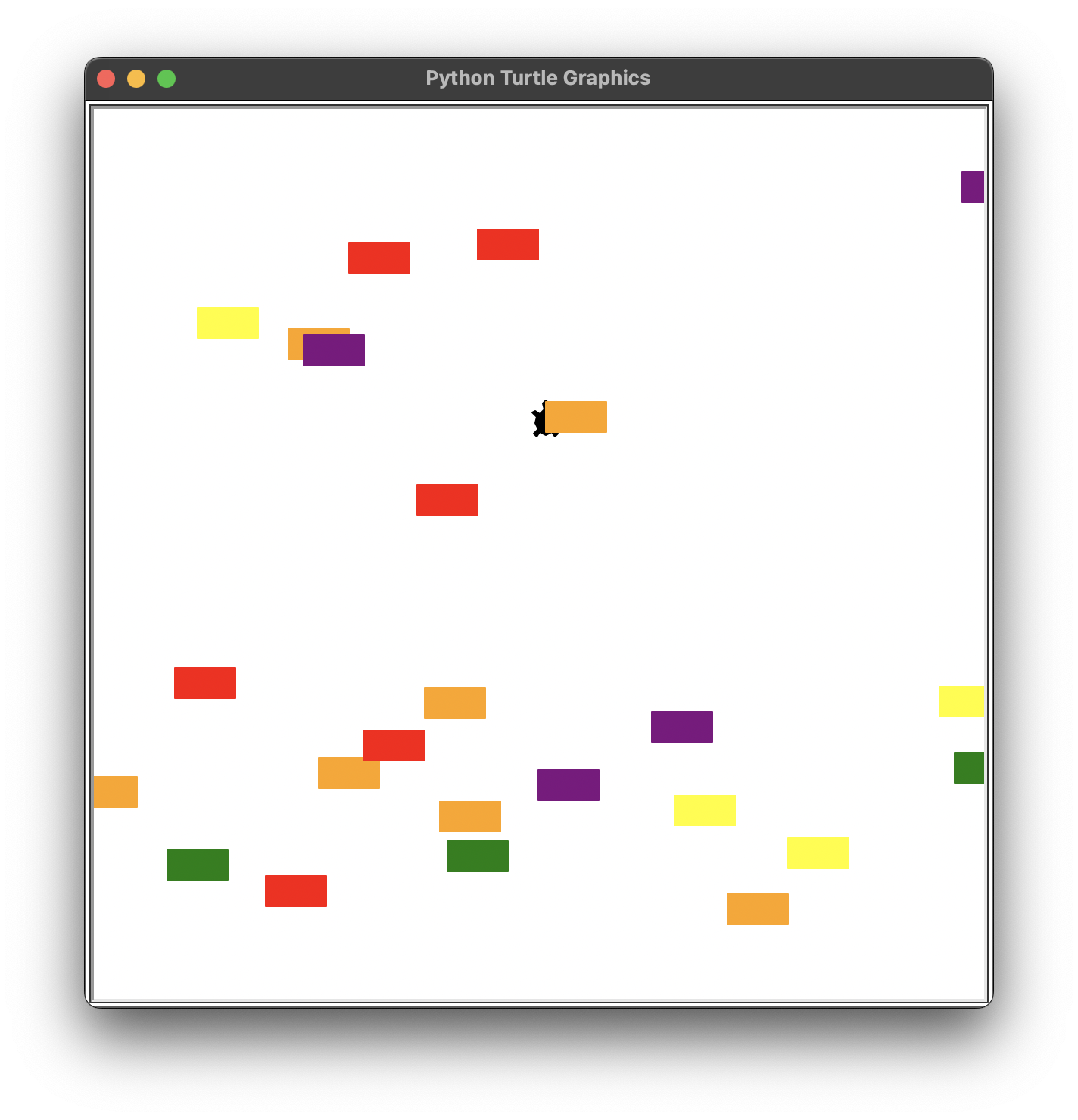
6. 결승선 도달 감지하기
🔍 유의 사항
- 차의 속도를 변화시키기
- 🖍️ MOVE_INCREMENT를 이용해 __init__ 에
car_speed속성으로 지정
⌨️ player.py
…
class Player(Turtle):

    def __init__(self):
        …
        self.level_start()

    def go_up(self):
        self.forward(MOVE_DISTANCE)

    def level_start(self):
        self.goto(STARTING_POSITION)
🖍️ 답안
…
class Player(Turtle):

    def __init__(self):
        …
        self.go_to_start()

    def go_up(self):
        self.forward(MOVE_DISTANCE)

    def go_to_start(self):
        self.goto(STARTING_POSITION)

    def is_at_finish_line(self):
        if self.ycor() > FINISH_LINE_Y:
            return True
        else:
            return False
⌨️ car_manager.py
…
class CarManager(Turtle):
…
    def move_cars(self):
        for car in self.cars:
            car.backward(STARTING_MOVE_DISTANCE)

    def speed_up(self):
        global STARTING_MOVE_DISTANCE
        global MOVE_INCREMENT
        STARTING_MOVE_DISTANCE += MOVE_INCREMENT
🖍️ 답안
…
class CarManager(Turtle):

    def __init__(self):
        self.cars = []
        self.car_speed = STARTING_MOVE_DISTANCE

    def creat_car(self):
        …

    def move_cars(self):
        for car in self.cars:
            car.backward(self.car_speed)

    def level_up(self):
        self.car_speed += MOVE_INCREMENT
⌨️ main.py
…
from player import Player, FINISH_LINE_Y
…
game_is_on = True
while game_is_on:
…
    # 거북이와 자동차와의 충돌 감지
    …

    # 거북이가 결승선(FINISH_LINE_Y)에 도달했는지 감지
    if player.ycor() > FINISH_LINE_Y:
        player.level_start()
        car_manager.speed_up()

screen.exitonclick()
🖍️ 답안
…
game_is_on = True
while game_is_on:
…
    # 거북이와 자동차와의 충돌 감지
    …

    # 거북이가 결승선(FINISH_LINE_Y)에 도달했는지 감지
    if player.is_at_finish_line():
        player.go_to_start()
        car_manager.level_up()

screen.exitonclick()
7. 게임 점수판과 종료 과정 만들기
🔍 유의 사항
- 레벨은 1부터 시작
🖍️ player.py, car_manager.py
###############################################📄 player.py
from turtle import Turtle

STARTING_POSITION = (0, -280)
MOVE_DISTANCE = 10
FINISH_LINE_Y = 280


class Player(Turtle):

    def __init__(self):
        super().__init__()
        self.shape("turtle")
        self.penup()
        self.go_to_start()
        self.setheading(90)

    def go_up(self):
        self.forward(MOVE_DISTANCE)

    def go_to_start(self):
        self.goto(STARTING_POSITION)

    def is_at_finish_line(self):
        if self.ycor() > FINISH_LINE_Y:
            return True
        else:
            return False


###############################################📄 car_manager.py
from turtle import Turtle
import random

COLORS = ["red", "orange", "yellow", "green", "blue", "purple"]
STARTING_MOVE_DISTANCE = 5
MOVE_INCREMENT = 10


class CarManager:

    def __init__(self):
        self.all_cars = []
        self.car_speed = STARTING_MOVE_DISTANCE

    def create_car(self):
        random_chance = random.randint(1, 6)
        if random_chance == 1:
            new_car = Turtle("square")
            new_car.shapesize(stretch_wid=1, stretch_len=2)
            new_car.penup()
            new_car.color(random.choice(COLORS))
            random_y = random.randint(-250, 250)
            new_car.goto(300, random_y)
            self.all_cars.append(new_car)

    def move_cars(self):
        for car in self.all_cars:
            car.backward(self.car_speed)

    def level_up(self):
        self.car_speed += MOVE_INCREMENT
⌨️ scoreboard.py
from turtle import Turtle

FONT = ("Courier", 24, "normal")


class Scoreboard(Turtle):

    def __init__(self):
        super().__init__()
        # 레벨 1부터 시작
        self.level = 1
        self.hideturtle()
        self.penup()
        self.goto(-280, 250)
        self.update_scoreboard()

    def update_scoreboard(self):
        self.clear()
        self.write(f"Level: {self.level}", align="left", font=FONT)

    def increase_level(self):
        self.level += 1
        self.update_scoreboard()

    def game_over(self):
        self.goto(0, 0)
        self.write("GAME OVER", align="center", font=FONT)
⌨️ main.py
import time
from turtle import Screen
from player import Player, FINISH_LINE_Y
from car_manager import CarManager
from scoreboard import Scoreboard

screen = Screen()
screen.setup(width=600, height=600)
screen.tracer(0)

player = Player()
car_manager = CarManager()
scoreboard = Scoreboard()

screen.listen()
screen.onkey(player.go_up, "Up")

game_is_on = True
while game_is_on:
    time.sleep(0.1)
    screen.update()

    car_manager.creat_car()
    car_manager.move_cars()

    # 거북이와 자동차와의 충돌 감지
    for car in car_manager.cars:
        if car.distance(player) < 20:
            game_is_on = False
            scoreboard.game_over()

    # 거북이가 결승선(FINISH_LINE_Y)에 도달했는지 감지
    if player.is_at_finish_line():
        player.go_to_start()
        car_manager.level_up()
        scoreboard.increase_level()

screen.exitonclick()