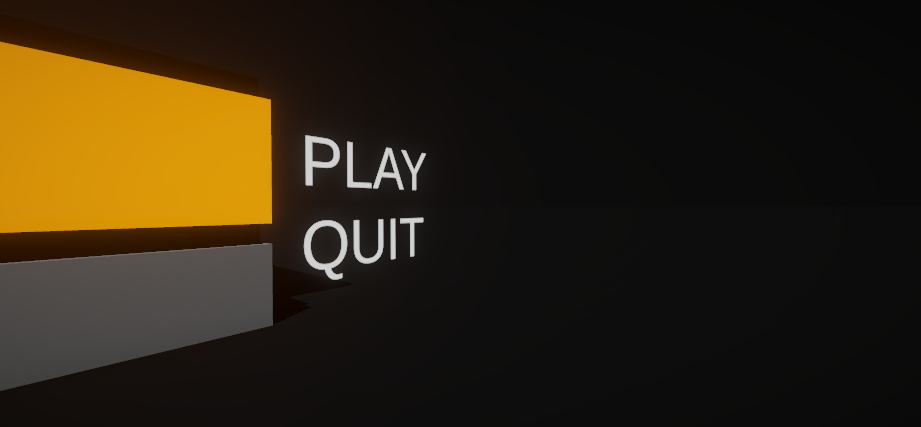
- preview Link : https://velog.io/@suhan0304/Unity-Electricity-7
- gitHub Link : https://github.com/suhan0304/Electricity
자연스러운 블럭의 상태 변화를 위해 코드에서 Lerp를 사용해서 Color를 자연스럽게 바꿔주는 것이랑 애니메이션을 이용한 구현을 생각해봤는데, 아무래도 코드로 작성하는 것보다 애니메이션으로 구현하는게 더 간단하고 관리하기도 편할것 같기도해서 애니메이션으로 구현하기로 했다.
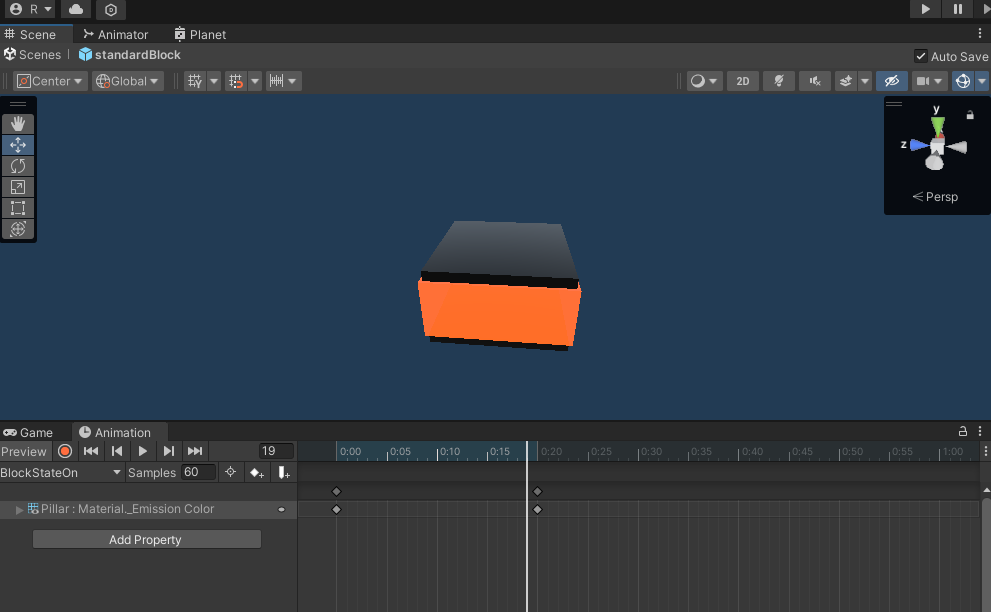
애니메이션을 위와 같이 Emission의 Intensity가 증가하도록 해주었다. (endPoint도 동일한 방식으로 State 변화를 자연스럽게 출력했다.)
Block.cs
[Space(5)]
[Header("Animation")]
public Animator anim;
private void Awake()
{
    anim = GetComponent<Animator>();
}

/// <summary>
/// Block State change to ON ( befor : OFF )
/// If the endpoint is adjacent to me, it is necessary to clear the stage
/// Need to notify adjacent blocks that I have changed to the On state.
/// </summary>
public void ChangeOnState() {
    float delayTime = 1f;

    currentState = BlockState.ON;
    anim.SetTrigger("StateOn");

    // if endPoint is not null = endPoint is adjacent me.
    // When I change to the On state, EndPoint also changes to the On state and clears the stage
    if (endPoint != null)  {
        GameManager.Instance.Clear();
    }

    StartCoroutine(ChangeAdjacentBlockStateON(delayTime));
}
Animation Controller는 다음과 같이 해주었다. Any State에서 BlockStateOn 갈 때 Transition의 Conditions에 StateOn을 추가해주면 끝이다. ( 까먹지 말고 loop 꺼야한다. )

이렇게 애니메이션으로 구현하고 나니깐 다른 Material의 EmissionColor를 변경하는 대부분의 코드를 싹 다 정리해 줄 수 있어서 코드의 양이 전반적으로 줄어들었다.
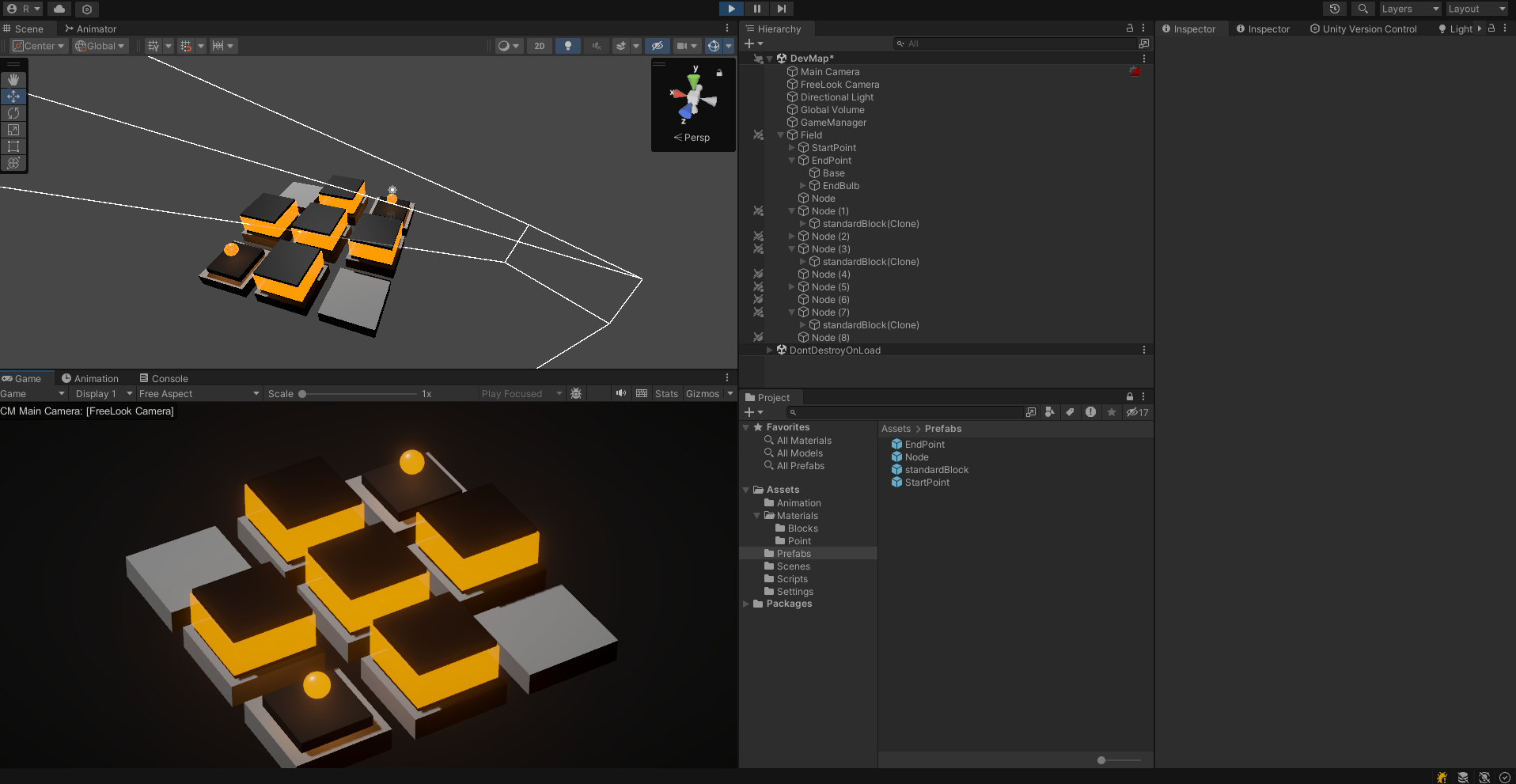
이제 아래처럼 자연스럽게 전기가 흐르는 느낌이 든다. 굉장히 만족스럽다.
endPoint는 Block과 차별점을 두기 위해 전기 구체가 뿅하고 나타나는 연출을 진행했다.
Build 미리보기
건설하기 전에 반투명하게 Block이 보이도록 해서 클릭하면 해당 위치에 건설이 되도록 해보자.

반투명한 블럭을 올려두고 비활성화 시킨 다음에 마우스 이벤트마다 보이도록 활성화 해준다. 중요한 점은 블럭이 지어져있을때마다 해당 반투명 블럭을 높여야한다.
Node.cs
public GameObject transBlockOnNode; // Transparent Block Object ( before build )

private void Awake()
{
    rend = GetComponent<Renderer>(); // call renderer component
    transBlockOnNode = transform.GetChild(0).gameObject;
    transBlockHeight = transBlockOnNode.transform.position.y;
}

private void Start()
{
    nodeHeight = transform.localScale.y / 2; // half of node height - for build
    startColor = rend.material.color; // remember start color
}

public void OnMouseEnter() // When the mouse passes or enters an object collider
{
    if(isBuildable)
    {
        transBlockOnNode.SetActive(true);
        rend.material.color = hoverColor; // change color to hoverColor
    }
}

public void OnMouseExit() // When the mouse leaves the object collider
{
    if (isBuildable)
    {
        transBlockOnNode.SetActive(false);
        rend.material.color = startColor; // return color to startColor
    }
}

public void OnMouseDown() //When the mouse click the object collider
{
    // Build a Block
    if(isBuildable)
    {
        GameManager.Instance.buildManager.BuildBlockOnNode(this);
        Vector3 targetPos = transBlockOnNode.transform.position;
        transBlockOnNode.transform.position = new Vector3(targetPos.x, transBlockHeight, targetPos.z);
    }
}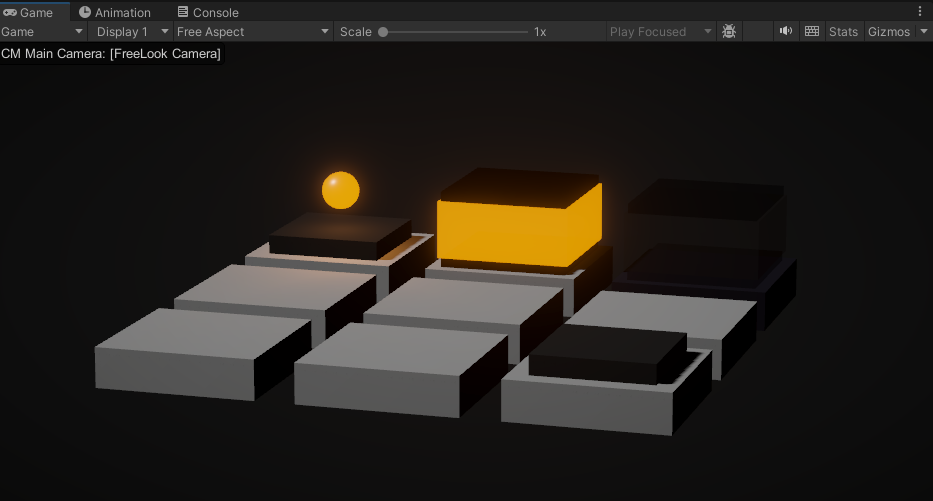
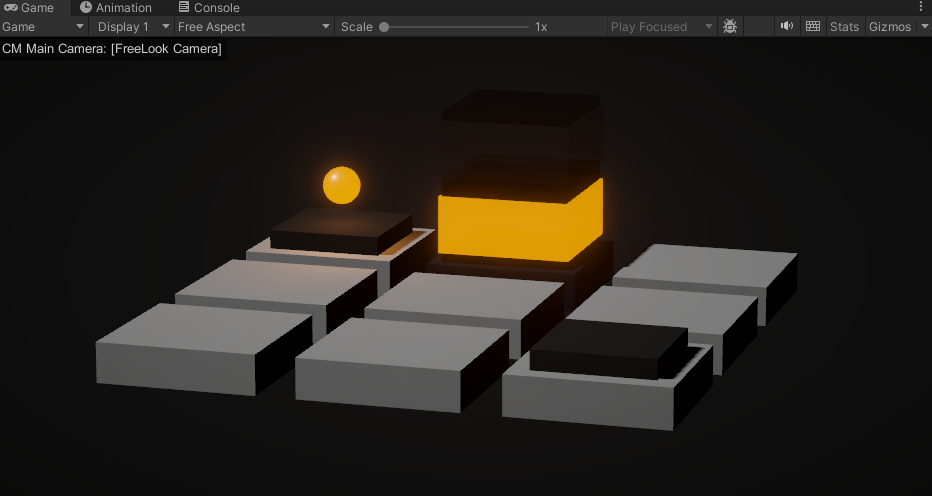
마우스 올려놓으면 반투명 블럭이 건설될 위치에 한번 나타난다. 클릭하면 해당 위치에 블럭이 건설된다.
추후 계획
클리어 시 카메라가 자동으로 EndPoint를 클로즈 업 하면서 회전하도록 (유저의 카메라 제어가 이제 종료됨) 구현할 거고 블럭이 생성될 때 지금은 그 자리에서 바로 Instantiate 해서 생성하는데 좀더 자연스러운 생성이 가능하도록 여러 방법을 적용시킬 예정이다.