UniTask, 비동기 작업에 대한 개념은 저번 문서를 참고하자.
저번 문서로 UniTask의 개념적인 부분과 왜 사용하는지, 깃허브에 올라와있는 예제들을 적으면서 공부해봤는데 실제로 사용해보면서 어떻게 사용하는지를 알아보자.
딜레이 Delay
Coroutine
코루틴으로 1초를 기다리는 코드를 작성해보자.
public class TestCode : MonoBehaviour
{
    private IEnumerator Wait1Secode()
    {
        yield return new WaitForSeconds(1);
        Debug.Log("1초가 지났다");
    }

    void Start() {
        StartCoroutine(Wait1Secode());
    }
}
사전에 설명했듯이 위와 같은 코루틴 방식은 IEnumerator과 new WaitForSeconds에서 메모리가 할당된다.
UniTask
그럼 UniTask로 구현해보자. 단순히 Log만 찍어볼 것이라서 딱히 반환 값이 필요없다. 그냥 UniTaskVoid로 구현하자.
private async UniTaskVoid Wait1SecondAsync() {
    await UniTask.Delay(TimeSpan.FromSeconds(1f)); //기다림
    Debug.Log("1초가 지났다");
}

void Start() {
    Wait1SecondAsync().Forget();
}TimeSpan?
원하는 특정 시간을 나타낼 수 있다. Days, Hours, Minutes, Seconds 단위 시간의 크기를 나타낼 수 있다는 장점이 있다.
UniTaskVoid를 사용하면 뒤에 Forget을 붙이라고 공식 문서에 나와있다.
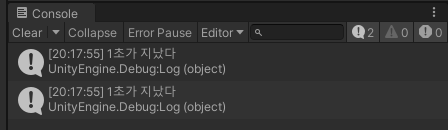
실행해보면 둘 다 동일하게 1초 기다리고 Log가 찍힌다.
TimeScale 무시
TimeScale에 상관없이 실행하려면 아래와 같이 구현하면 된다.
private IEnumerator Wait1Secode()
{
    yield return new WaitForSecondsRealtime(1);
    Debug.Log("1초가 지났다");
}

private async UniTaskVoid Wait1SecondAsync() {
    await UniTask.Delay(TimeSpan.FromSeconds(1f), DelayType.UnscaledDeltaTime); //기다림
    Debug.Log("1초가 지났다");
}

void Start() {
    StartCoroutine(Wait1Secode());
    Wait1SecondAsync().Forget();
}
조건 여부에 따른 실행
Coroutine
public int _count;

private IEnumerator Wait3Count() {
    yield return new WaitUntil(() => _count == 3);
    Debug.Log("카운트가 3이 되었다.");
}

void Start() {
    StartCoroutine(Wait3Count());
}
UniTask
public int _count;

private async UniTaskVoid Wait3CountAsync() {
    await UniTask.WaitUntil(() => _count == 3);
    Debug.Log("카운트가 3이 되었다.");
}

void Start() {
    Wait3CountAsync().Forget();
}
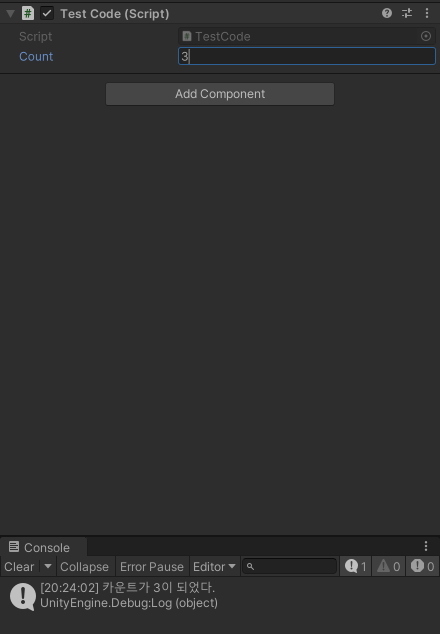
실행해보면 로그가 잘 출력되는 것을 확인할 수 있다.
웹 이미지 가져오기
Coroutine
using System;
using System.Collections;
using UnityEngine;
using UnityEngine.Events;
using UnityEngine.Networking;
using UnityEngine.UI;

public class TestCode : MonoBehaviour
{
    private const string AppleImagePath = "https://cdn.tridge.com/attachment-file/8d/e0/d9/8de0d913f1bd9438ce1ab69086961e2c884877bd/apple.jpeg";
    public RawImage profileImage;

    private IEnumerator WaitGetWebTexture(UnityAction<Texture2D> action) {
        // 코루틴은 IEnumrator 형이기 때문에 가져온 Texture를 반환 할 수는 없다.
        // => Action을 추가로 달아주어야 한다.

        UnityWebRequest request = UnityWebRequestTexture.GetTexture(AppleImagePath);
        yield return request.SendWebRequest();

        // Connection or Protocol Error가 발생한 경우
        if (request.result is UnityWebRequest.Result.ConnectionError or UnityWebRequest.Result.ProtocolError) {
            // Error 처리
            Debug.LogError(request.error);
        }
        else {
            // Reqeust 성공
            Texture2D texture = ((DownloadHandlerTexture)request.downloadHandler).texture;
            action.Invoke(texture);
        }
    }

    private void Start() {
        StartCoroutine(WaitGetWebTexture(texture => {
            profileImage.texture = texture;
        }));
    }
}
코루틴은 IEnumrator 형식이라 반환하기 위해서 Action을 별도로 지정해줘서 넘겨줬다.
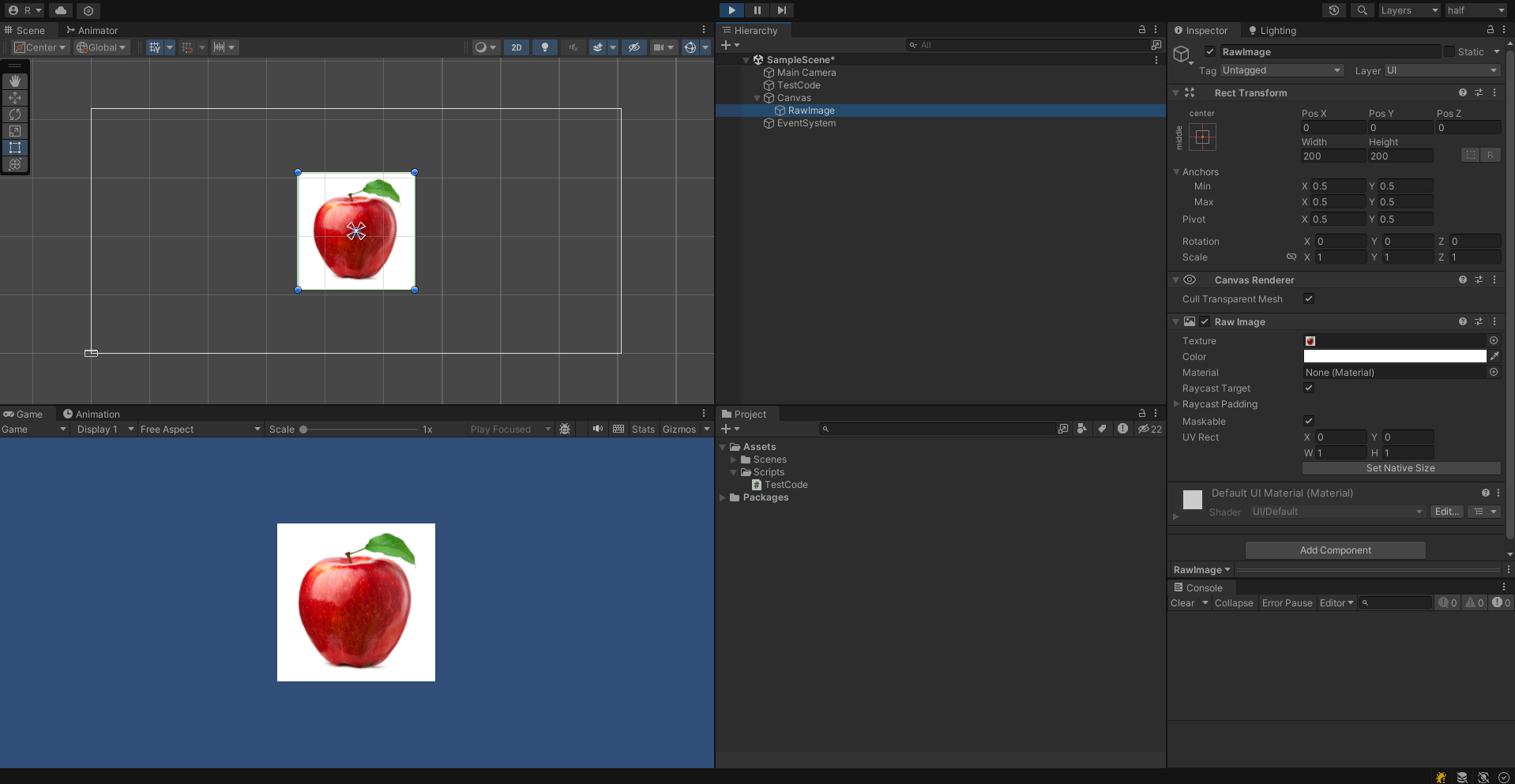
실행해보면 아래와 같이 이미지가 잘 불러와진다.
UniTask
// UniTask
private async UniTask<Texture2D> WaitGetWebTextureAsync() {
    UnityWebRequest request = UnityWebRequestTexture.GetTexture(AppleImagePath);
    await request.SendWebRequest();

    // Connection or Protocol Error가 발생한 경우
    if (request.result is UnityWebRequest.Result.ConnectionError or UnityWebRequest.Result.ProtocolError) {
        // Error 처리
        Debug.LogError(request.error);
    }
    else {
        // Reqeust 성공
        Texture2D texture = ((DownloadHandlerTexture)request.downloadHandler).texture;
        return texture;
    }
    return null;
}

private async UniTaskVoid GetImageAsync() {
    Texture2D texture = await WaitGetWebTextureAsync();
    profileImage.texture = texture;
}

private void Start() {
    GetImageAsync().Forget();
}
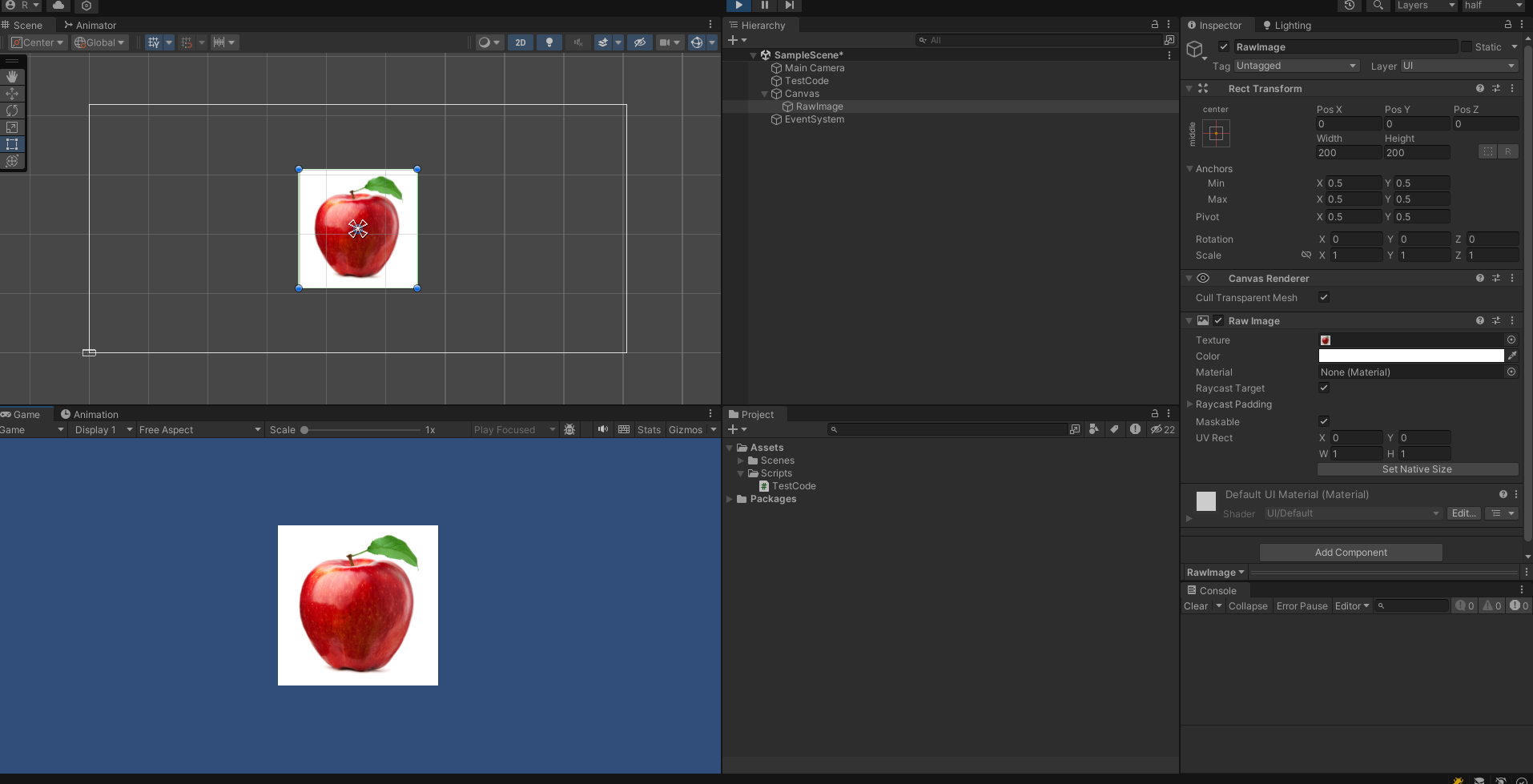
동일하게 잘 불러와진다.
Task 종료/취소 처리
Coroutine
public class TestCode_2 : MonoBehaviour
{
    private Coroutine _coroutine;

    private void Start() {
        _coroutine = StartCoroutine(Wait3Second());
    }

    private void Update() {
        if (Input.GetKeyDown(KeyCode.Escape)) {
            StopCoroutine(_coroutine);
        }
    }

    private IEnumerator Wait3Second_2() {
        yield return new WaitForSeconds(3);
        Debug.Log("3초가 지났습니다.");
    }
}
이처럼 코루틴은 변수로 Coroutine을 하나를 만들어놓고 조건 달성 시 StopCoroutine 함수로 코루틴을 중지할 수 있다.
UniTask
public class TestCode_2 : MonoBehaviour
{
    private CancellationTokenSource _source = new CancellationTokenSource();

    private void Start() {
        Wait3Second_2().Forget();
    }

    private void Update() {
        if (Input.GetKeyDown(KeyCode.Space)) {
            _source.Cancel();
            Debug.Log("Wait3Second를 중지");
        }
    }

    private async UniTaskVoid Wait3Second_2() {
        await UniTask.Delay(TimeSpan.FromSeconds(3), cancellationToken : _source.Token);
        Debug.Log("3초가 지났습니다.");
    }
}
이처럼 UniTask는 CancellationTokenSource를 하나 선언해주고 UniTask.Delay에 연결을 해준다음에 해당 source에서 Cancel 메소드를 실행해서 중지시킬 수 있다.
UniTask Tracker
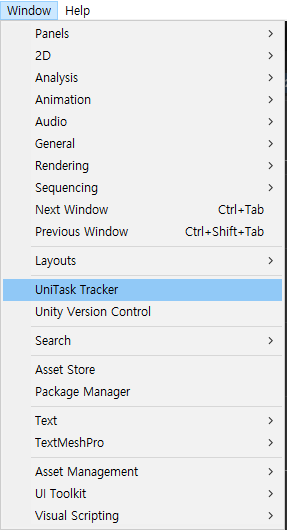
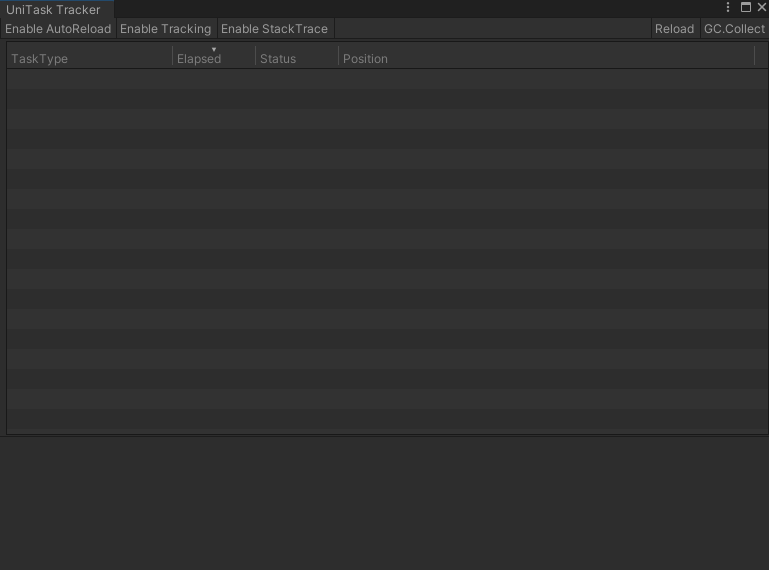
Task Tracker를 통해 씬에서 실행되고 있는 Task를 확인할 수 있고 이를 통해 어떤 Task가 어디에서 실행되고, 종료되고, 어디서 메모리 누수가 발생하고 있는지를 추적 관리 할 수 있다.