미로 만들기
-
-
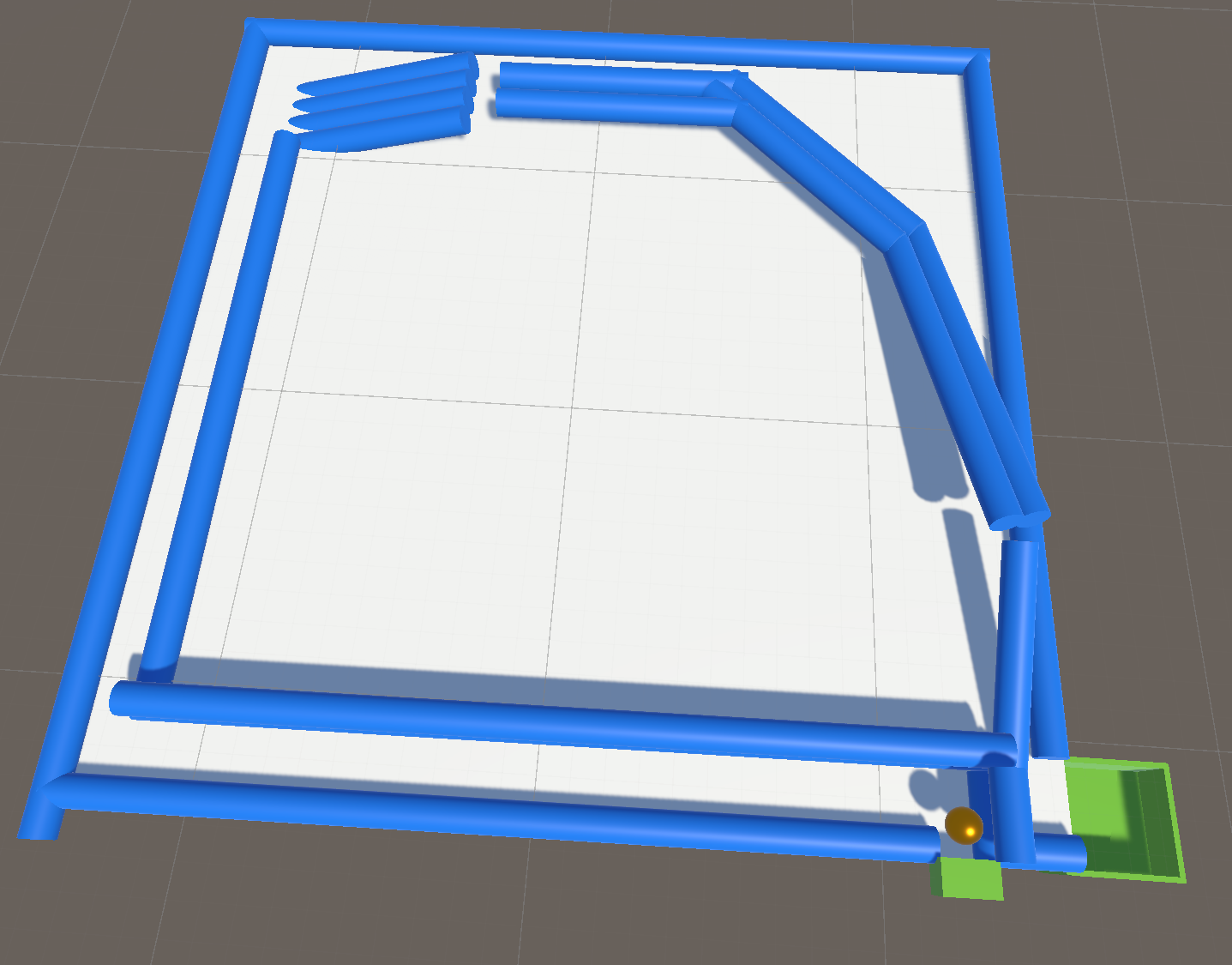
정신을 차리고 보니 똥맵을 만들었다. 은근히 조작 난이도가 높다
-
유니티에 익숙해지기 위해서 하는 프로젝트
-
간단하게 미로를 만든 다음, 공을 굴려서 탈출해보자
public class SphereControl : MonoBehaviour { public Rigidbody rig; public int movePower; public void Update() { if(Input.GetKey(KeyCode.UpArrow)) { rig.AddForce(Vector3.forward*movePower, ForceMode.Force); } if (Input.GetKey(KeyCode.DownArrow)) { rig.AddForce(Vector3.back * movePower, ForceMode.Force); } if (Input.GetKey(KeyCode.LeftArrow)) { rig.AddForce(Vector3.left * movePower, ForceMode.Force); } if (Input.GetKey(KeyCode.RightArrow)) { rig.AddForce(Vector3.right * movePower, ForceMode.Force); } } } -
AddForce로 공을 굴린다. if로만 쓰는 이유는 키를 동시에 누를 수 있기 때문
-
ForceMode.Force로 해서 자연스러운 증가를 보여준다.
-
-
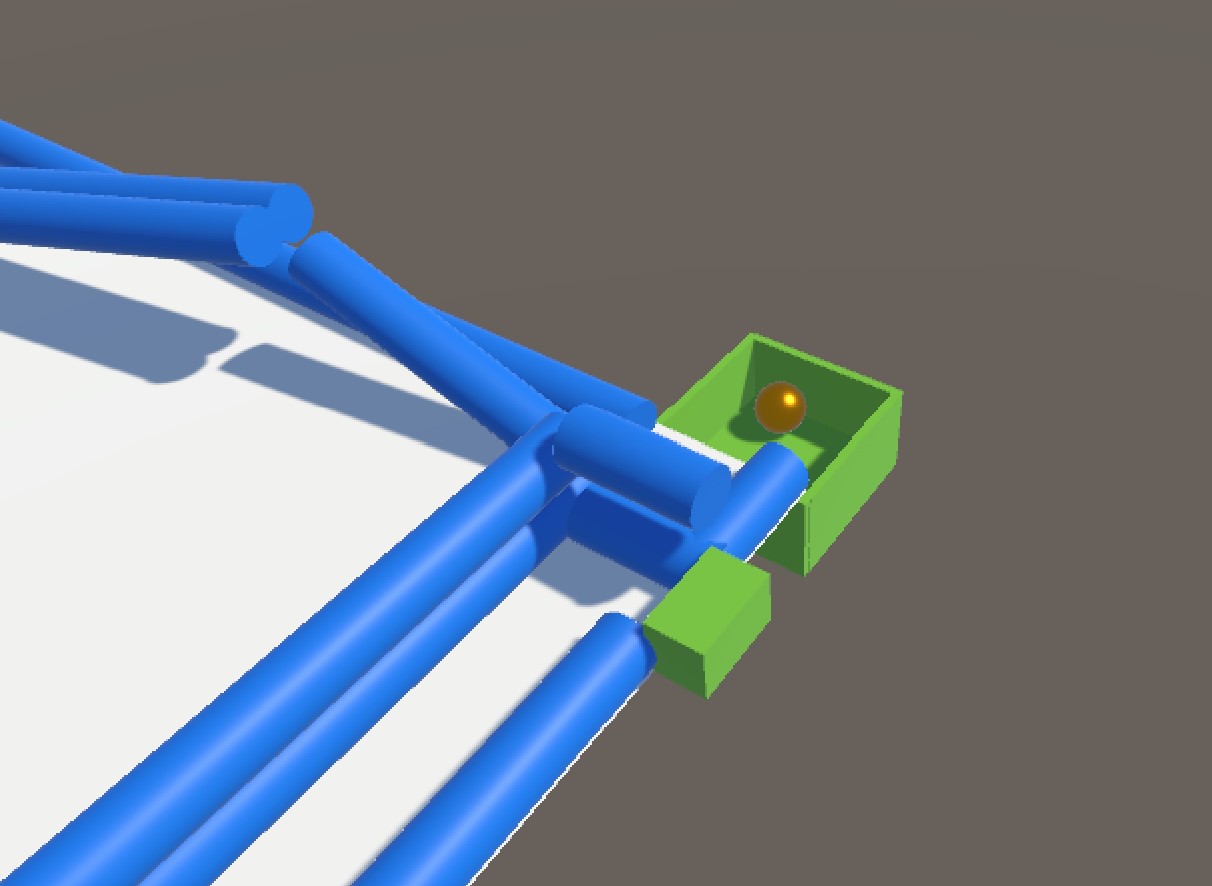
사진과 같이 공을 한 바퀴 돌고와서 골지점에 넣으면 된다
시계만들기
-
첫 레벨 테스트에서 봤던 시계 시침과 분침 문제다
-
중간을 기준으로 애들을 회전시켜야 한다
-
RotateAround를 쓴다 -
설계
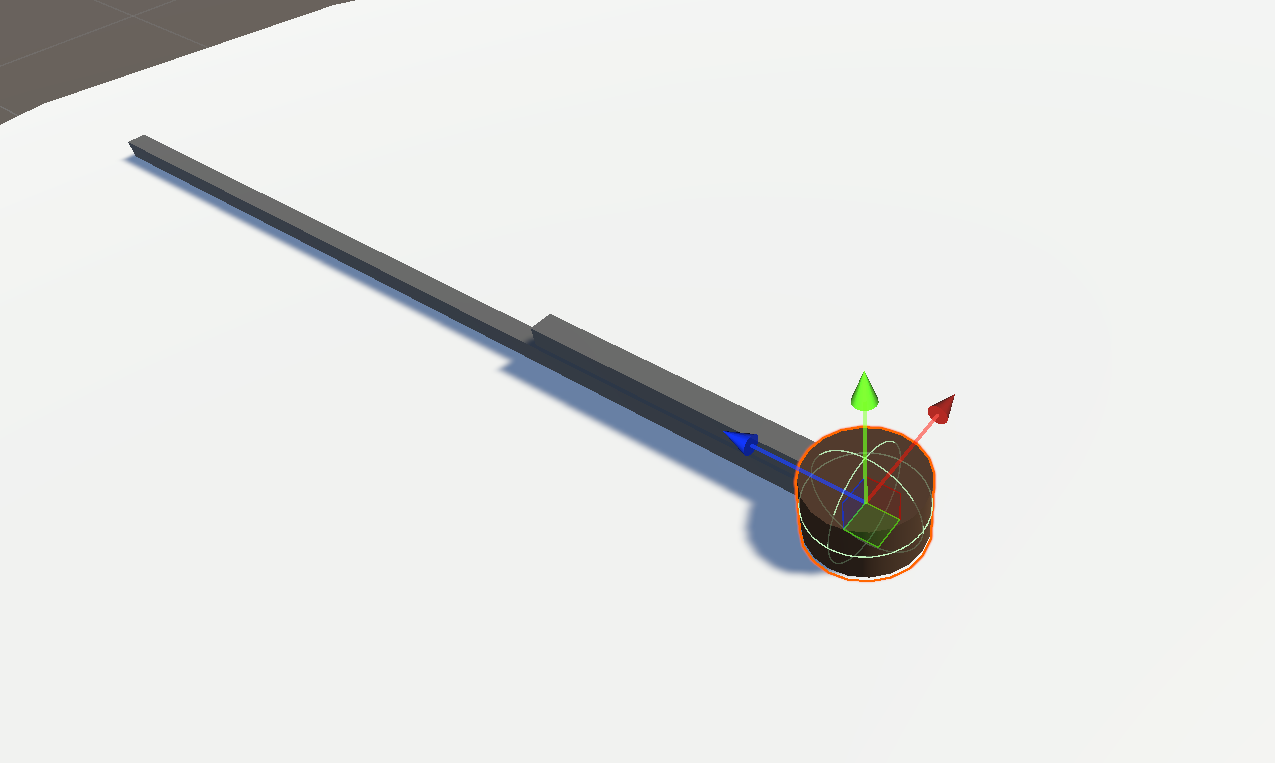
- 시침, 분침, 가운데를 실린더와 큐브로 표현했다
- 가운데를 기준으로 시침과 분침을 회전 시킨다
-
테스트 코드
transform.RotateAround(target.transform.position, Vector3.up, 20 * Time.deltaTime); -
결과
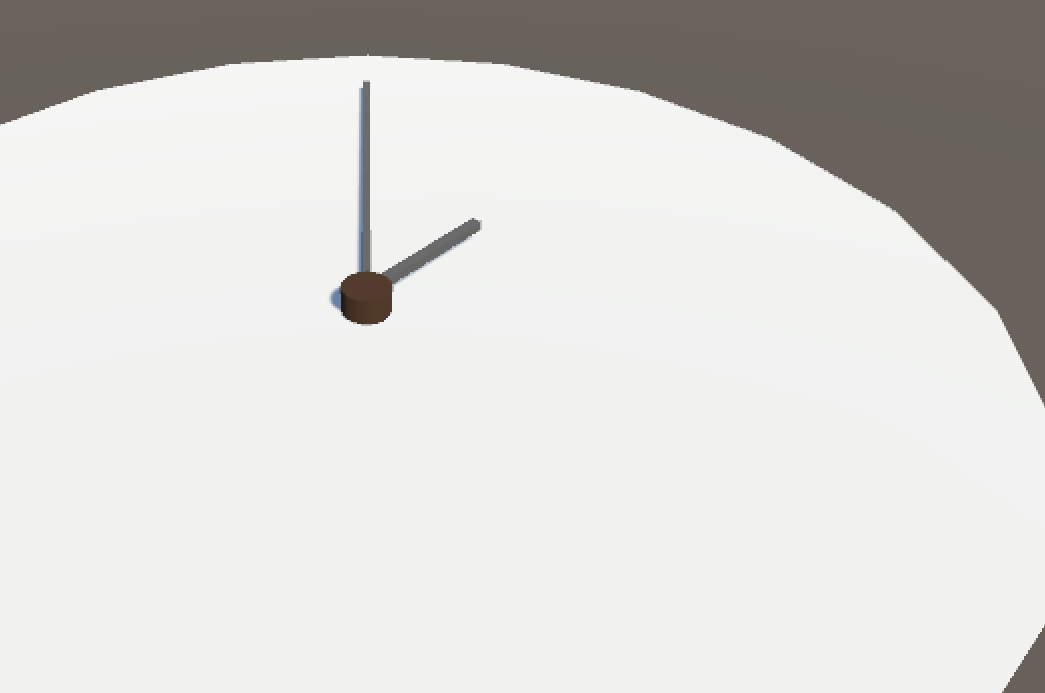
- 잘 회전한다
-
구현
- 회전 코드
public class Hour : MonoBehaviour { public GameObject target; public int hour; public int minute; public enum Type { 시침, 분침 } public Type handType; void Start() { if (handType == Type.시침) { transform.RotateAround(target.transform.position, Vector3.up, (hour * (360 / 12)) + (minute * (360 / (60 * 12)))); } else if (handType == Type.분침) { transform.RotateAround(target.transform.position, Vector3.up, minute * (360 / 60)); } } }- 시침과 분침을 선택해서 구현 가능하다. 시침, 분침 오브젝트에 각각 해당 컴포넌트를 추가하면 된다.
-
적용
-
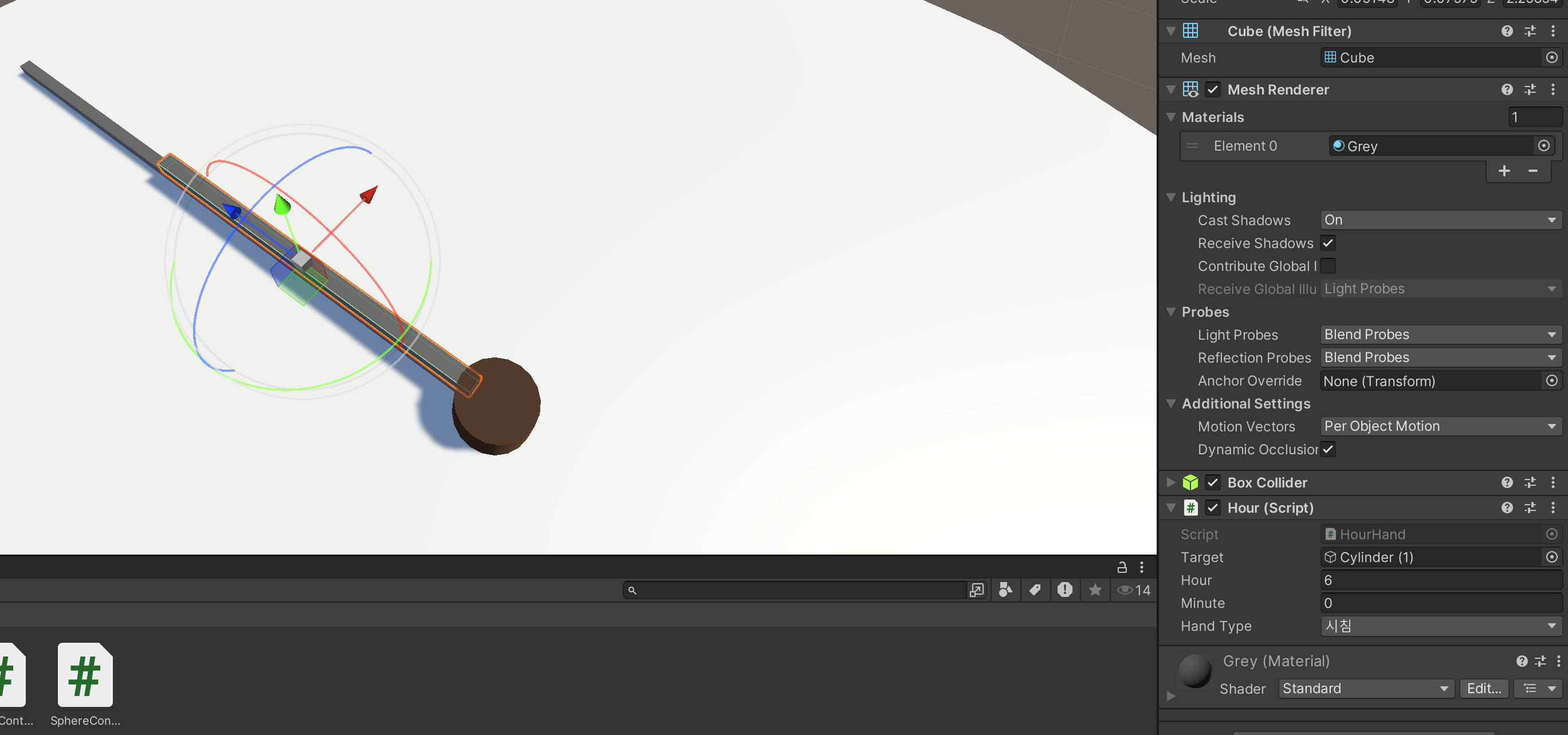
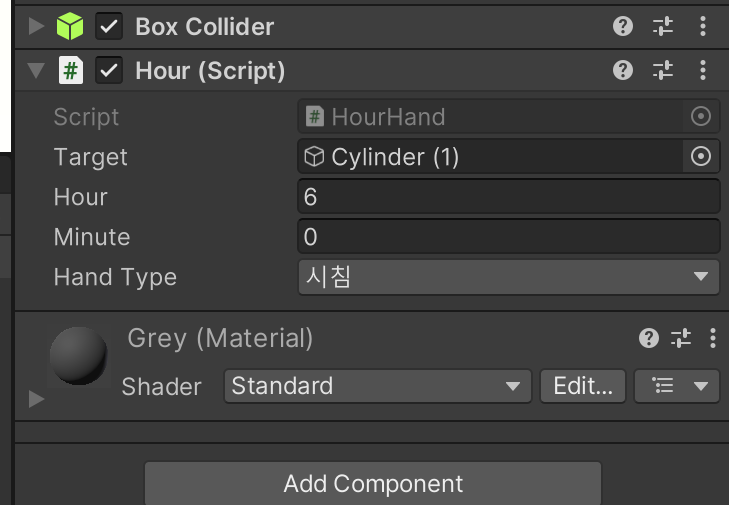
-
사진과 같이 시각을 입력하면 된다
-
-
문제 발생
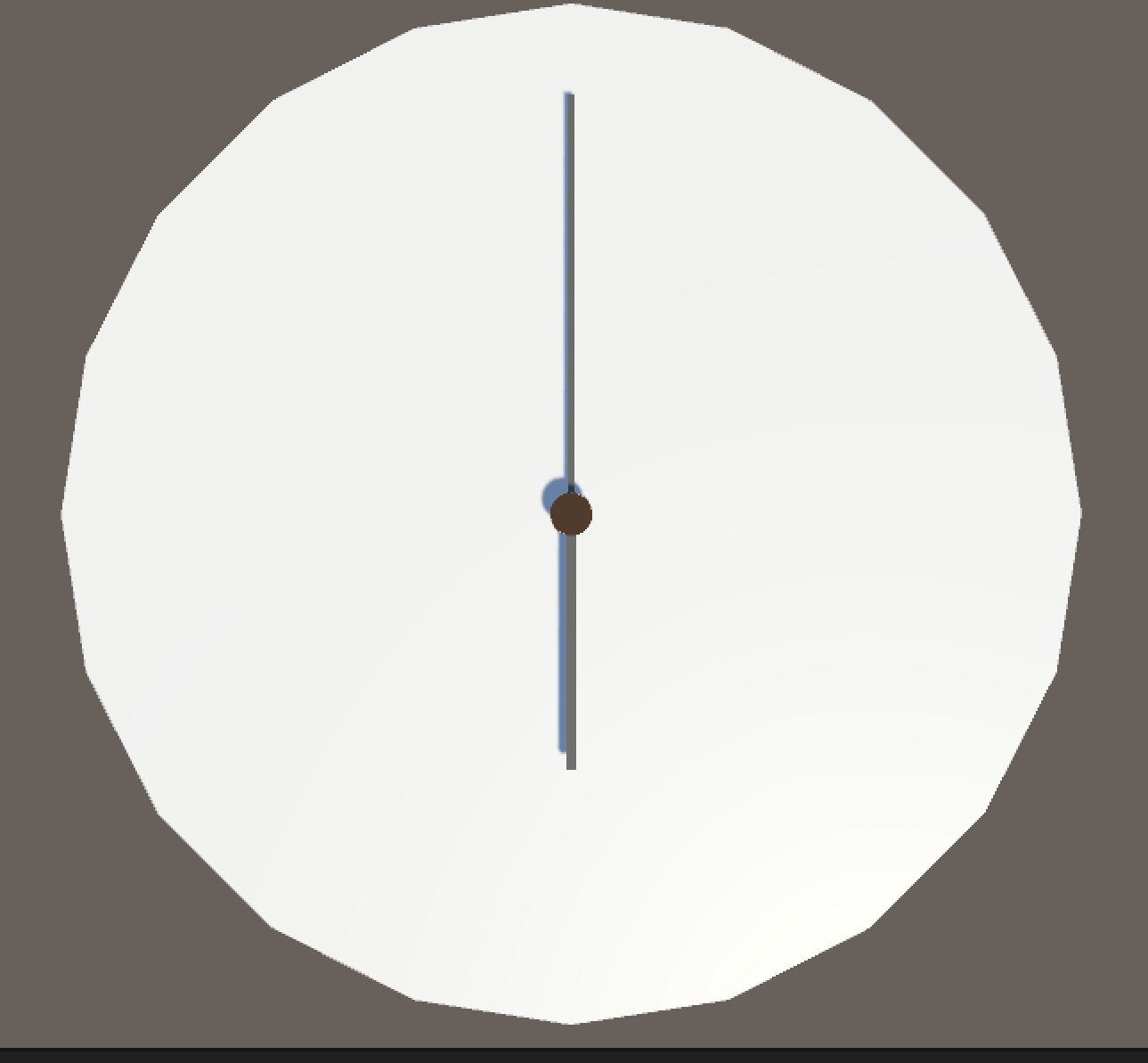
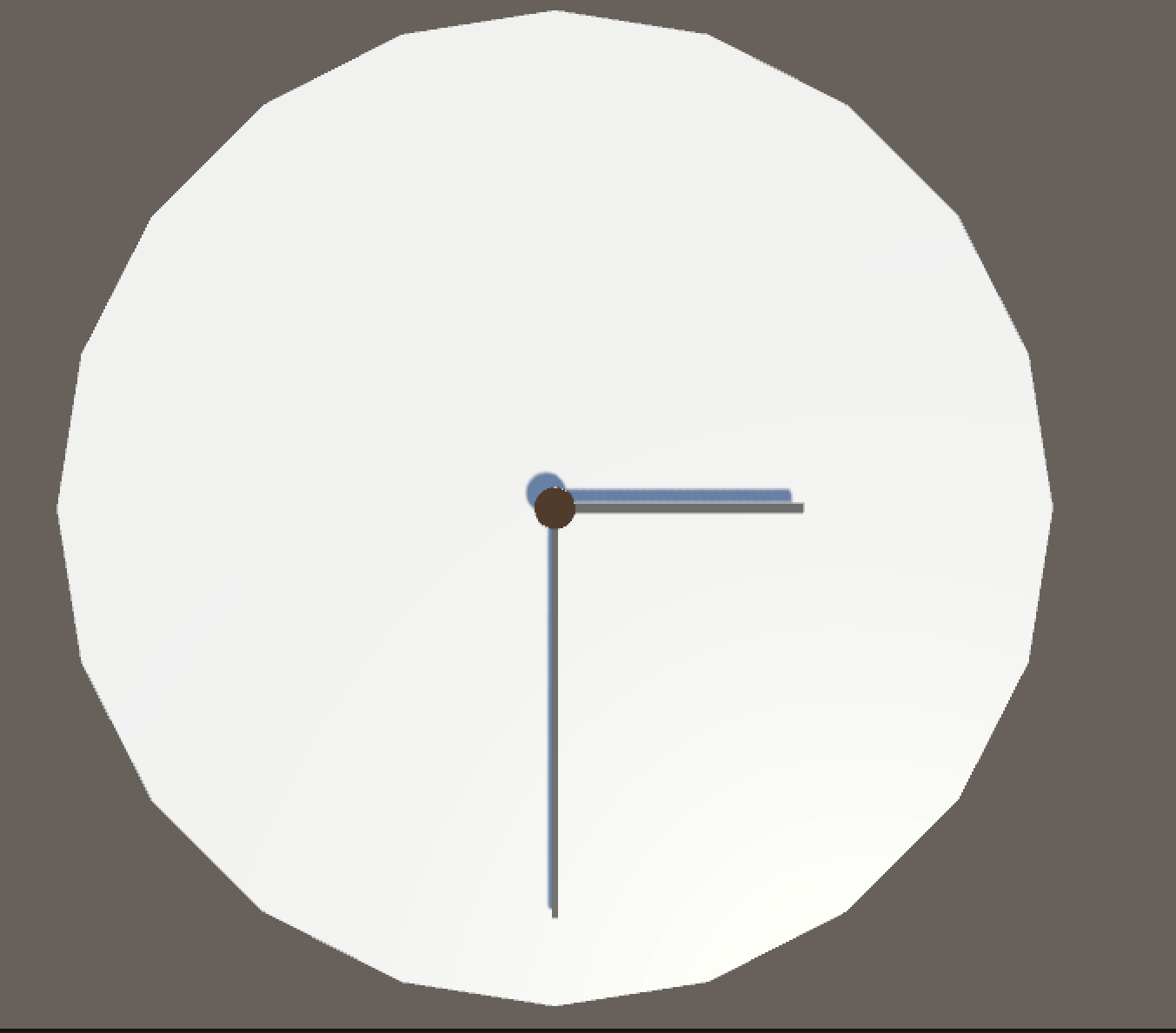
- 문제가 시침 오브젝트와 분침 오브젝트 둘 다 시간을 입력해야 한다. 참조 타입을 쓸 방법이 필요하다
-
6 시 0분
-
15시 30분
개발 박살내자