📋 목차
- UIManager 생성
- 키 지정 및 입력
- 최종 결과
- 오늘의 배운 점
- 다음 계획
📄 UIManager 생성
1. 스크립트 생성
게임의 기본이 되는 UI를 담당하는 UIManager 스크립트를 생성합니다.
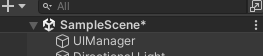
UIManager은 Scene에 빈 오브젝트를 생성하여 해당 오브젝트의 컴포넌트로 붙여 줍니다.
2. 기본 구성 요소
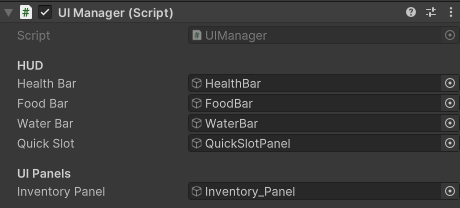
UI의 총괄을 맡기 때문에 생성한 관련 UI들은 변수로 작성합니다.
그리고 Inspector에서 해당 UI를 지정합니다.
using System.Collections;
using System.Collections.Generic;
using UnityEngine;
using UnityEngine.UI;

public class UIManager : MonoBehaviour
{
    [Header("HUD")]
    public GameObject healthBar;
    public GameObject foodBar;
    public GameObject waterBar;
    public GameObject quickSlot;
    [Header("UI Panels")]
    public GameObject inventoryPanel;
}
⌨️ 키 지정 및 입력
인벤토리의 키를 지정하고 SetActive를 통해 Inventory_Panel을 보여줍니다.
    private KeyCode inventoryKey = KeyCode.E;
    private bool isInventoryOpen = false;

    void Update()
    {
        if(Input.GetKeyDown(inventoryKey))
        {
            ToggleInventory();
        }
    }

    void ToggleInventory()
    {
        if (!inventoryPanel) return;
        isInventoryOpen = !isInventoryOpen;
        inventoryPanel.SetActive(isInventoryOpen);
    }
🎮 최종 결과
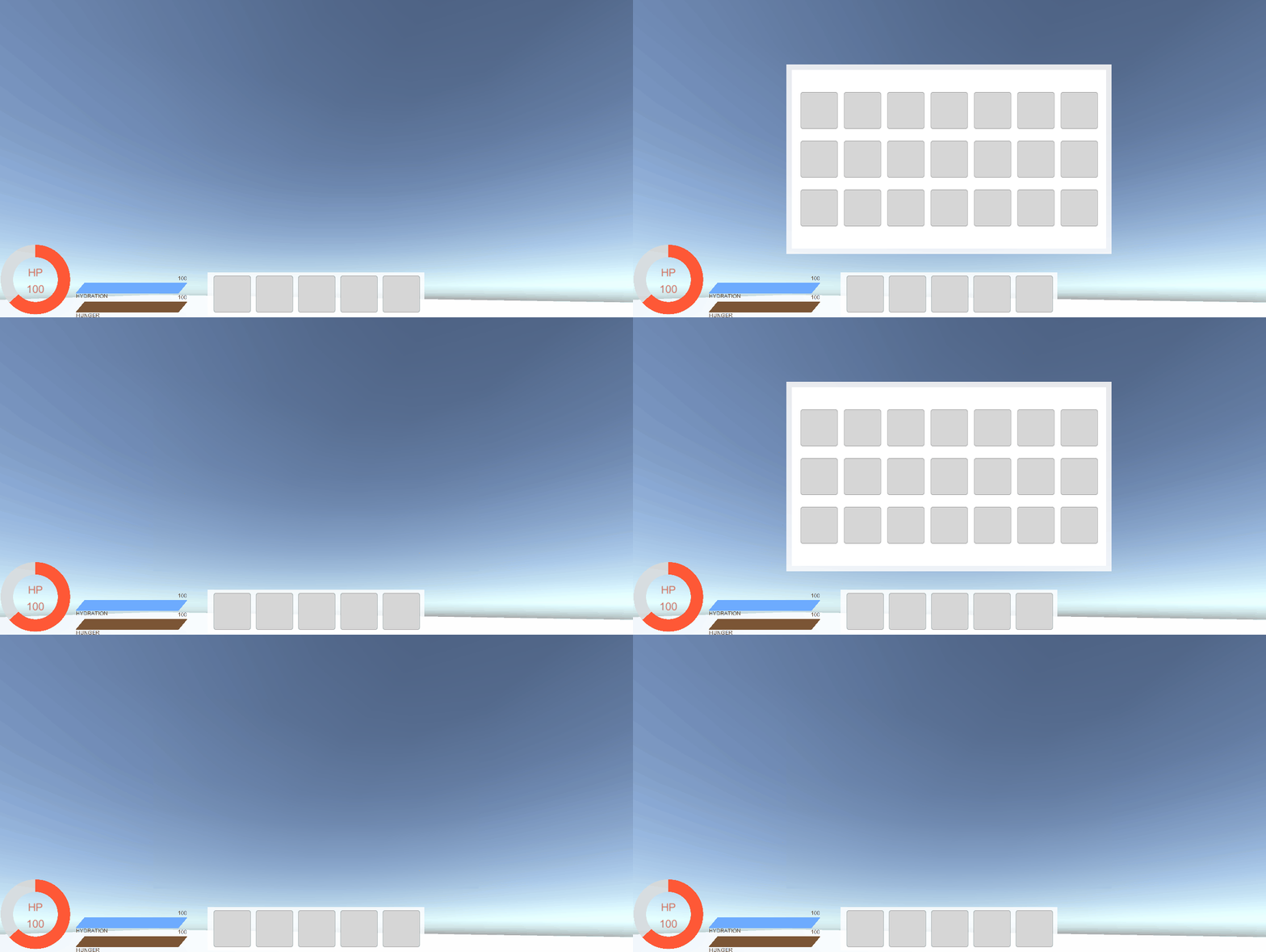
E를 누를 때 마다 인벤토리가 열리고 닫히는 모습입니다.
📚 오늘의 배운 점
- Input 활용
- SetActive
🎯 다음 계획
다음 글에서는:
- 보는 대상 감지
- 보는 대상에 따라 다른 이벤트 설정

Unreal Engine & Unity 게임 개발자